Connections & Setup
Chapter 1
Components Cables Connection Go to...
Components Cables Connection Go to...
Components Cables Connection Go to...
Components Cables Connection Go to...
Components Cables Connection Go to...
Components Cables Connection Go to...
Components Cables Connection Go to...
Components Cables Connection Go to...
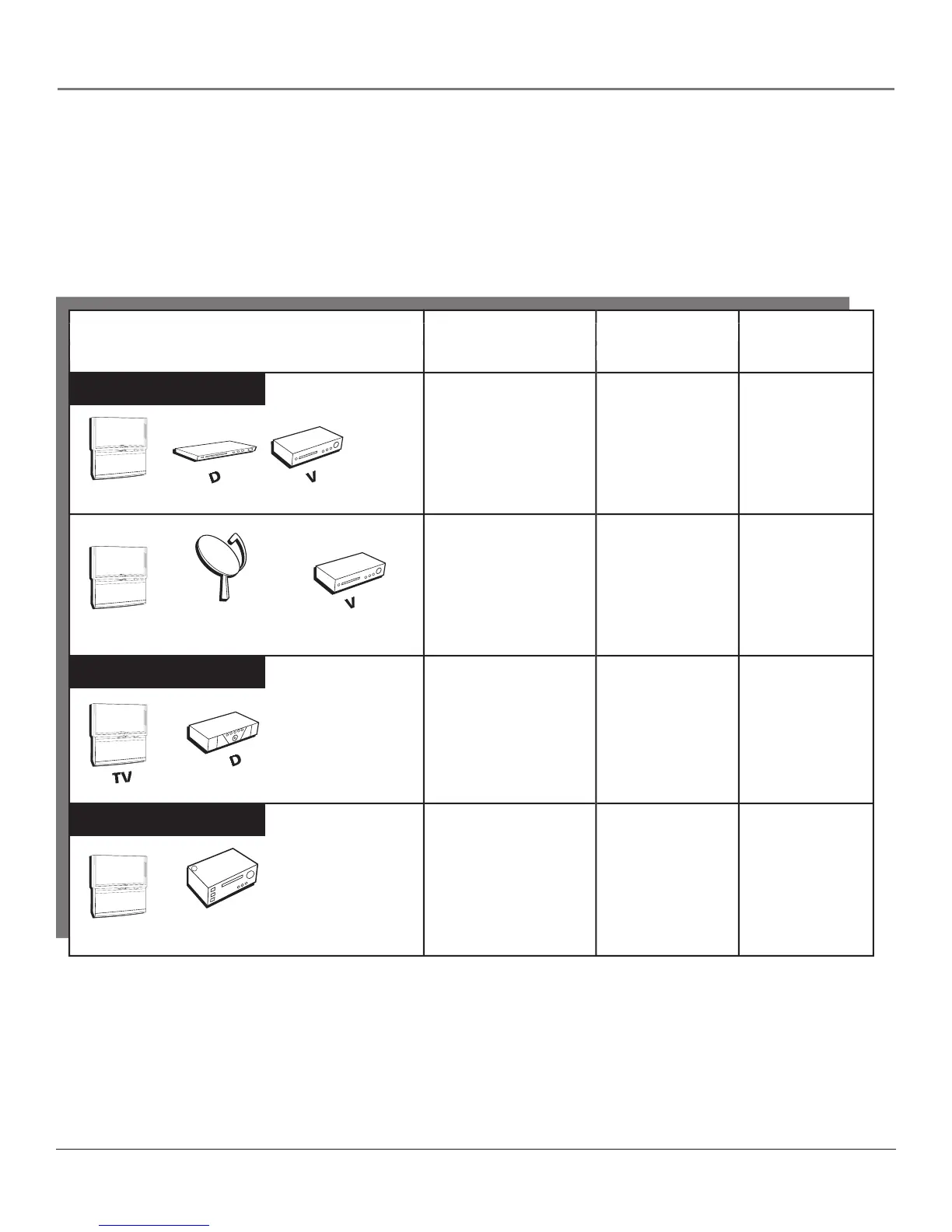
There are several ways to connect your HDTV. Please use the following chart to determine which connection is best for
you. Proceed to the appropriate page and connect your HDTV.
If you prefer, we can provide you with the name of an Authorized Service
who will visit your home for a fee to install your electronic entertainment system and to instruct you in its operation.
For details about this service, call 1-888-206-3359.
DVI Connection
Audio Connection



 To Next Page