Chapter 4
Using the TV’s Menu System
The Sound menu lets you adjust audio output. To access the Sound menu, press
MENU on the remote, and then select
Depending on the kind of signal you're watching, the Sound menu will have
different items available for you to adjust:
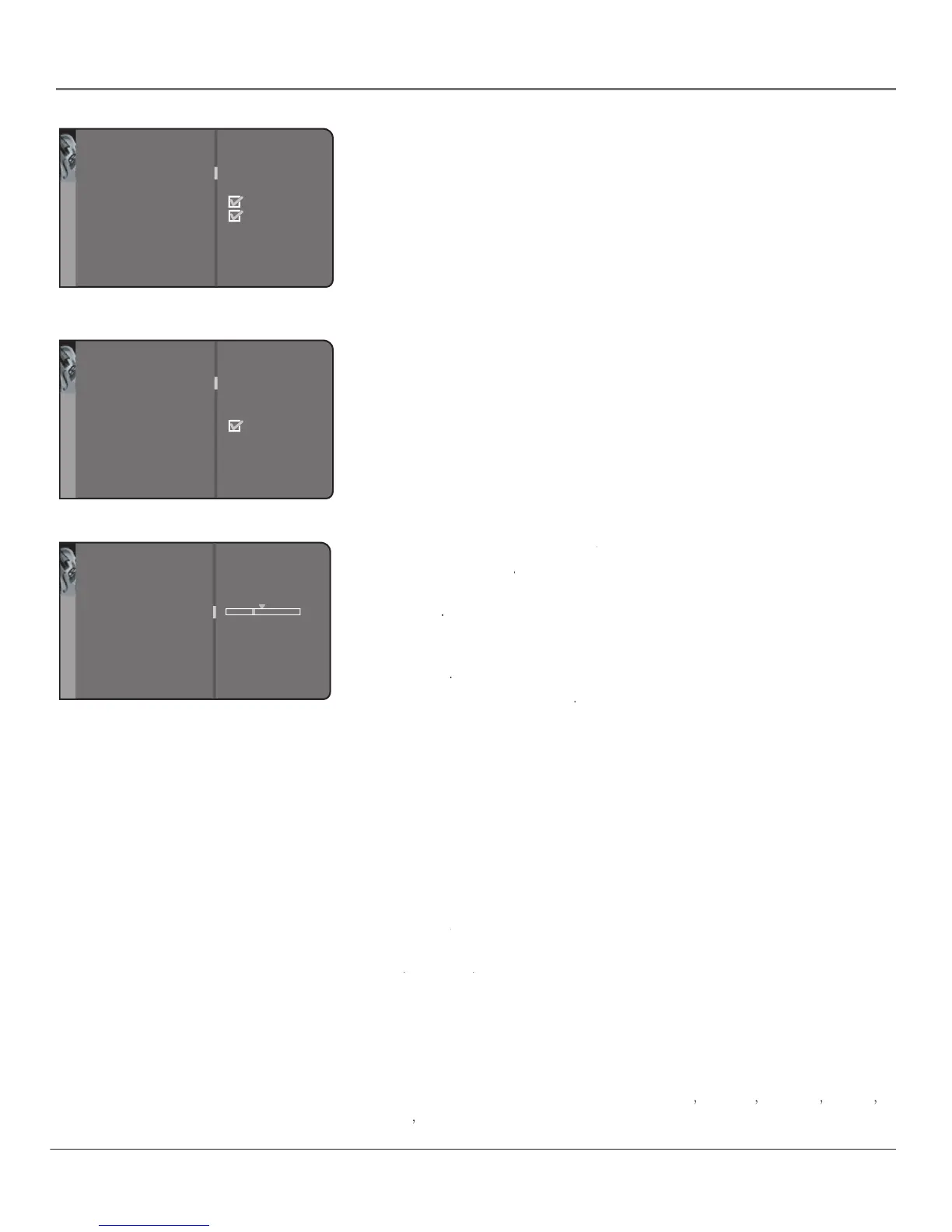
• If you're watching the normal antenna input or any of the video inputs,
you'll see the Sound menu items shown in the fi rst menu on the left.
• If you're watching the ATSC antenna input, you'll see the Sound menu
items shown in the second menu on the left.
This section describes the items available in both kinds of Sound menu.
submenu contains the following items:
Sound settings submenu contains the following items:Sound settings
Use the left or right arrow button to center the bar
Left & Right balance Use the left or right arrow button to center the bar Left & Right balance
under the arrow to balance
the left and right speakers.
Use the left or right arrow button to select
Amplifi er Use the left or right arrow button to select Amplifi er
external amplifi er only) or
(if your TV is using the speakers
Set the TV’s subwoofer to
Subwoofer Set the TV’s subwoofer to Subwoofer
type (available for regular antenna signals and video
Press the right arrow button to scroll through the available audio
types, which control the way the sound comes through your speakers. The
options available vary according to the input selected.
(available for regular TV viewing only) Plays the sound in mono
only. Use this setting when receiving broadcasts with weak stereo signals.
Splits the incoming stereo audio signal into left and right channels.
Most TV programs and recorded materials have stereo audio. The word
appears in the channel banner when you tune to a program that is
(available for regular TV viewing only) Chooses the sound type
Automatic (available for regular TV viewing only) Chooses the sound type Automatic
according to the current signal.
(available for audio/video inputs only) Isolates either the
Right (available for audio/video inputs only) Isolates either the Right
left or right channel of the incoming audio.
Default Dig.Ch. Audio Lang.
(available for the digital tuner only)
language you prefer for dialog on digital channels. If your preferred language is
being broadcast with a program, then the TV will play it. If not, then the TV will
play the default audio for the program (usually English in the U.S.). The default
digital channel audio language options are
Go back
Sound settings
Sound type
Sound mod
e
SAP
Sound logic
Dynamic bas
s
Headphone settings
Graphic equalizer
..
.
Stereo...
Normal...
Medium...
..
.
..
.
Sound
The Sound menu for the regular (analog) tuner
Go back
Sound settings
Default Dig.Ch. Audio Lang.
Current Dig.Ch. Audio Lang.
Sound mod
e
Sound logic
Dynamic bas
s
Headphone settings
Graphic equalizer
..
.
English..
.
English..
.
Normal...
Medium...
..
.
..
.
Sound
The Sound menu for the digital (ATSC) tuner
Go back
Left & Right balance
Amplifier
Subwoofer
External...
External...
Settings



 To Next Page