Chapter 4
Using the TV’s Menu System
Current Dig.Ch. Audio Lang.
(available for the digital tuner only)
the right arrow to choose from the audio languages available for the program
you're watching. The language you choose becomes your preferred audio
language for all channels on the digital tuner until you turn the TV off. If the
language you choose here is not being broadcast with a program, then the TV
will play the default audio for the program (usually English in the U.S.).
Press the right arrow button to scroll through the available
Mode Press the right arrow button to scroll through the available Mode
audio modes, which provide special processing through your speakers
(depending on the setting you chose as your
Does not give any special processing, simply provides the mono
Normal Does not give any special processing, simply provides the mono Normal
or stereo sound provided by the signal you're watching.
Available only for mono signals. “Widens” sound from mono
Wide Available only for mono signals. “Widens” sound from mono Wide
broadcasts and mono components connected to your TV for a fuller, more
Available only for stereo signals. Gives a surround effect with more
Magic Available only for stereo signals. Gives a surround effect with more Magic
Second Audio Program (SAP)
Plays the program’s audio in a second
language, if one is available. The letters "SAP" appear in the channel banner
when you tune to a program that is broadcast with SAP information. SAP audio
broadcast in mono. SAP is also used to broadcast a program’s audio with
descriptions of the video for the visually impaired.
SAP is only offered on analog channels.
Reduces the annoying blasts in volume during commercial
logic Reduces the annoying blasts in volume during commercial logic
breaks, and also amplifi es softer sounds in program material. Eliminates the
need to constantly adjust the volume.
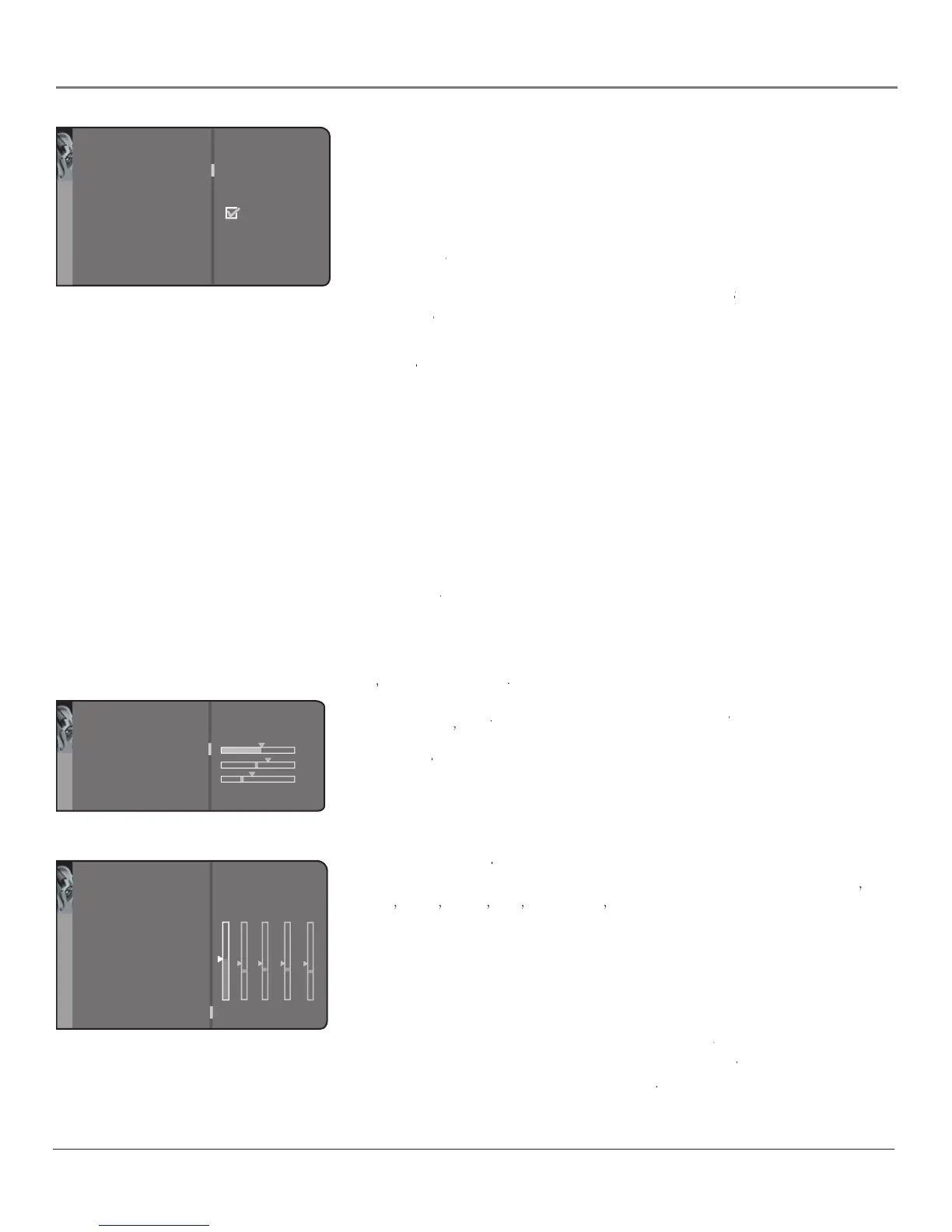
Enhances your TV's low-frequency response. The options are
Displays a choice list of available settings you can
Headphone sound option allows you Headphone sound
to choose stereo, mono or automatic. These descriptions are the same as for
Sound Type (see the previous page).Sound Type
Graphic equalizer Allows you to Graphic equalizer
choose a specifi c preset through the Sound
Preset option. Press the right arrow to cycle through the options:
displays the different treble and bass bands set for each
Sound Preset option. You can choose a band and make adjustments. When you
make adjustments, the Sound Preset option automatically changes to Personal.
Press the left or right arrow button to select the frequency (Bass 100Hz, Mid
Bass 500Hz, Medium 1.5kHz, Mid Treble 5kHz, Treble 10kHz) you want to
adjust. Then use the up or down arrow button to adjust the level.
To view the frequency range of another
option, press the right or
Sound Preset option, press the right or Sound Preset
left arrow until no band is selected and
Frequency range is highlighted. Then Frequency range
press the up arrow to highlight
Go back
Headphone volume
Headphone bass
Headphone treble
Headphone soun
d
Stereo...
HP set
Go back
Sound preset
Frequency range Treble (10kHz)
Music..
.
EQUALIZER
Go back
Sound settings
Default Dig.Ch. Audio Lang.
Current Dig.Ch. Audio Lang.
Sound mod
e
Sound logic
Dynamic bas
s
Headphone settings
Graphic equalizer
..
.
English..
.
English..
.
Normal...
Medium...
..
.
..
.
Sound
The Sound menu for the digital (ATSC) tuner



 To Next Page