Connections & Setup
Chapter 1
To access the setup menus manually, press
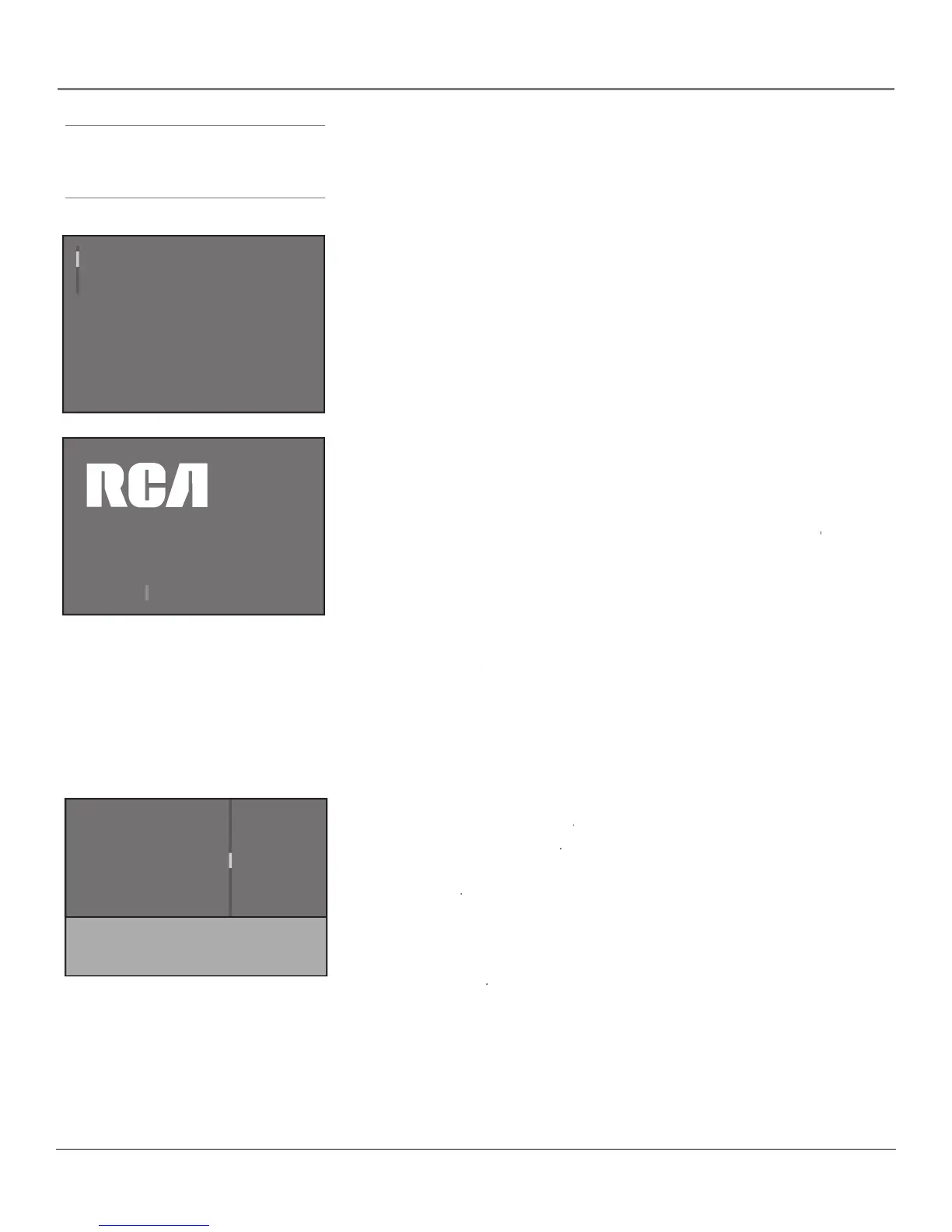
Welcome Screen and Connection Confi rmation
The next screen welcomes you to your new RCA TV. Press OK to continue with
the setup. After the welcome screen, the initial setup asks you to make sure
that you've connected the HDTV to your cable or antenna signal. Once you've
confi rmed that the HDTV is connected, press OK. The
Channel setup screen Channel setup
Sit back, relax and enjoy the vivid
colors, realistic pictures, and
surround sound of your new RCA TV.
Press OK to continue
Channel setup
Go back
Signal Source
Analog Signal type
Auto channel search
List and labels
Both...
Cable...
Start
...
Press < / > to select where you would like to
search for channels
.
The menu system in your TV allows the TV’s features to work properly. The
fi rst time you turn on your TV, the setup screens appear.
The fi rst part of the setup allows you to select your preferred language for the
If English is your preferred language, press OK. If you want to choose another
language, press the down arrow button until that language is highlighted, and
screen lets you set your signal source and search for the
Channel setup screen lets you set your signal source and search for the Channel setup
available channels on that source.
The Auto channel search allows the TV to
search for all the viewable channels on both of your tuners—for digital or
analog channels—or on each antenna separately. This is sometimes called
When you fi rst turn on your HDTV, it's set to search on both tuners.
To search for channels on the both tuners:
Signal Source is set to Signal Source
. If it's not, use the right arrow to
2. Press the down arrow button on your remote control to highlight
3. Use the right arrow button to choose the signal type you're receiving on the
for an off-air antenna or
for an off-air antenna or Cable for an off-air antenna or
4. Press the down arrow button on your remote control to highlight
5. Press OK to start the Auto channel search on both tuners.
When the channel search is complete, press OK to access the
The Auto Channel Search looks for channels for the Signal Source
you choose—analog, digital, or both. To perform the Auto Channel
Search for just one tuner separately, choose that tuner in step 1 above.
Then, complete the rest of the steps above.



 To Next Page