15
TV
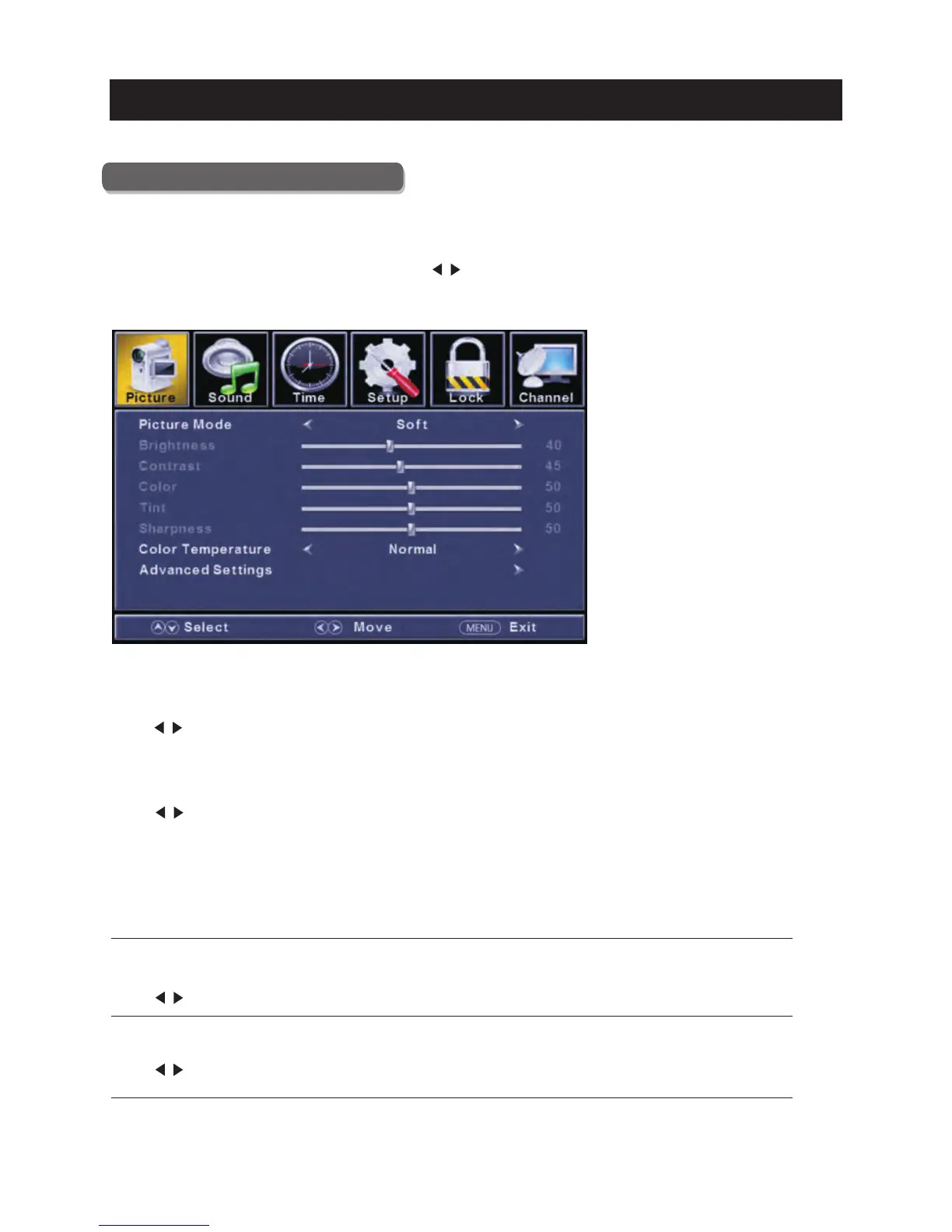
Picture Menu
Pre ss
Pre ss
Pre ss
Pre ss
ENU to ente r the main menu, Press button to select.
Pre ss to ente r.
ENU again to exit or back to parent menu.
button to select among Picture Mode /Brightness/ Contra st / Color / Tint / Sharp ness / Color
Tempera ture/ Advanced Settings.
Pre ss to enter.
Pre ss button to adjust.
ENU again or back to pare nt menu.
M </ >
ENTER / ▼
M
▼ / ▲
ENTER / ▼
</ >
M
【Pic ture Mode】
Adjust pictu re mode to change picture appearance.
Pre ss button to select(S ta ndard / Dynamic / Soft / User) .
【Brig htn ess】
Pre ss button to adjust.
【Contra st】
Pre ss button to adjust.
</ >
Adjust the visual perception output of the enti re picture , it will effe ct the iuminousness of th e picture.
</ >
Adjust the highlight intensity of th e picture, but the shadow of the picture is invariable.
</ >
Note:T he brightn ess,contra st, color, tint and sharpness are only available in User mode,you can adjust as
you like.
Sta ndard Produces a highly defined image in a norm ally lit room.
Dynamic Produces a highly defined image in a brightly lit ro om.
Soft Produces a highly defined image in a soft lit room.
User Select to customize picture settings.
Main Menu Operation



 To Next Page
 Loading...