22
TV
【Over Scan】
Pre ss button to select(O n / Off) .
It is only available to ente r 1080i/720p/1080p in DTV/C omponent/HDMI. Default is On.
It fi xed set to be On in ATV/AV. It fixed set to be Off in PC/USB.
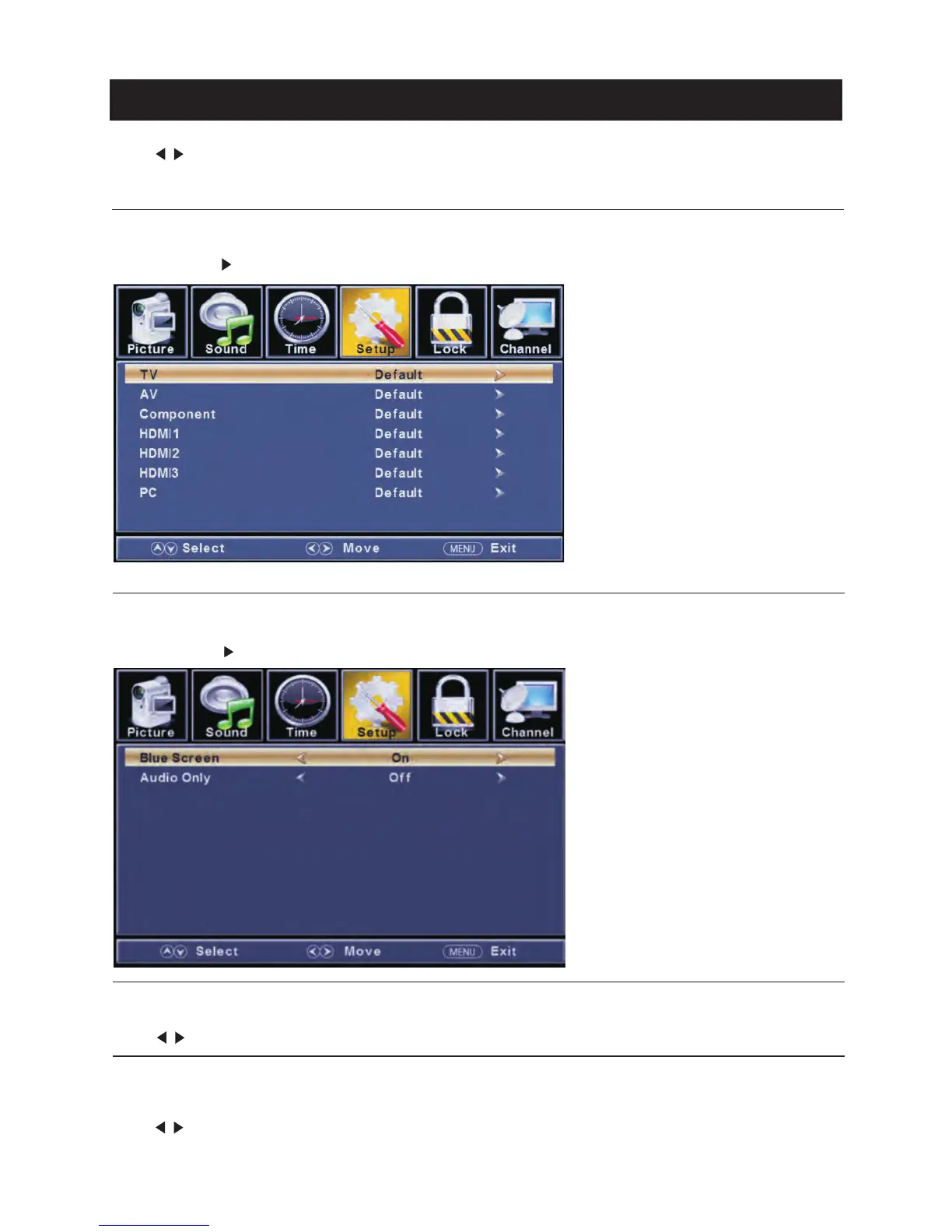
【Input Labels】
Cre ate labels for th e devices connected to your TV.
Pre ss ENTER / button to enter.
【Oth er Settin gs】
Set the para meter of audio only, no signal power off and no operati on power off.
Pre ss ENTER / button to enter.
【Blu e Screen】
To select the tra nsiti on ty pe re quired while changing fro m one channel to anoth er
Pre ss button to select(O n / Off) .
【Audio Only】
Play th e audio with the pictu re tu rned off. When you turn the Audio Only on and exit the OSD menu,
the panel will be dark; and then pre ss any key to exit the Audio Only status.
Pre ss button to select(O n / Off) .
</ >
</ >
</ >



 To Next Page
 Loading...