USING THE MENU TO SET UP FEATURES
You can change the setup of the VCR's features using the menu
system. Each feature isexplained in this section.
LANGUAGE
Select your preferred language, and the on-screen displays will
appear in that language.
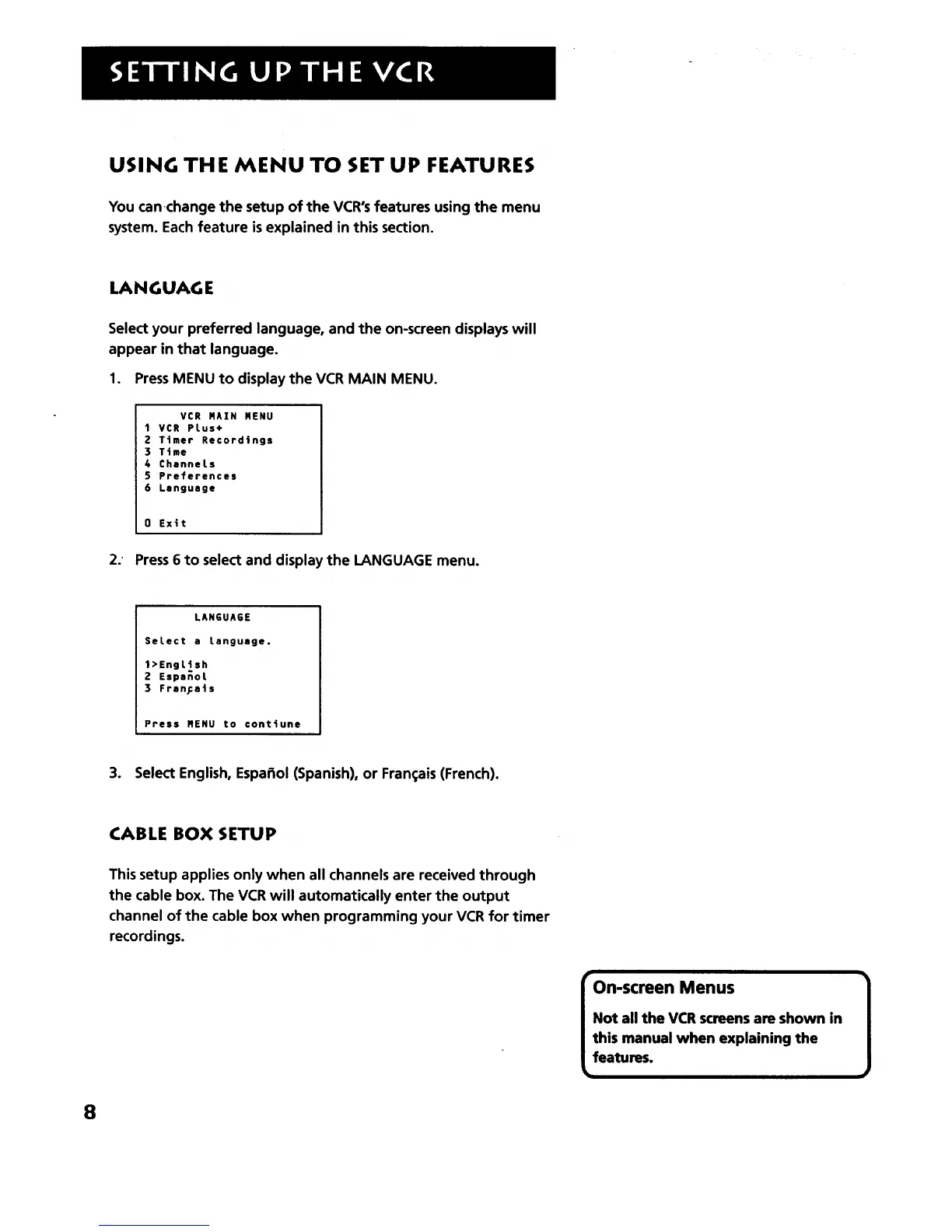
1. PressMENU to display the VCR MAIN MENU.
VCR MAIN MENU
1 VCR PLus+
Z Ttmer Recordings
3 Ttme
4 ChanneLs
5 Preferences
6 Language
0 Exit
2. Press6 to select and display the LANGUAGE menu.
LAN6UAGE
SeLect a Language.
1>EngLish
2 EspsnoL
3 Frsn[a|s
Press MENU to conttune
3. Select English, Espar3ol(Spanish), or Fran_;ais(French).
8
CABLE BOX SETUP
This setup applies only when all channels are received through
the cable box. The VCR will automatically enter the output
channel of the cable box when programming your VCR for timer
recordings.
On-screen Menus 1
Not all the VCR screens are shown in
this manual when explaining the
features.



 To Next Page