35
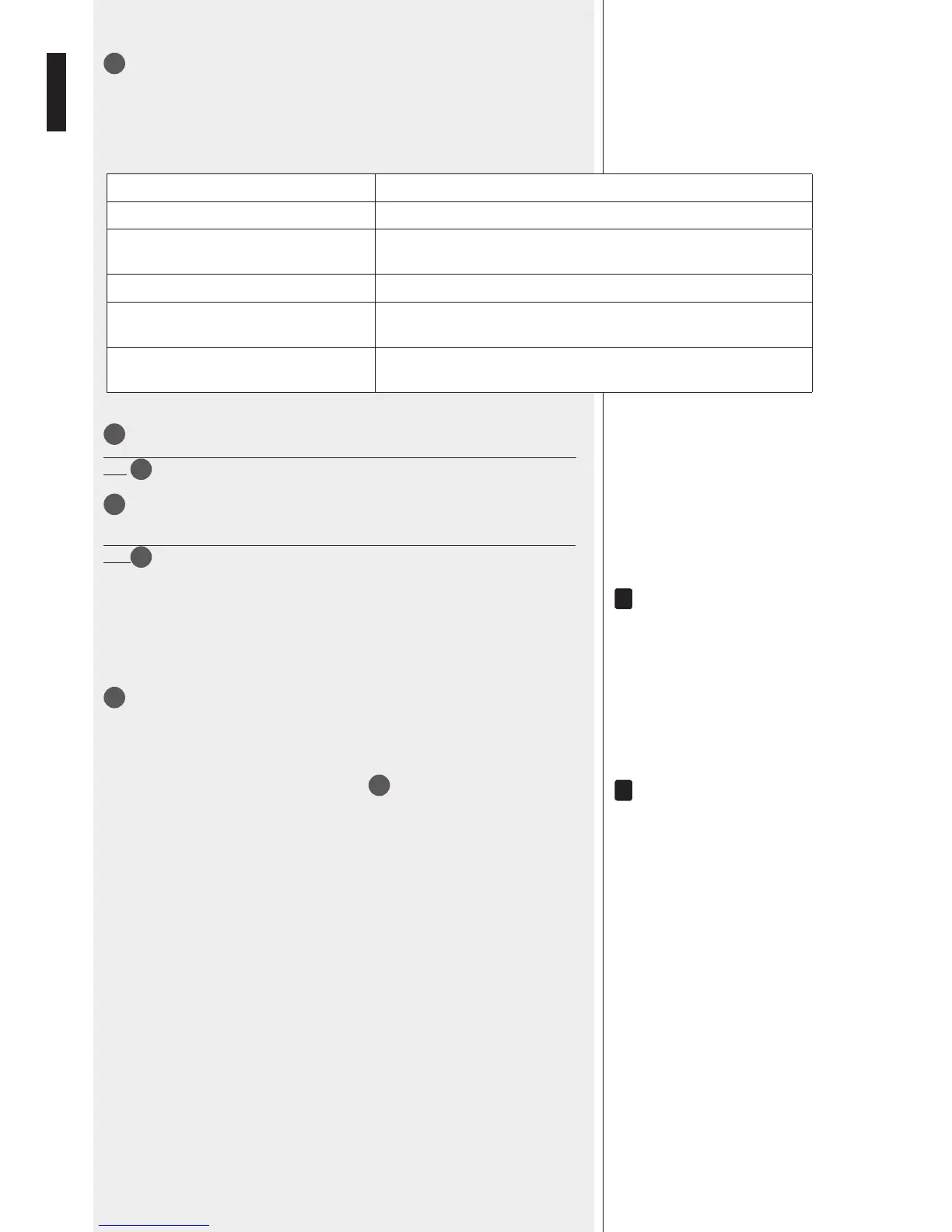
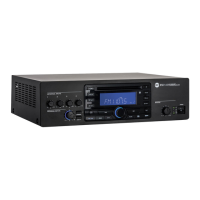
BT PAIR ON/OFF button with bicolour LED
- Push once (for an instant) to make it detectable (for about a minute) to the external
Bluetooth device.
- Push and hold (at least 3 seconds) to disable Bluetooth (the LED lights off); push and
hold (at least 2 second) to enable Bluetooth again.
LED INDICATION
OFF Bluetooth is disabled.
BLUE (2 seconds) / OFF (1 second) loop
Bluetooth is enabled, but the player is in stand-by, waiting for pairing to the
external device.
BLUE blinking every 2 seconds The player is connected to an external Bluetooth (A2DP) device.
BLUE steady lit
The player is connected to an external Bluetooth (A2DP) device and is currently
receiving streaming audio.
BLUE / RED
alternate and continuous ashing
The player is currently detectable (for about a minute) by the external
Bluetooth device.
36
‘Secure Digital’ (SD) card port (max. 4 GB).
Do NOT insert an SD CARD if a USB flash-drive is already inserted into its respective
port
37
.
37
Port for a USB flash drive (max. 4 GB).
The insertion of a USB flash drive is automatically detected.
Do NOT insert a USB flash drive if an SD CARD is already inserted into its respective
port
36
.
noTes aboUT Usb flash Drives:
forMaT: faT 12 / faT 16 / faT 32.
file naMe: 32 byTe / Dir. naMe: 32 byTe / Tag naMe: 32 byTe.
Usb 1.1 sUPPorT anD also 2.0 (bUT aT The saMe sPeeD of Usb 1.1).
a few Usb flash Drive TyPes May noT be CoMPaTible.
38
AUX IN (1/8” TRS jack): MP3 player aux input to connect (via cable) the audio output of an
external device.
To enable this input, it is necessary to remove the USB ash drive / SD CARD (if inserted) and / or
disconnect the external Bluetooth device.
noTe: Do noT ConfUse This inPUT wiTh The oTher
INPUT / MEMORY AUTOMATIC SELECTION
The MP3 player automatically selects inputs / memories with different priority levels as
follows:
1. (highest priority) Bluetooth external device, if connected and sending streaming audio.
2. Either USB ash drive or SD CARD (if inserted).
3. AUX IN (on the front panel).
NOTES ABOUT MP3 FILES
- MP3: means MPEG Audio Layer 3 and refers to an audio compression type.
- This player reads MP3 files on USB flash drives and SD cards.
- The file extension must be .mp3.
- The max. directory (/ folder) level is 8, including the ‘root’.
- It is advisable to use MP3 files having a sampling frequency of 44.1 kHz and a
fixed bit-rate of at least 128 kbps (if higher, for instance 192 kbps, the sound
quality will be better).
- The player may not play MP3 files in the order as written on the USB flash drive
/ SD CARD.
i
i


 To Next Page