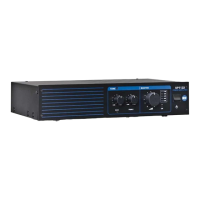
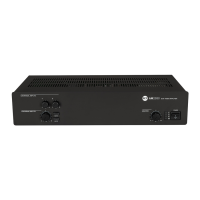
1
Input 1 volume control.
2
Input 2 volume control.
3
MP3 player
9
and AUX INPUT
17
volume control.
4
MP3 button (with LED)
Press to turn on (the LED is lit) the MP3 player, which signal is sent to the internal
amplifier (and also MUSIC ON HOLD
20
and PRE OUT
19
outputs).
If activated, the AUX INPUT
17
on the rear panel will be muted (the AUX button LED
will turn off).
The MP3 Player signal is always senT To The MUsiC on holD
oUTPUT (ThaT is noT affeCTeD by The
volUMe ConTrol anD MP3 / aUX bUTTons).
5
AUX button (with LED)
Press to turn on (the LED is lit) the AUX INPUT
17
(on the rear panel), which signal is sent to
the internal amplier (and also PRE OUT
19
).
If activated, the internal MP3 player will be muted (the MP3 button LED will turn off).
6
Internal amplier MASTER volume control
noTe: The aUDio oUTPUTs having rCa ConneCTors (MUsiC on holD
) are noT
affeCTeD by The MasTer volUMe ConTrol.
7
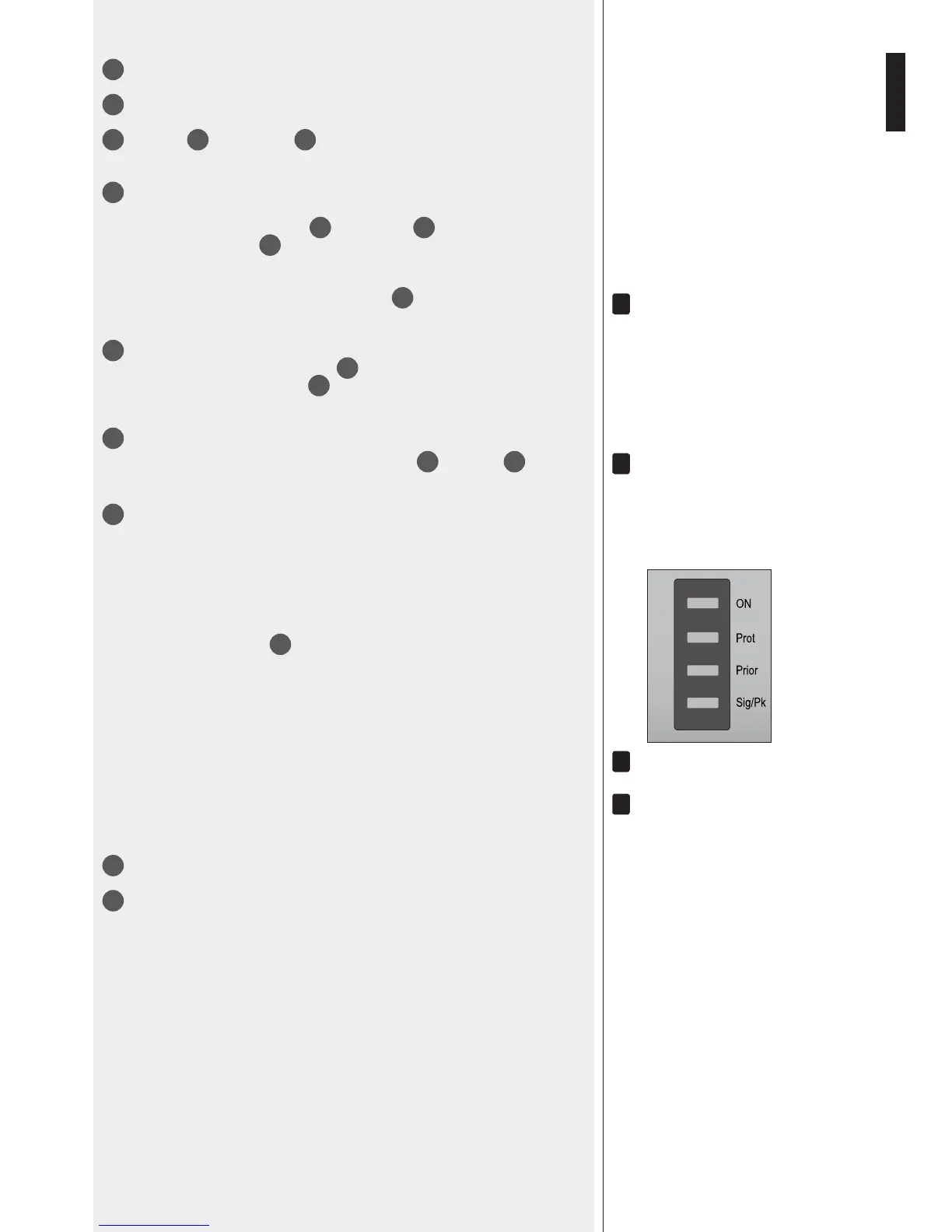
LEDs
ON green: the device is switched on
PROT red: overload protection
orange: thermal protection
PRIOR yellow: the input 1 and 2 priority function is enabled through the
dip-switch 3
21
noTe: iT Does noT inDiCaTe The PrioriTy aCTivaTion in Progress.
SIG/PK green: the signal level is higher than – 15 dB
green + red: the signal level is in the 0 ÷ +2 dB range
red (peak): the signal level is equal or higher than +3 dB
0 Db = signal level ThaT allows To geT The aMPlifier MaXiMUM Power.
The inTernal ‘liMiTer’ CirCUiT helPs To avoiD The aMPlifier overloaDing, yeT iT is aDvisable To reDUCe The
MasTer volUMe (or a single inPUT volUMe where a Too high signal is PresenT) when The sig/PK leD
is ConTinUoUsly inDiCaTing reD.
8
Main POWER switch (0 = off; I = on)
9
MP3 player with ‘Bluetooth’ (read the respective manual section).


 To Next Page