EC7000i and EC7500i User Guide Setting up the EC7000i or EC7500i
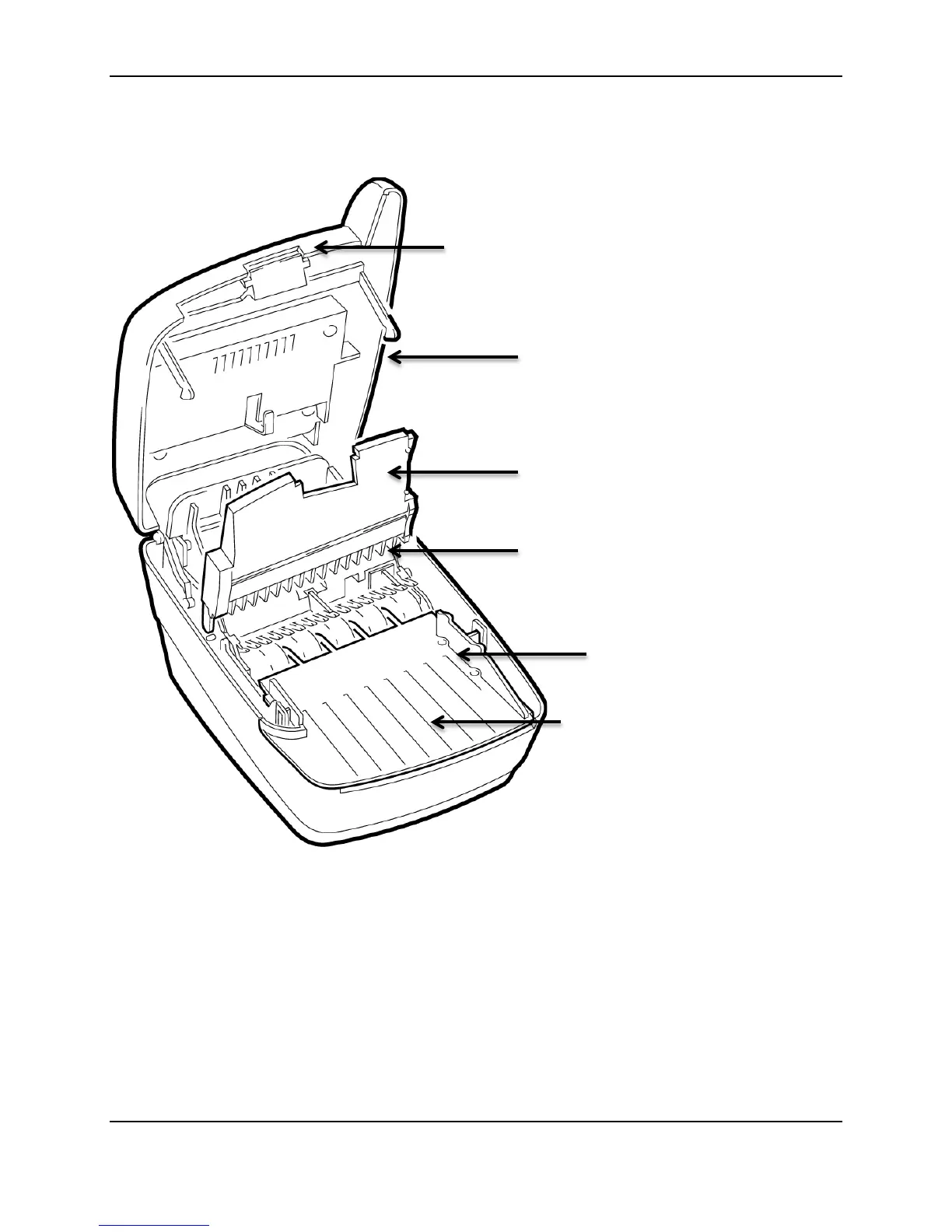
Inside EC7000i and EC7500i series scanners
Connection ports
The EC7000i and EC7500i have different configurations of connection ports based on optional features.
These configurations are set and programmed by the distributor (reseller) to suit your unique needs.
The following diagrams show the possible ports for EC7000i and EC7500i scanners:
Outside cover in raised position
Image frame in raised position
Document feed plate. To access the
franking printer assembly, you must
remove this plate.
©2014 RDM Corporation Page 11



 To Next Page