EC7000i and EC7500i User Guide Operating the scanner
Operating the scanner
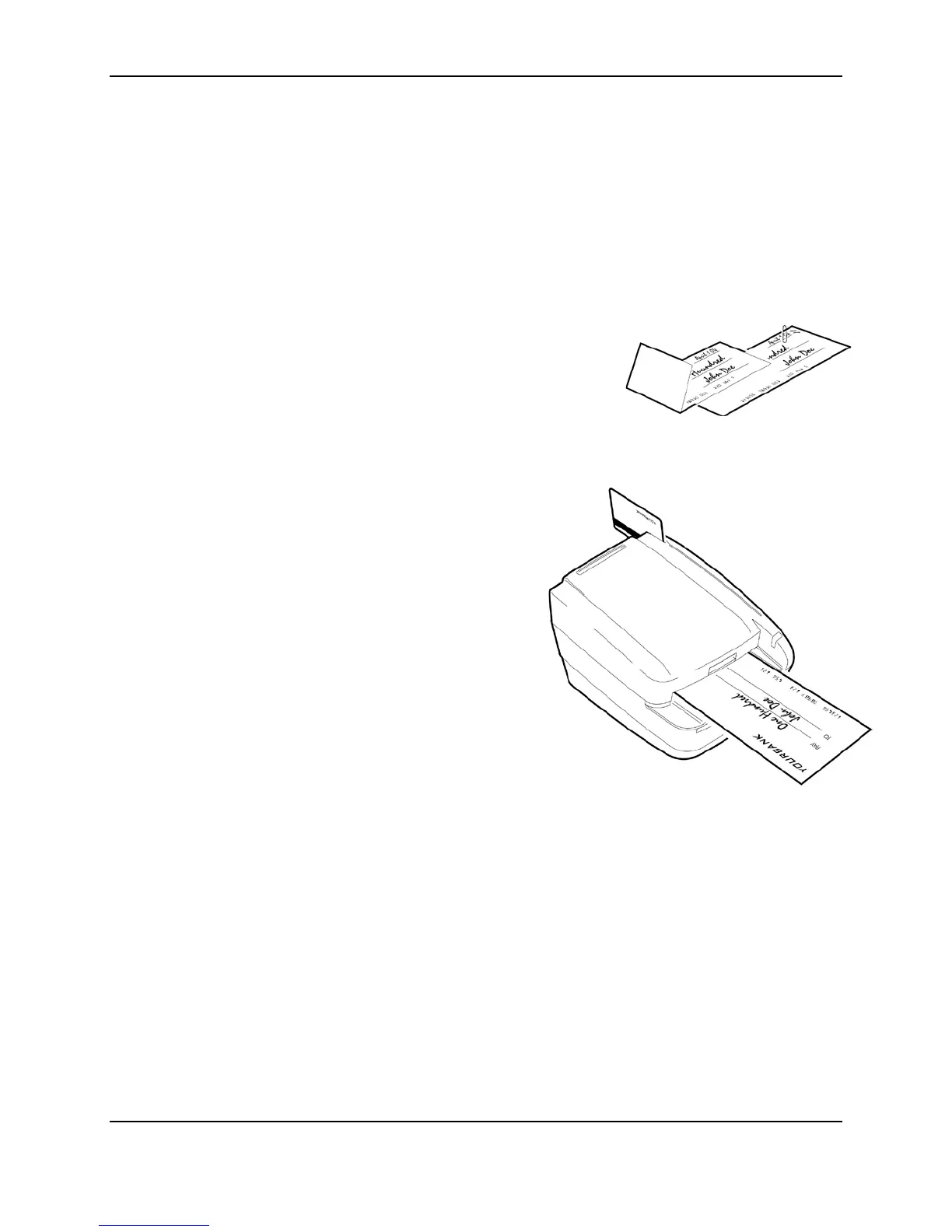
Preparing checks
To reduce the possibility of errors and damage to the unit, you should:
• Remove all folds and creases in the check.
• Remove any paper clips and staples from the check.
• Make sure that checks are dry
Feeding checks
The scanner unit is ready to accept checks when the LED is
green. Insert the check in the following way:
• Flush to the right side of the scanner.
• Information-side facing up.
• MICR line to the right.
CAUTION: Do not open the cover or otherwise try to access
the inside of the unit while it is in the process of scanning a
check.
Swiping magnetic stripe cards
Swipe the credit card with the black, magnetic stripe facing
downward, and to the left.
©2014 RDM Corporation Page 15



 To Next Page