EC7000i and EC7500i User Guide Maintaining your scanner
Cleaning the imaging camera glass
If there are horizontal lines in the image of the scanned document, you should clean the imaging camera
glass.
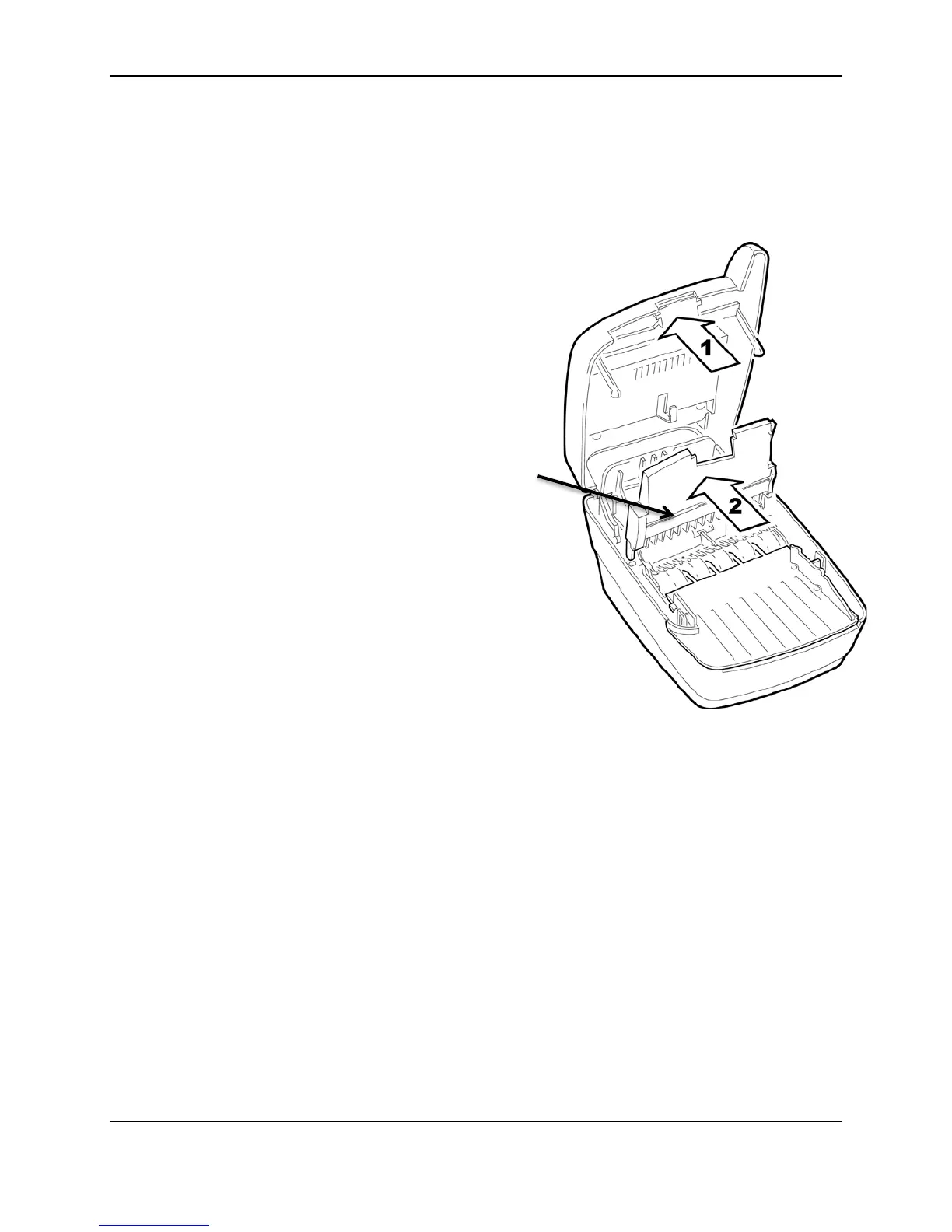
To locate and access the imaging camera glass:
1. Press the latch and lift the cover to access the imaging
frame.
2. Lift the imaging frame to access the document sensors.
3. Use a lens-cleaning tissue or a damp, lint-free cloth to
remove any ink or dust from the imaging camera glass.
glass
©2014 RDM Corporation Page 19



 To Next Page