EasyManua.ls Logo

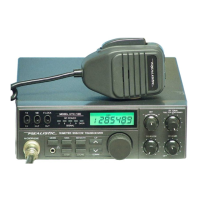
Realistic TRC-422A - Controls and Functions; Front Panel Controls and Indicators

Realistic TRC-422A
20 pages
Print Icon
To Next Page IconTo Next Page
To Previous Page IconTo Previous Page
Loading...
Puees
Front
Panel
CONTROLS
AND
THEIR
FUNCTIONS
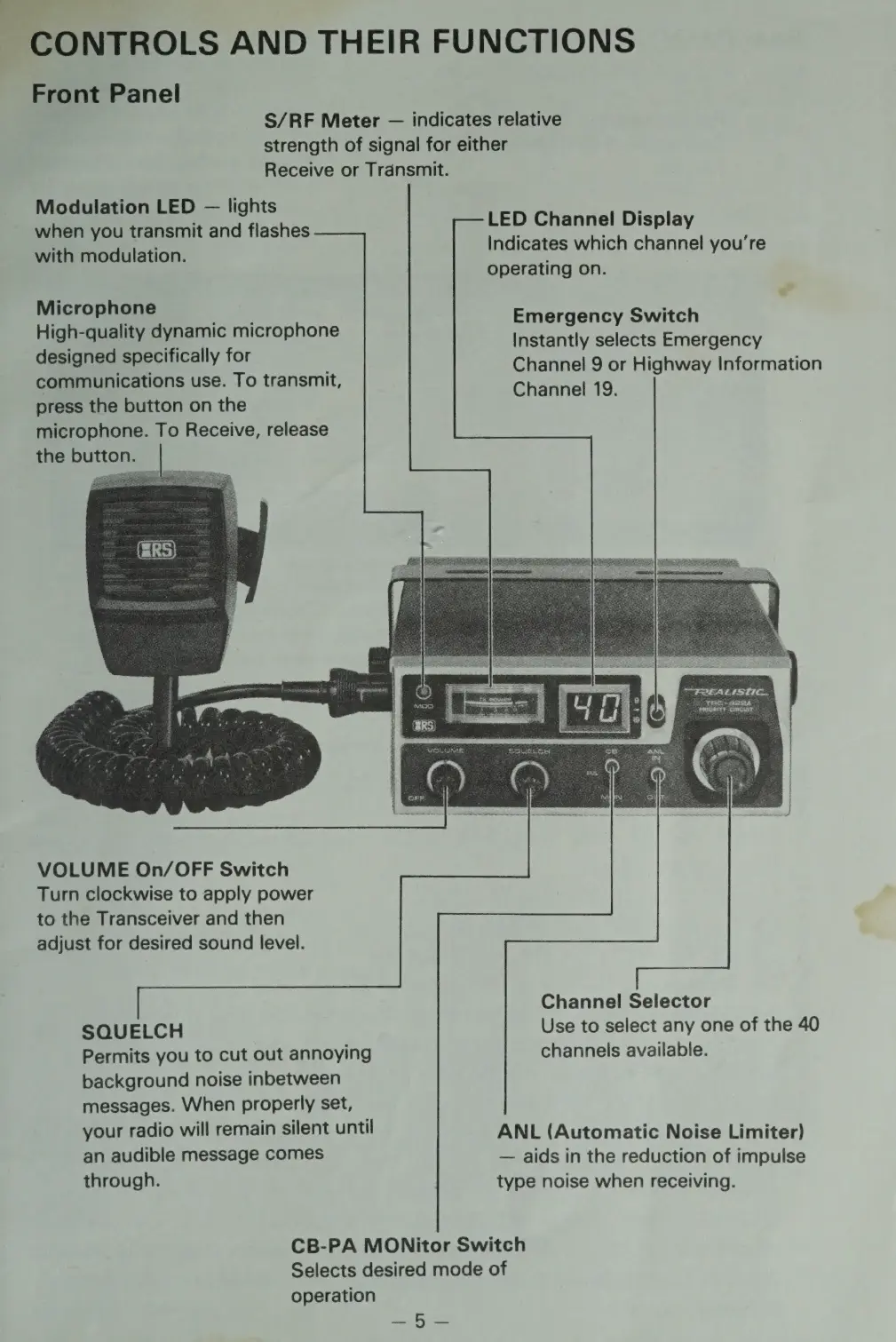
S/RF
Meter
indicates
relative
strength
of
signal
for
either
Receive
or
Transmit.
Modulation
LED
lights
when
you
transmit
and
flashes
with
modulation.
Microphone
High-quality
dynamic
microphone
designed
specifically
for
communications
use.
To
transmit,
press
the
button
on
the
microphone.
To
Receive,
release
the
button.
VOLUME
On/OFF
Switch
Turn
clockwise
to
apply
power
to
the
Transceiver
and
then
adjust
for
desired
sound
level.
SQUELCH
Permits
you
to
cut
out
annoying
background
noise
inbetween
messages.
When
properly
set,
your
radio
will
remain
silent
until
an
audible
message
comes
through.
LED
Channel
Display
Indicates
which
channel
you're
operating
on.
Emergency
Switch
Instantly
selects
Emergency
Channel
9
or
Highway
Information
Channel
19.
Channel
Selector
Use
to
select
any
one
of
the
40
channels
available.
ANL
(Automatic
Noise
Limiter)
aids
in
the
reduction
of
impulse
type
noise
when
receiving.
CB-PA
MONitor
Switch
Selects
desired
mode
of
operation

Related product manuals