17
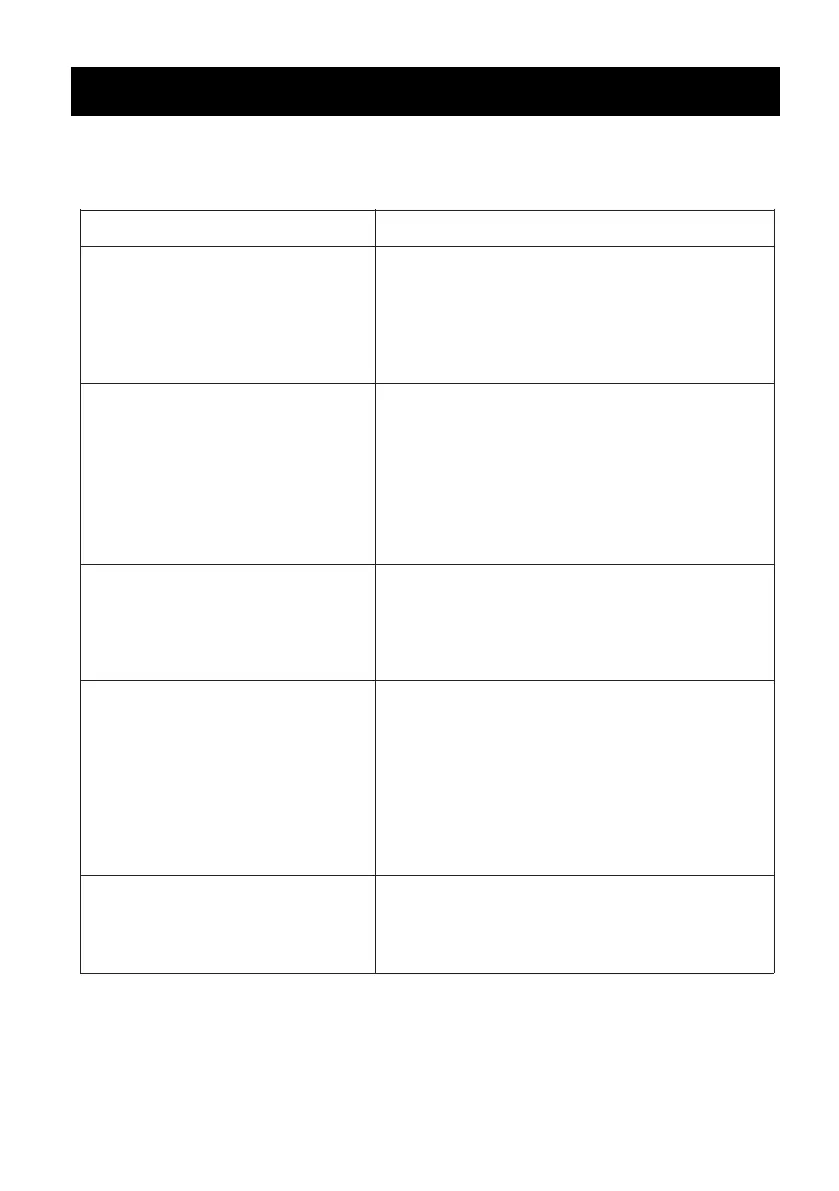
If the unit does not work properly as desired, please check
the following.
No power / function
1、Check whether the power is switched on
or o at the wall.
2、Check whether the power adaptor is
properly connected to power outlet or not.
3、Press the POWER button on the unit or
remote control to power on
1、Disconnect the unit from your device
and reconnect.
2、The external device is too far from the unit.
Put the external BT device close to the unit.
1、Check whether the battery run out or not.
Replace with a new one if necessary.
2、Check whether there is obstacle on the
front of remote sensor.
1、Switch o and unplug the unit. Leave it for
2 minutes and switch it on again.
2、If a particular mode is causing
problems, please try an alternative
connection to your TV such as Optical or
Bluetooth.
3、Out of range :Point the remote control
to the remote sensor on the unit within 23
feet, +/-30 degree.
1、Check whether cables are properly
installed. If they are, please try alternative
cable to connect to your TV if possible.
2、Check unit is out of standby and in mode.
3、Raise the volume level by pressing
the + Button on the unit
4、Play music/movie in the paired/connected
device and make sure volume level is high
No sound
Function disturbance
Remote control does not
work [properly]
No sound from Bluetooth
connection
Malfunction Possible causes/measures
TROUBLESHOOTING


 To Next Page