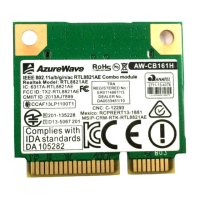
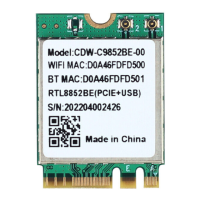
RTL8852BE User’s Manual
Installing the WLAN PCIe & Bluetooth USB NGFF2230
module Software
Before you proceed with the installation, please notice following descriptions.
Note1: The following installation was operated under Windows 7.
Note2: If you have installed the WLAN driver & utility before, please
uninstall the old version first.
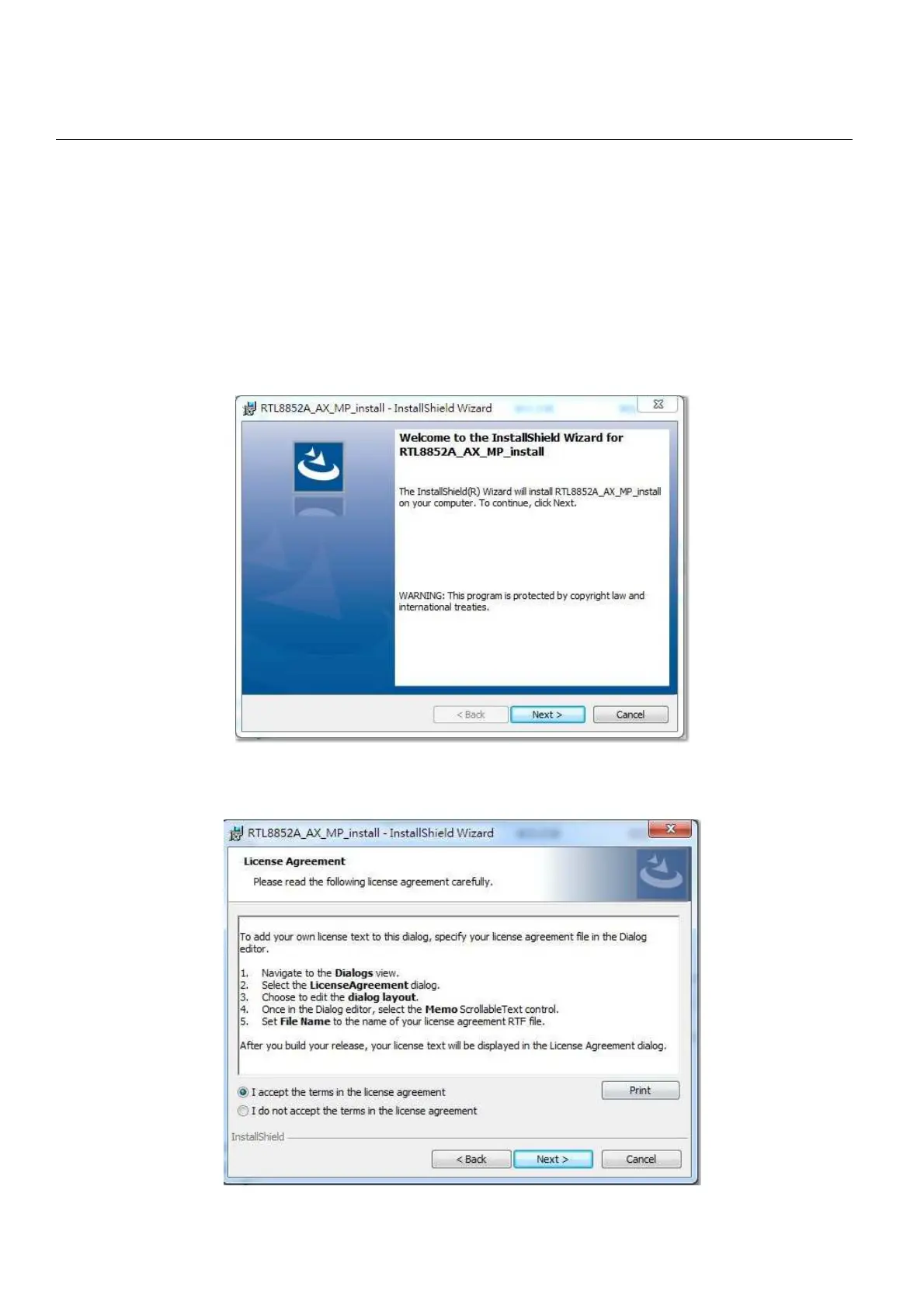
A. Execute the “setup.exe”, Click “Next” to process the installation
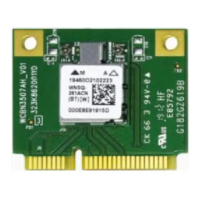
B. Select ”I accept the terms in license agreement” and click “Next” to process
the installation


 To Next Page