RED DSMC OPERATION GUIDE
COPYRIGHT © 2013 RED.COM, INC
955-0020_V5.1, REV-D | 35
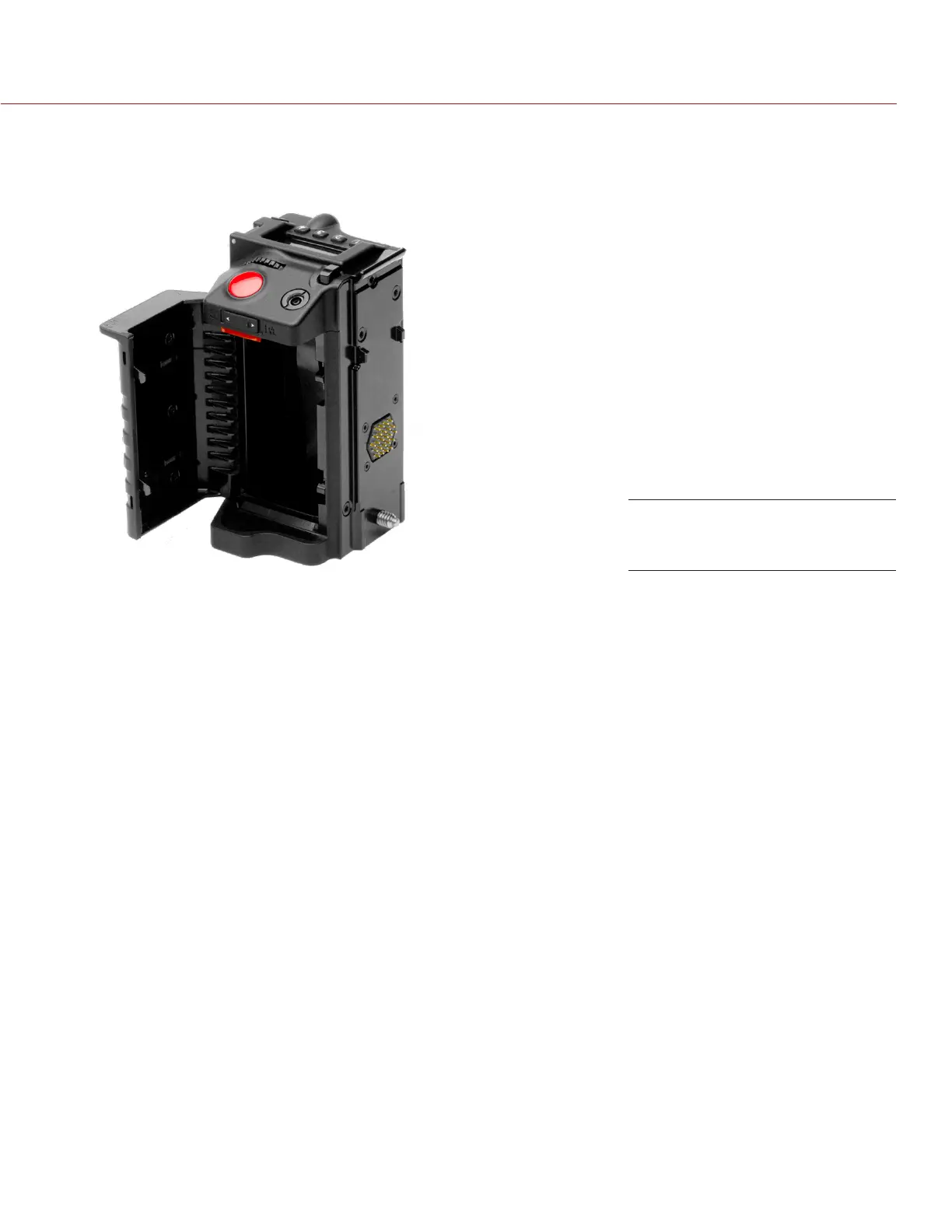
INSTALL REDVOLT IN DSMC SIDE HANDLE
1. Press the battery door release button at the top of the DSMC SIDE HANDLE.
The battery door opens.
2. Press up on the red retainer.
3. While still pressing the red retainer up, insert a REDVOLT battery until it is fully seated and the retainer
clicks into place.
4. Close battery door.
REMOVE REDVOLT FROM DSMC SIDE HANDLE
1. Press the battery door release button at the top of the DSMC SIDE HANDLE.
The battery door opens.
2. Press up on the red retainer.
3. While still pressing the red retainer up, remove the REDVOLT battery from the battery compartment.
DSMC SIDE HANDLE Battery
Door


 To Next Page