COPYRIGHT © 2013 RED.COM, INC
RED DSMC OPERATION GUIDE
955-0020_V5.1, REV-D | 84
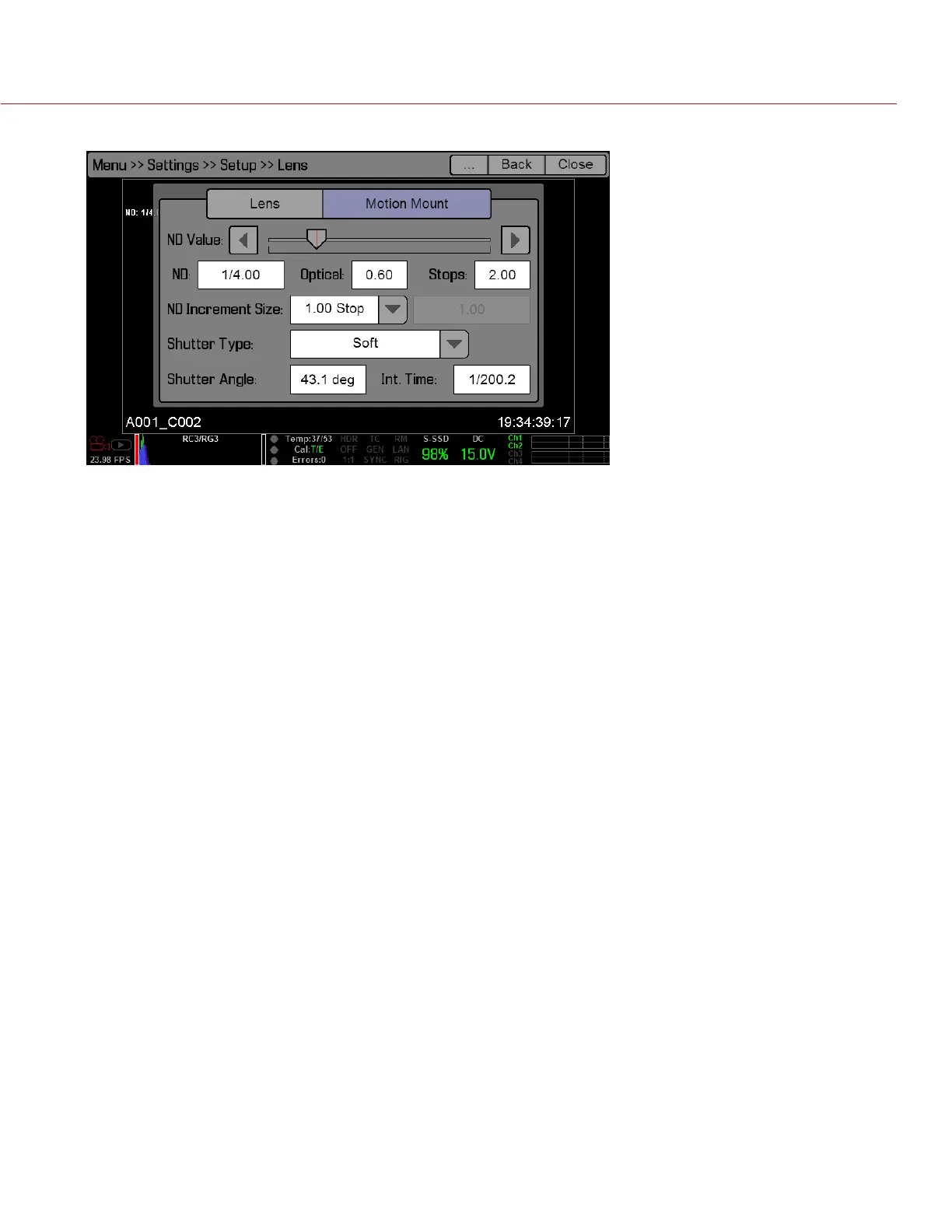
continues to function as an ND filter.
MAINTENANCE
The Maintenance menu allows the user to check system status and information, save the camera diagnostic
LOG to attached media, perform a software update, calibrate the sensor, perform a camera self test, and reset
system settings to factory defaults.
SAVE LOG
When you contact RED for support, you may be asked to send a LOG file from your camera along with your
support ticket. The LOG file is a diagnostic tool that can assist RED with camera troubleshooting. For more
information about RED support, or to create a support ticket, go to https://support.red.com.
To save a LOG file, follow the instructions below:
1. Go to Settings > Maintenance.
2. Select Save Log.
The LOG file is saved as a *.txt file in the SSD root directory.
UPGRADE
NOTE: For more information on the firmware force upgrade procedure, go “Upgrade DSMC Firmware” on page
106.
You can check for upgrades for the following items:
Camera
REDMOTE
CALIBRATE
You can perform a sensor calibration, a motion calibration, and a lens calibration.
SENSOR CALIBRATION
Sensor calibration, also known as black shading, is a process during which the camera optimizes image quality
by ensuring that pixel sensitivity remains consistent throughout an image. Black shading generates a calibration
map based on system and environment settings.
After calibration, the sensor should show a uniform noise profile over the whole area without any falloffs on any
side.
Calibration is required:


 To Next Page