16
FASE 6 – Scansione
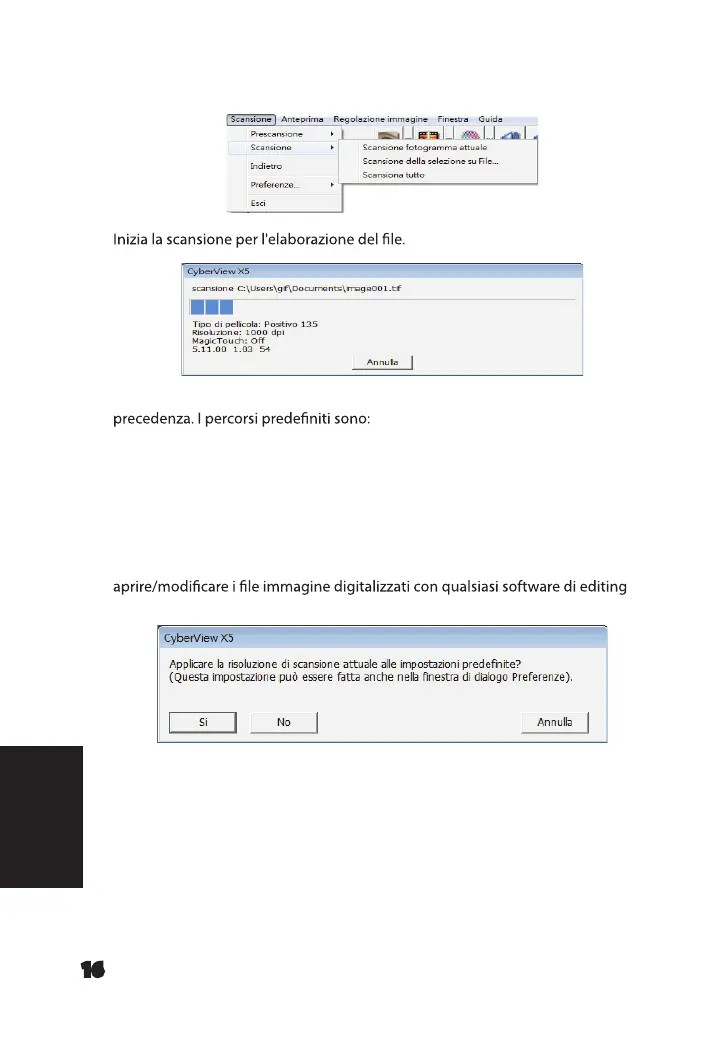
Scansione - Scansione - Scansione fotogramma attuale
Tutte le immagini digitalizzate vengono salvate nel percorso della impostato in
Windows: C:\Users (Utenti)\[YOUR NAME] (NOME)\Documents
(Documenti);
MAC: Mac HD (HD Mac)\Users (Utenti)\[YOUR NAME] (Nome)\Pictures
(Foto)\Cyberview Images (Immagini Cyberview),
FASE 7 – Uscita
Selezionare “Scan (Scansione) > Exit (Esci)” per chiudere il driver. È possibile
immagine.
NOTA: Se si utilizza l'editor di immagini in dotazione, per una guida di questa applicazione,
consultare Help nell'applicazione o cercare il DVD in dotazione per la documentazione della
guida.
ITALIANO
Manual-RPS10M.indd 136 23.12.2016 10:00:46















 To Next Page