4
English
GETTING STARTED
Check the package content before getting started.
For Quick installation please refer to Quick installation Guide.
important! Save the original box, receipt and packing material for future
shipping needs.
Package Contents
slide
s
canner
power
a
dapter
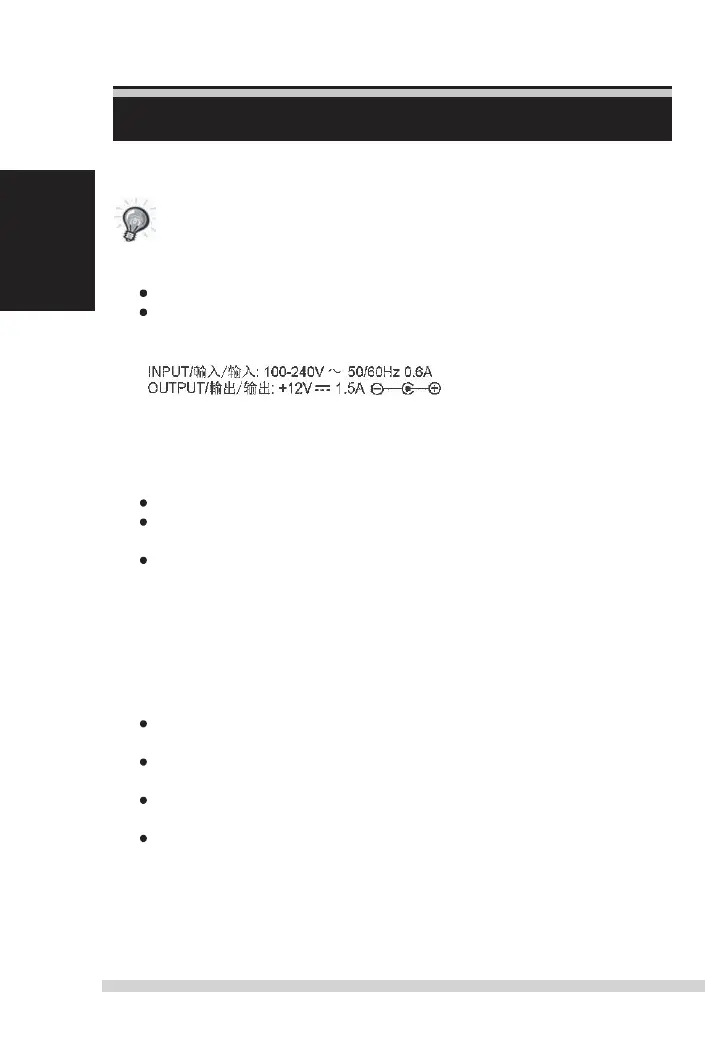
Warning! Using any other power adapter may severely damage the scanner.
USB 2.0 Cable.
CyberView scan software on CD
Printed user’s manual
GENERAL GUIDANCE:
only use the supplied USB-Cable. Connect the computer to the
scanner directly using the USB 2.0 cable.
do not use a Hub or extension cable. only use the usB ports on the rear of
desktop computers.
if there are any other devices (multifunction device, printers, scanners, web-
cam) connected to the computer through
USB, disconnect them.
a
minimum of 1 GB RAM (Windows/Mac) is required.
no
no
This device
The warran
inapp
device
Manual-RPS10M.indd 4 23.12.2016 10:00:30















 To Next Page