8
English
Inserting Mounted Slides (Continued...)
2. set scan settings and preferences see Page 10
3. see scanning directions on page 10
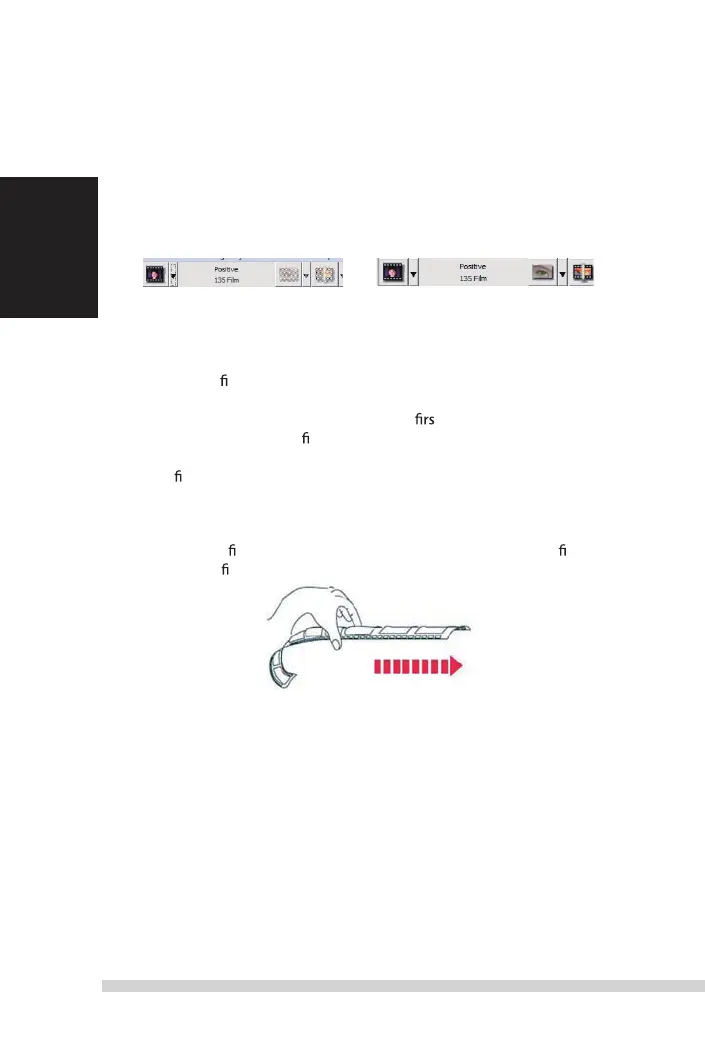
note: some slide mounts are thin and will require you to apply gentle pressure to the edge
of the mount after insertion for it to register in the scanner, you will know it is detected by
the Preview bar in the user interface, the icons will illuminate in color
no slide detected
slide detected
inseeting Filmstrips
1. insert the
lmstrip with emulsion side down from the left side
2. scanner will auto load and position the t frame in the center of the
viewing window, if the
rst frame is not at the correct position, please move
it by clicking
“FORWARD“
or
“REVERSE“
button and you can also move it via
the
ne tuning function in CyberView interface. see Page 22
3. see scanning directions on page 10
You can load the lm easily by holding around the 3rd frame of the lmstrip
when inserting,
lm strips/rolls are inserted facing dull side (emulsion) down.
Ad
Bu
eje
r
e
Fo
sc
O
1.
2.
3.
sca
nO
Manual-RPS10M.indd 8 23.12.2016 10:00:31















 To Next Page