Input Selection
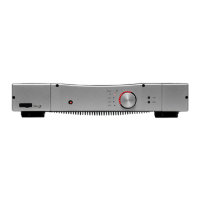
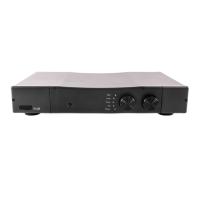
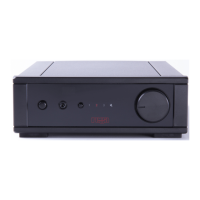
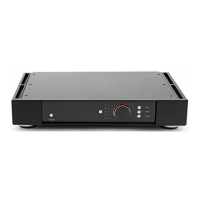
The Input selector is combined with the volume control. To select your
input, push the control knob in once. You are now in Input selection
mode. You have eight seconds to choose your input. (When the eight
seconds are up the control knob will return to the volume function).
The inputs are selected by turning the knob to the required input.
Input Selector
Always allow the amplifier to fully power down (indicated by the
power LED extinguishing after 2-3 seconds) before switching on
again, so that the self-test circuitry can complete its reset cycle.
Tape: This input provides full tape monitoring facilities if your tape
machine has 3 heads.
Mute: The mute function mutes the pre-amplifier output.
It is possible to press the control knob within the eight-second period
to resume the volume control mode.
The Cursa 3 features an optional remote control. This has additional
buttons not used by the by the Cursa 3, but all funtions offered on the
pre-amplifier can be performed using the remote control.
11
Cursa 3 manual.qxd 10/12/2002 15:23 Page 12


 To Next Page