17
Set the monitor to the current date and time before taking a
measurement for the first time. If the date and time are not set correctly,
the measurement values stored in the memory and the average values
may not be correct.
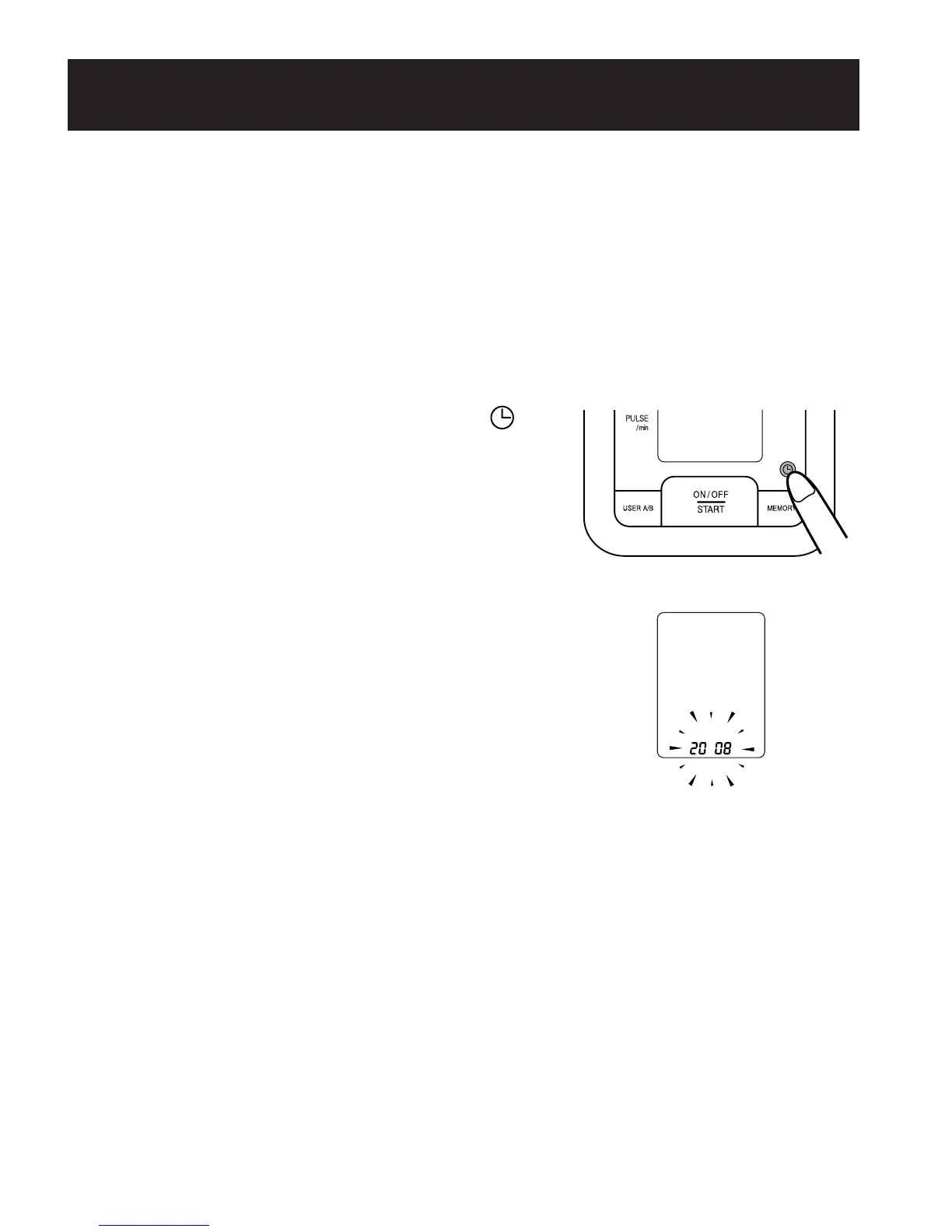
1. TO START THE SETTING
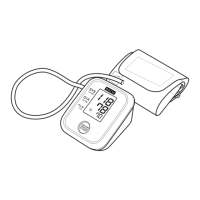
Press the Date/Time Setting button ( )
to adjust the date and time.
The year flashes on the display.
SETTING THE DATE AND TIME
290237_HEM-8700WM_EN_SP_v6_r5.qxd 2/12/09 9:45 AM Page 17


 To Next Page