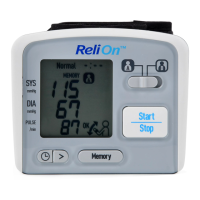
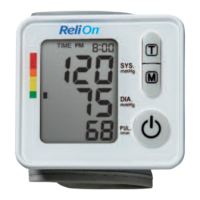
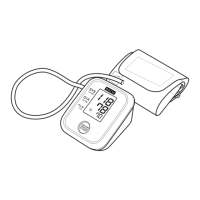
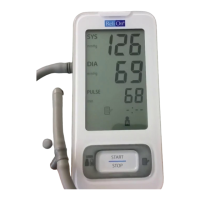
The monitor is designed to take measurements and store the
measurement values in the memory for two people using User ID A and
User ID B.
USING THE USER ID
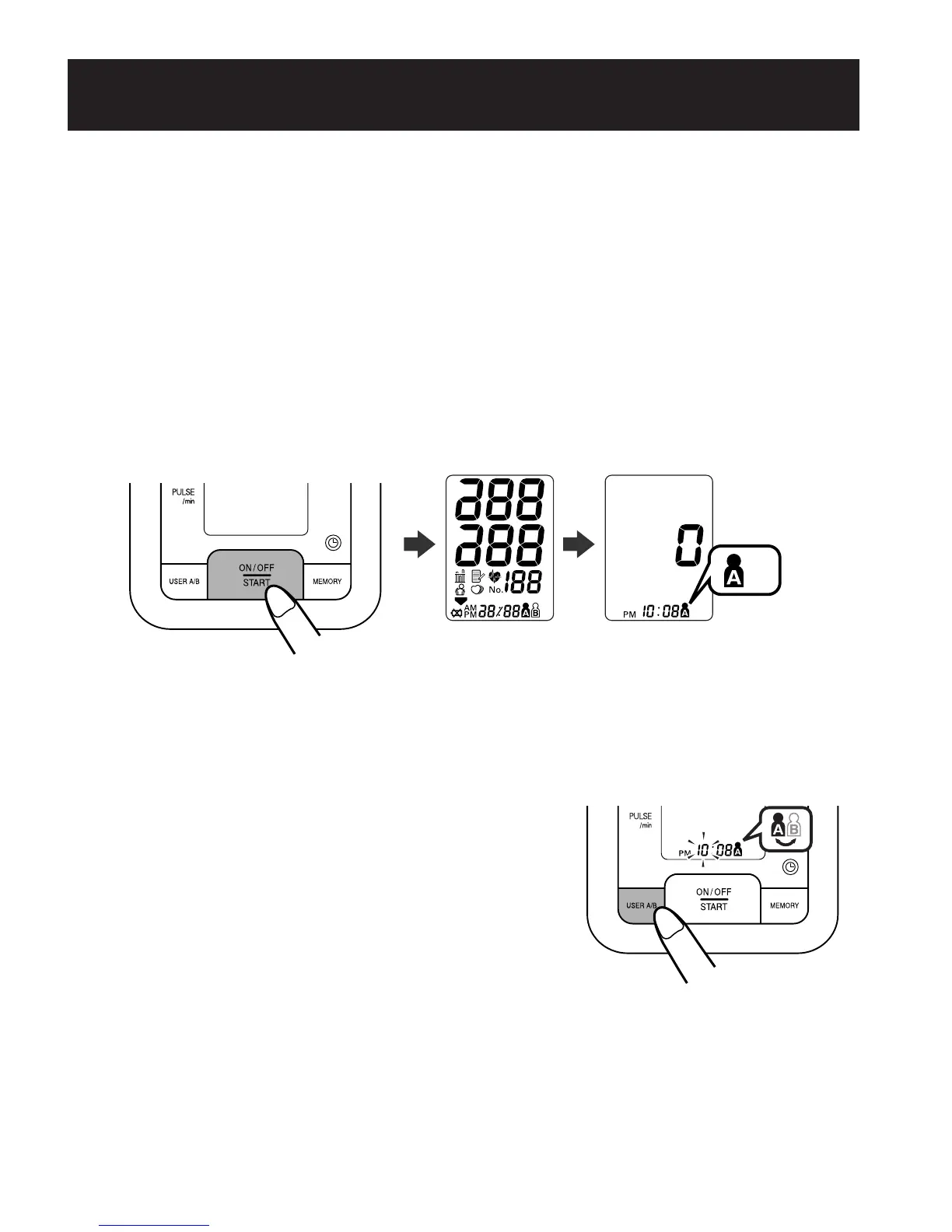
1. Press the On/Off Start button.
All symbols appear on the display. The User ID symbol with the
current time will appear.
NOTES: • The User ID last used will appear first.
• The default setting is A.
2. Press the User ID button to select your ID
(A or B).
A and B are alternately displayed.
You do not need to press this button if no
change is needed.
NOTE: Always use the same User ID when taking a measurement.
The monitor stores the measurement values in the memory
by the User ID selected.
TAKING A MEASUREMENT
24
290237_HEM-8700WM_EN_SP_v6_r5.qxd 2/12/09 9:45 AM Page 24


 To Next Page