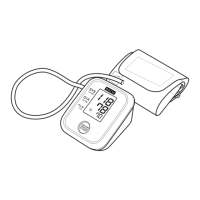
TO DELETE ALL VALUES STORED IN THE MEMORY
The values stored in the memory are deleted by User ID.
You cannot partially delete values stored in the memory. All values for
the user you select will be deleted.
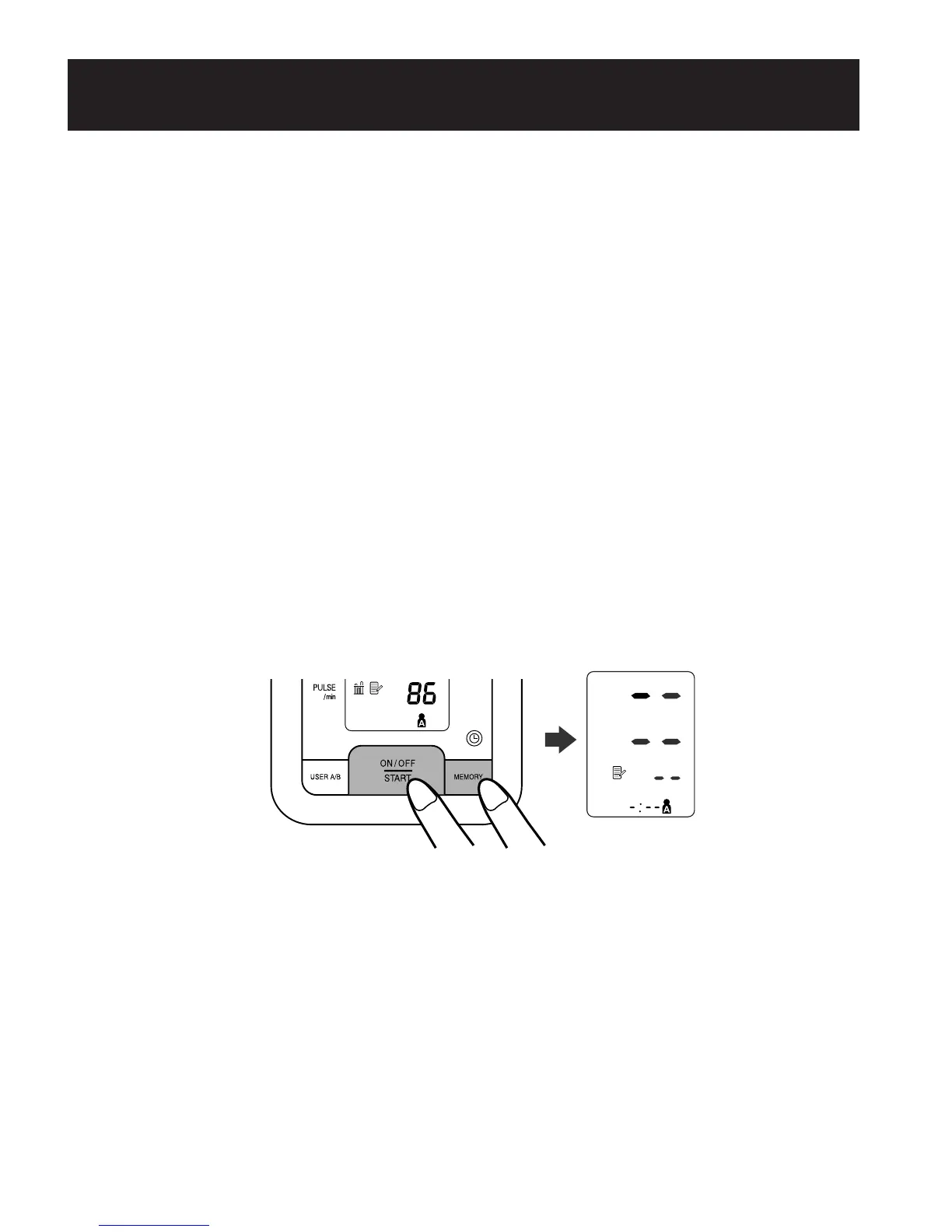
1. Press the On/Off Start button to turn the monitor on.
2. Press the User ID button to select your ID (A or B).
3. While holding the Memory button, press the On/Off Start button
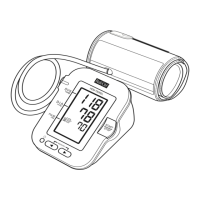
down for more than 5 seconds until the display appears as it does in
the following illustration.
4. Press the On/Off Start button to turn the monitor off.
NOTE: The monitor will automatically turn off after five minutes.
USING THE MEMORY FUNCTION
30
290237_HEM-8700WM_EN_SP_v6_r5.qxd 2/12/09 9:45 AM Page 30


 To Next Page