45
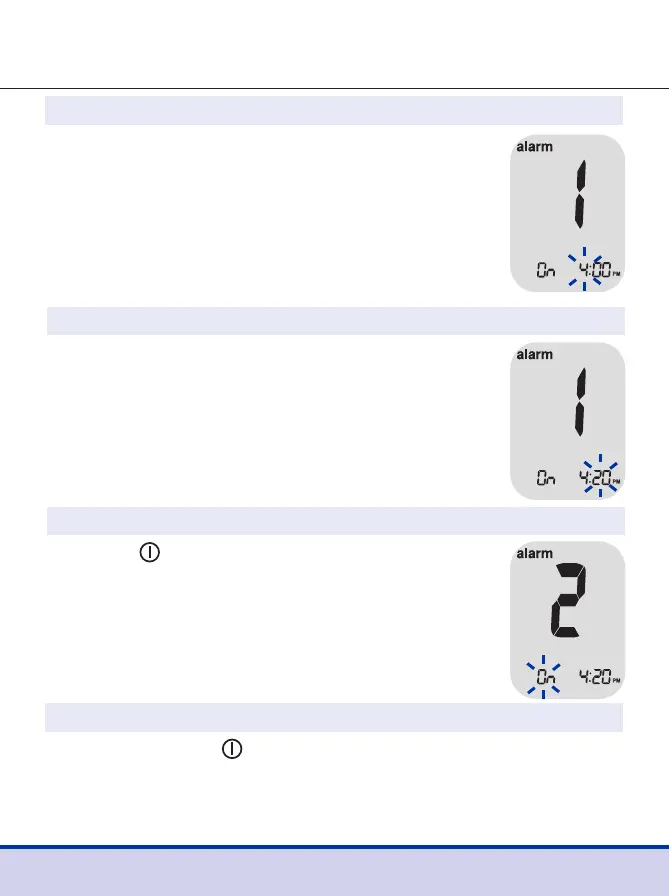
Step 4
On pressing the
<
button, the number
indicating the minute will start blinking.
Press the
>
button to set the minute.
Step 5
Press the button to finish and to enter the
alarm 2 mode.
Repeat steps 2 to 5 to set the remaining time
alarms (alarm 2 and 3).
Step 6
Press and hold the button for 3 seconds to finish and turn
the meter off.
Step 3
Press the
<
button to adjust the time of alarm 1.
A number indicating the time will blink on the
screen.
Press the
>
button to set the hour. Press the
<
button to set the minute.



 To Next Page