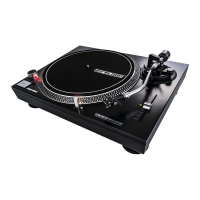
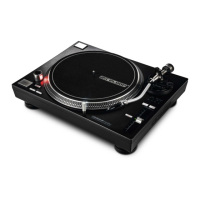
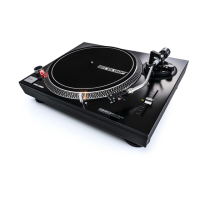
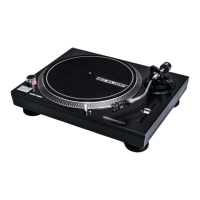
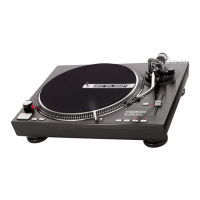
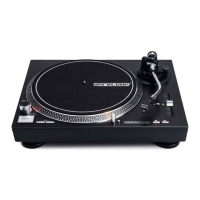
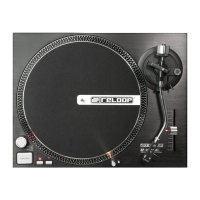
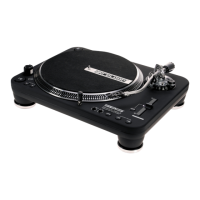
Normally the RP-8000 will be used as a Digital Vinyl System (DVS) also known as Timecode
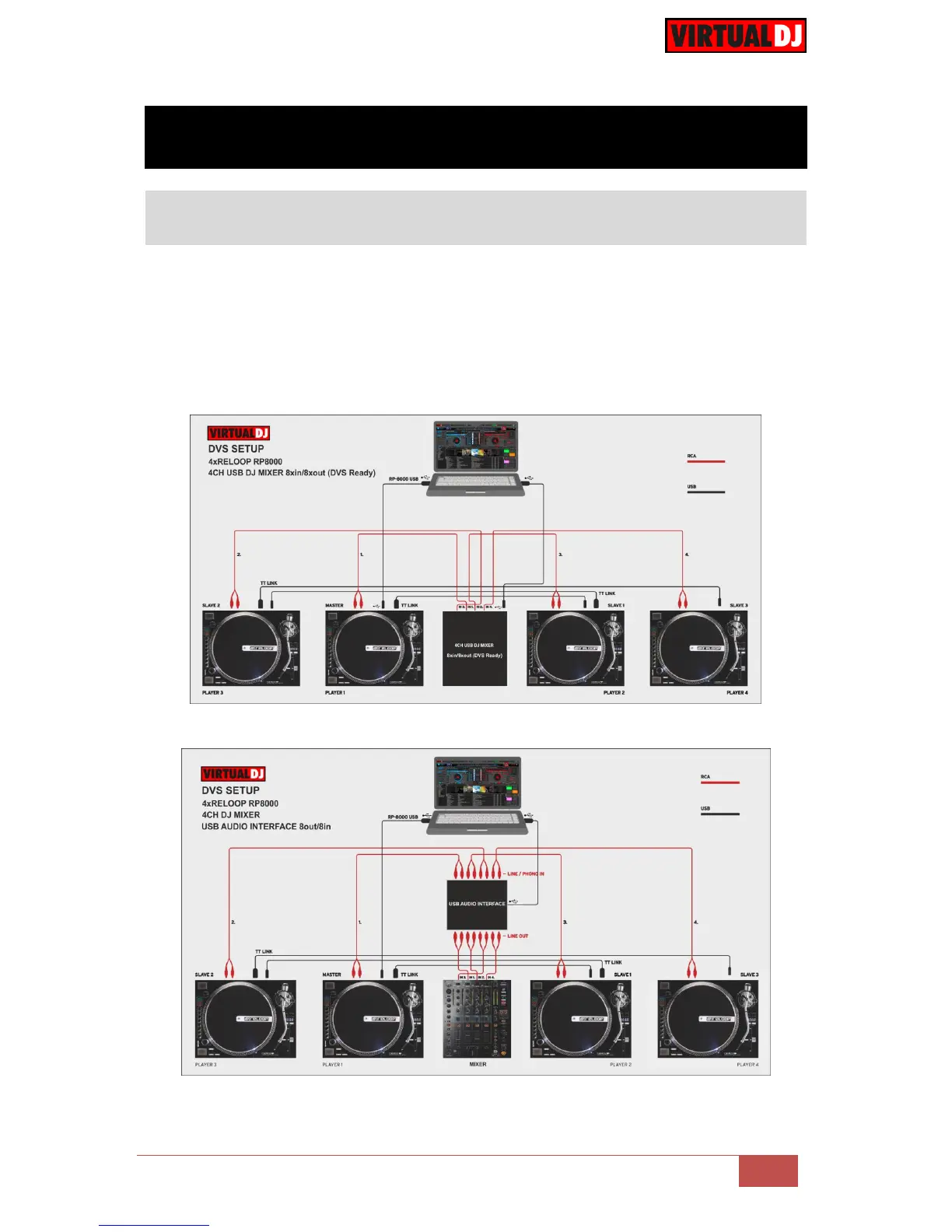
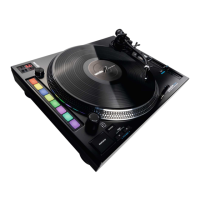
mode. Up to 4 x RP-8000 units may be linked (chained) as per the following diagrams.
Connect one RP-8000 with a USB port of your computer and use the provided USB/link
cables to connect any additional unit as Slave units.
Use the provided RCA (or any standard RCA) cables to connect each RP-8000 with the
Line/Phono Inputs of your DVS Ready Audio Interface or Mixer.
DVS Setup with a USB DJ mixer 8out/8in
DVS Setup with a USB Audio Interface 8out/8in



 To Next Page