35
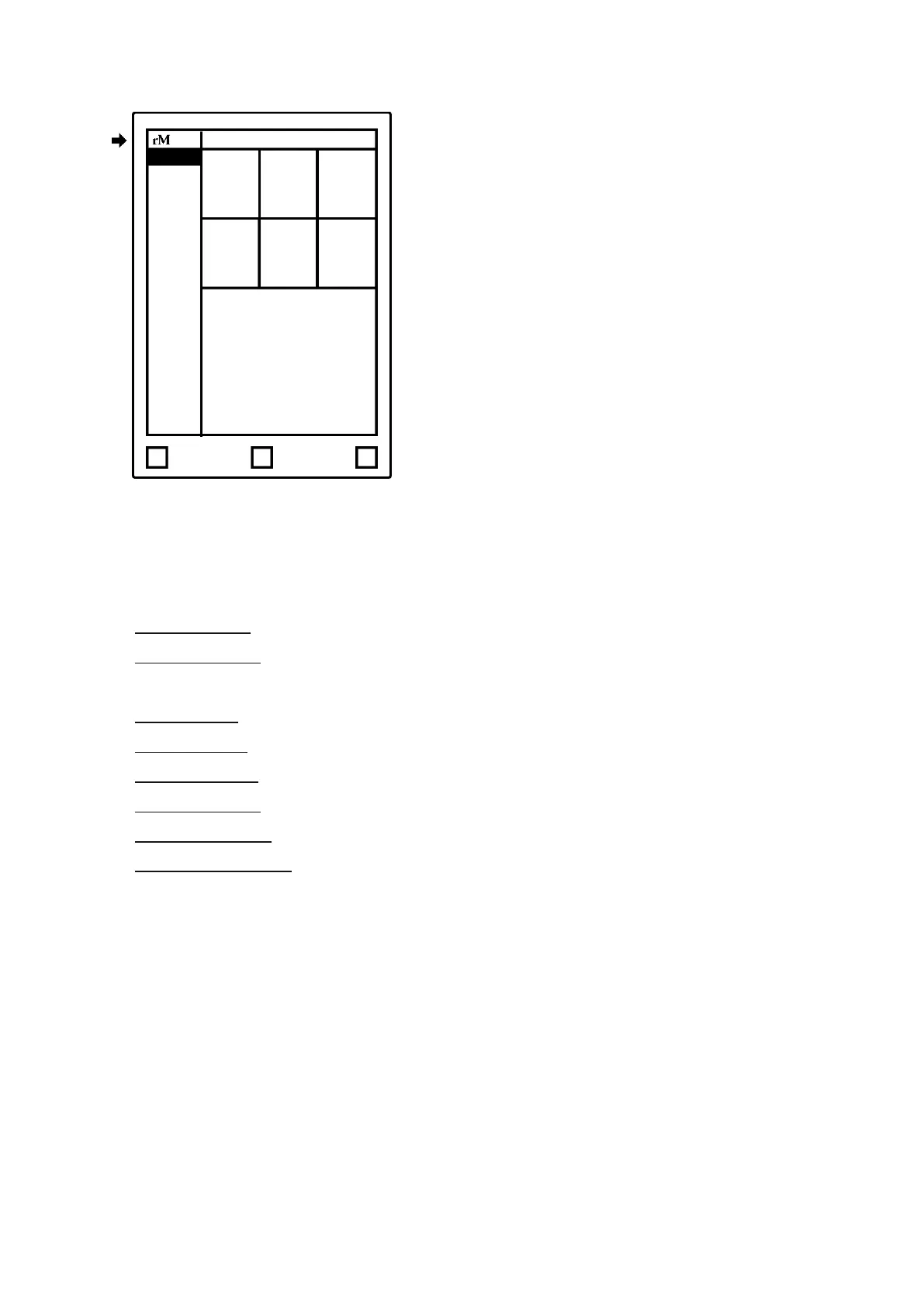
Settings:
• Device settings enables you to turn auto-update on/ off and download the latest software.
• Account settings is where you log into your account to transfer files between your
connected apps.
• Wi-Fi settings is where you connect to a known Wi-Fi.
• Power settings informs you of your battery status.
• Storage settings gives an overview of how much free space is left on your device.
• Security settings enables you to set a passcode to protect your files.
• Keyboard settings is where you choose among keyboard languages.
• Accessibility settings lets you alter between left- and right hand mode, and modify text
size to suit your needs



 To Next Page