41
4.2 Bookmark
Use bookmarks to label notebooks, documents, ebooks or folders that you want
easy access to. All your bookmarks are collected in the bookmark section on the
home screen.
How to bookmark a file or a folder:
1. Tap the contextual menu (three dots) on the item your want to bookmark.
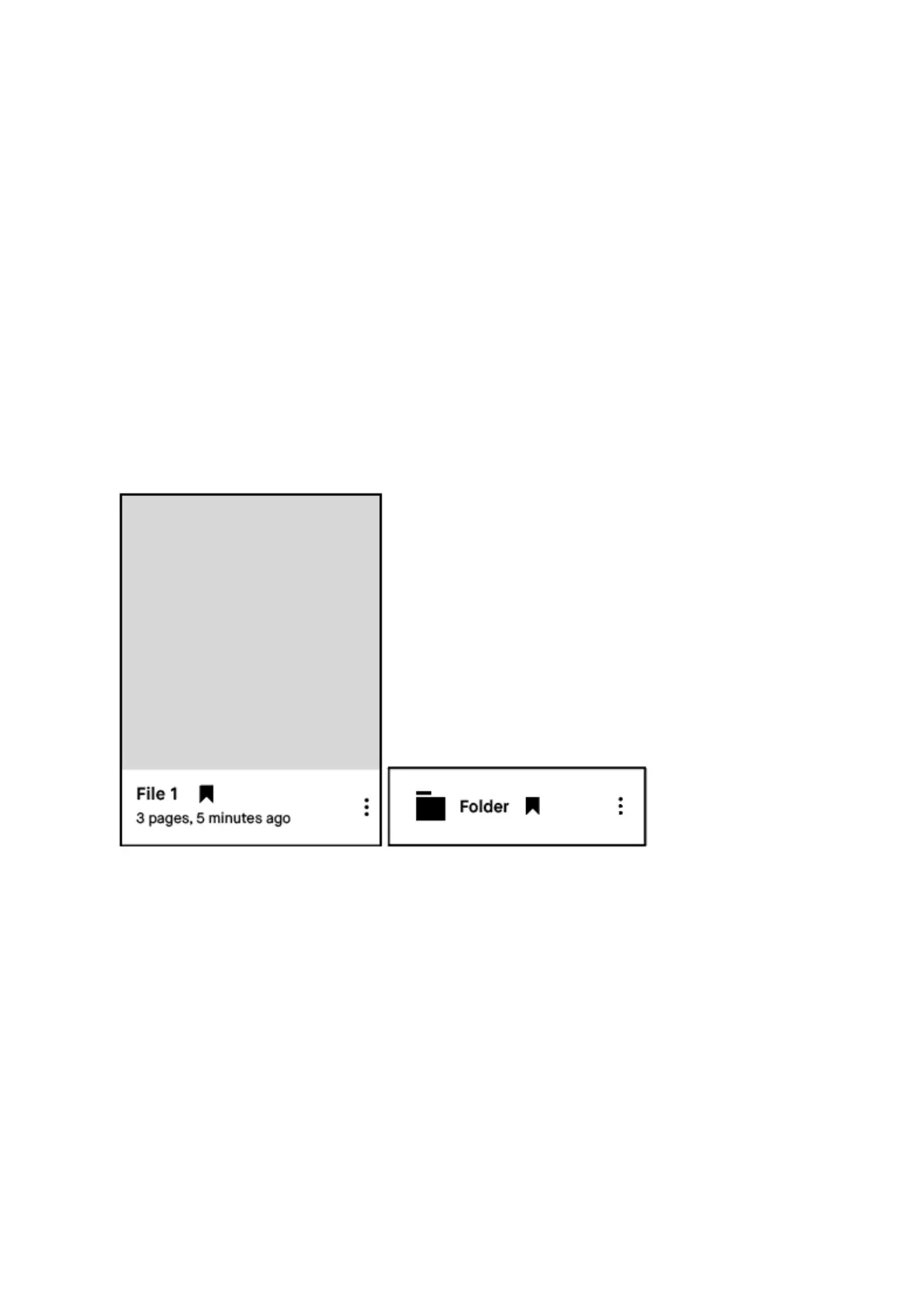
2. Tap the bookmark icon. The bookmark icon becomes visible next to the file name on the
file you have bookmarked. It can now be found in the bookmark section.
How to remove a bookmark on a file:
1. Tap the contextual menu (three dots) on the item where you want to remove your
bookmark.
2. Tap the bookmark icon in the top menu. The bookmark icon will disappear on your file,
and will no longer be in the bookmark section on the home screen.



 To Next Page