62
5.18 Handwriting conversion
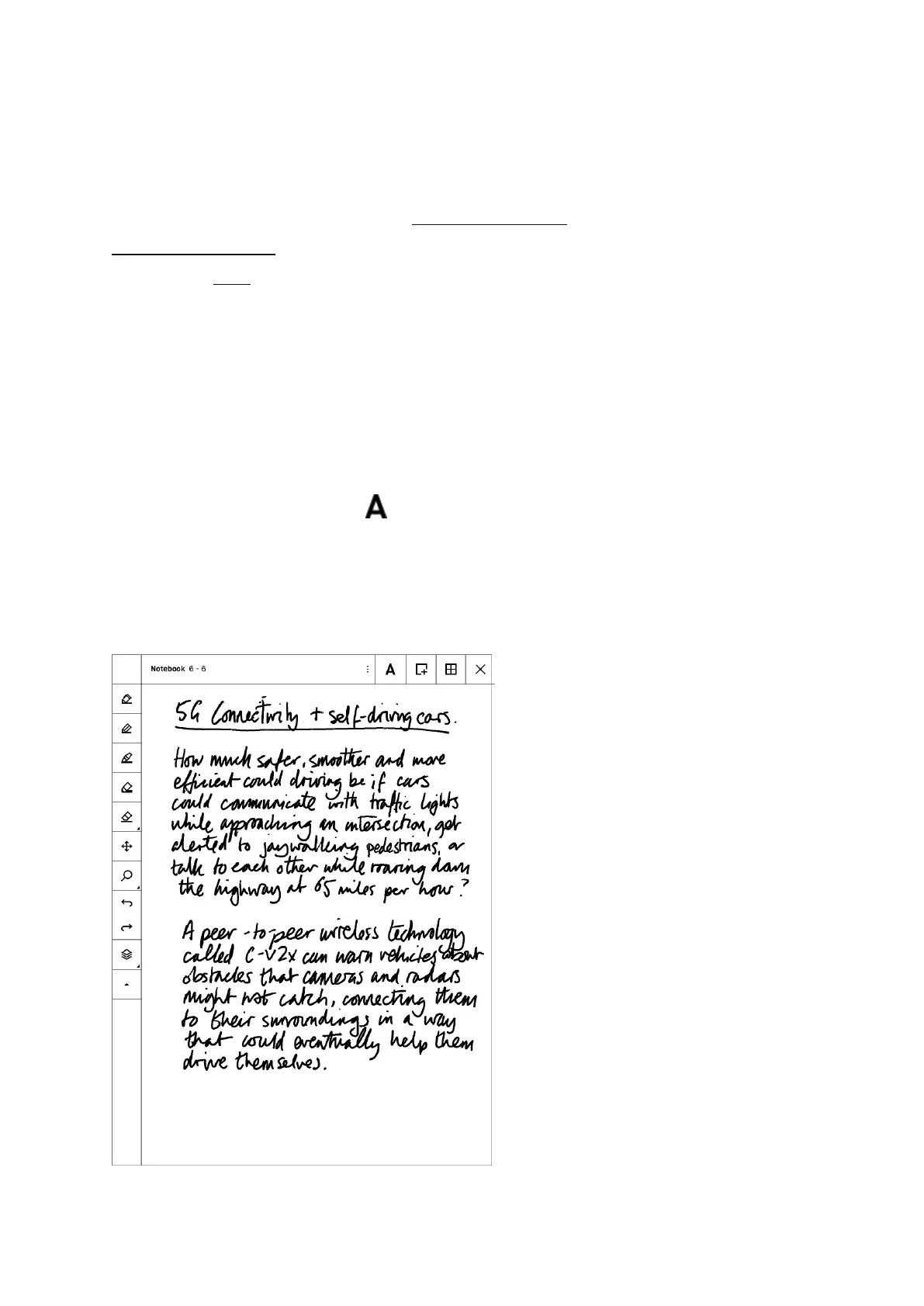
Use the Handwriting conversion feature to quickly convert your handwritten notes to
typed text. Note that you need to be connected to Wi-Fi, signed in to your
reMarkable account and have software version 1.6 installed in order to convert your
notes. Click here for help with updating to the latest version.
How to convert handwritten notes to text:
1. Open a Notebook
2. Tap the Convert to text button
3. Edit or read your notes
4. Select Share and type in the recipient email address



 To Next Page