6
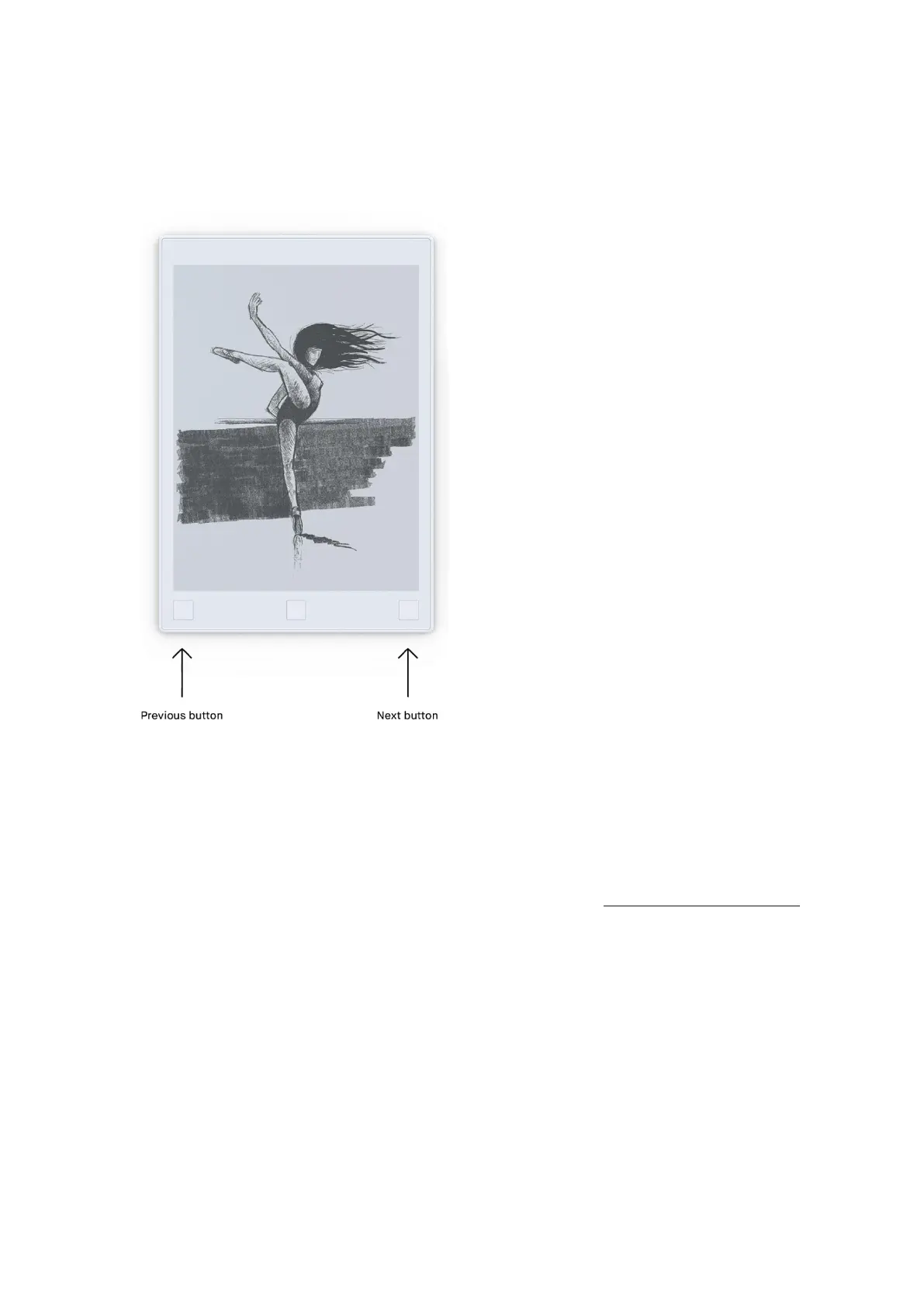
• Page backward press the left corner button.
• Create a new page in a notebook by pressing the next button. Note that you must have
written or sketched on a page before you are able to create a new page.
Micro USB charging port
Use the charging port and the attached Micro USB cable to charge your reMarkable.
0.3 reMarkable accessories
Marker
The high friction marker lets you draw and write with a paper-like feeling.



 To Next Page