5.7 Brush
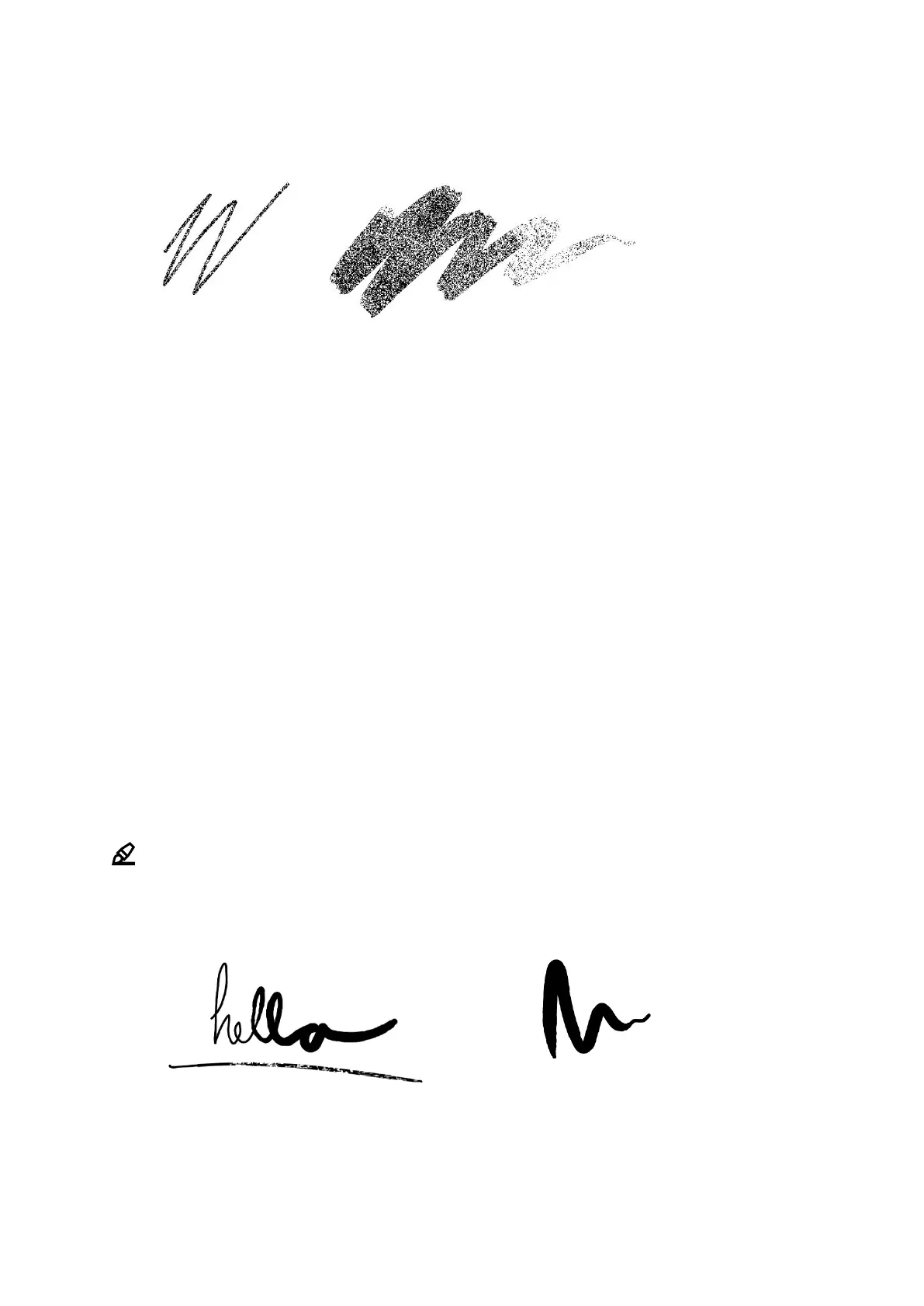
The brush texture is sensitive to the speed and pressure you apply to the digital
paper display and will respond accordingly. For example, a lighter pen stroke will
be thinner than a heavier pen stroke, and a quicker pen stroke will give a lighter
texture than a slower pen stroke which will be fully black.
How to:
• Change stroke thickness by selecting the brush and tapping the icon with two half
circles in the top menu.
• Change color by selecting the brush and tapping the bucket-icon in the top menu.
Choose between grey, white and black color.



 To Next Page