5.8 Highlighter
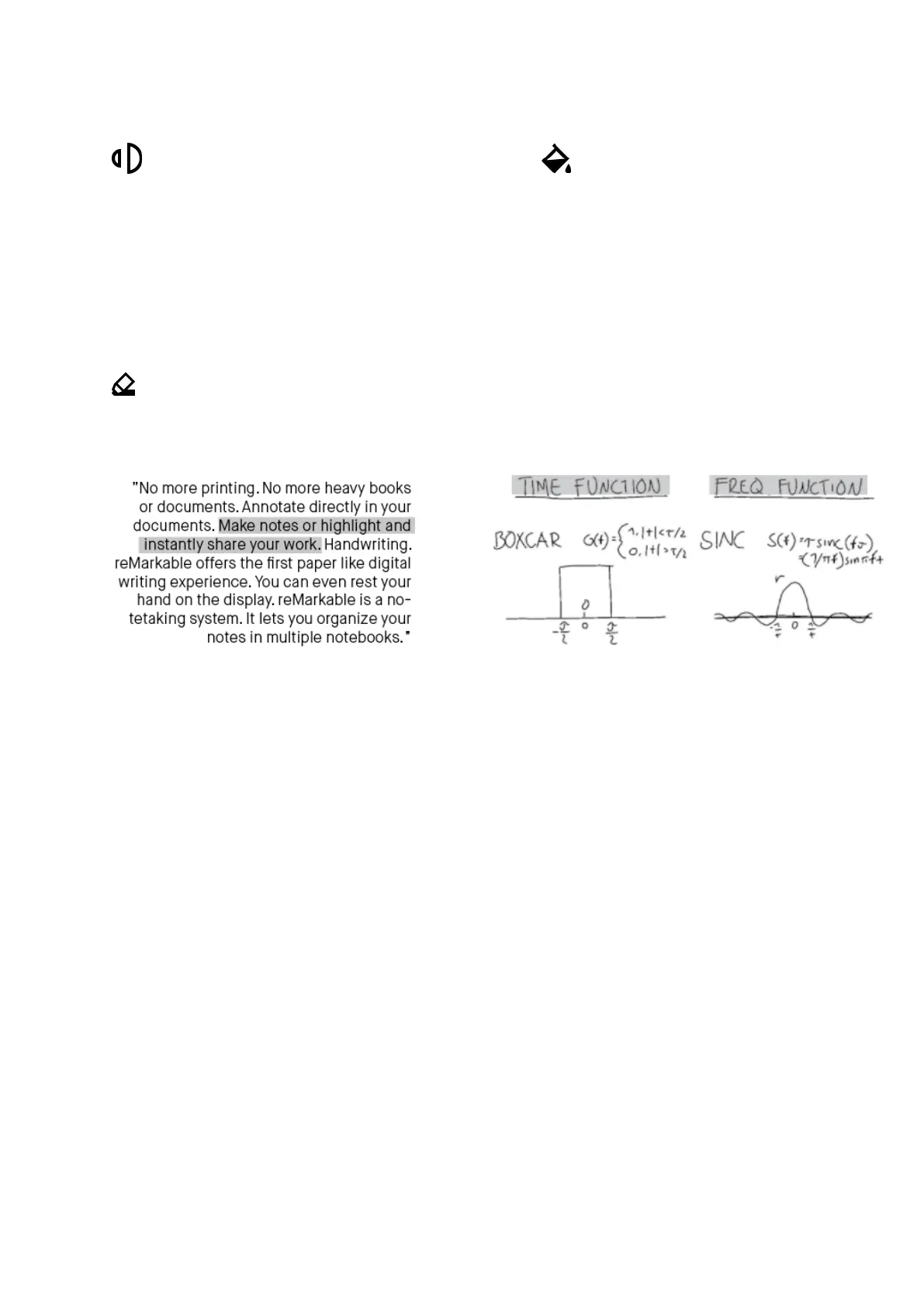
The highlighting tool lets you highlight text with a light gray color. Use it to
emphasize text in a document or ebook, or in your own notes in a notebook.
5.9 Eraser
This tool enables you to erase whatever you have drawn or written. It is not possible
to erase templates or imported content such as documents or ebooks.
There are three different erasing tools.
• Regular eraser lets you use the marker as an eraser. Choose between three different
sizes in the top menu bar.
• Area eraser. Use the marker to draw around the area you want to erase.
• Erase all. Tap this icon to clear the whole page.



 To Next Page