69
Note that your account can only be connected to one device at the time.
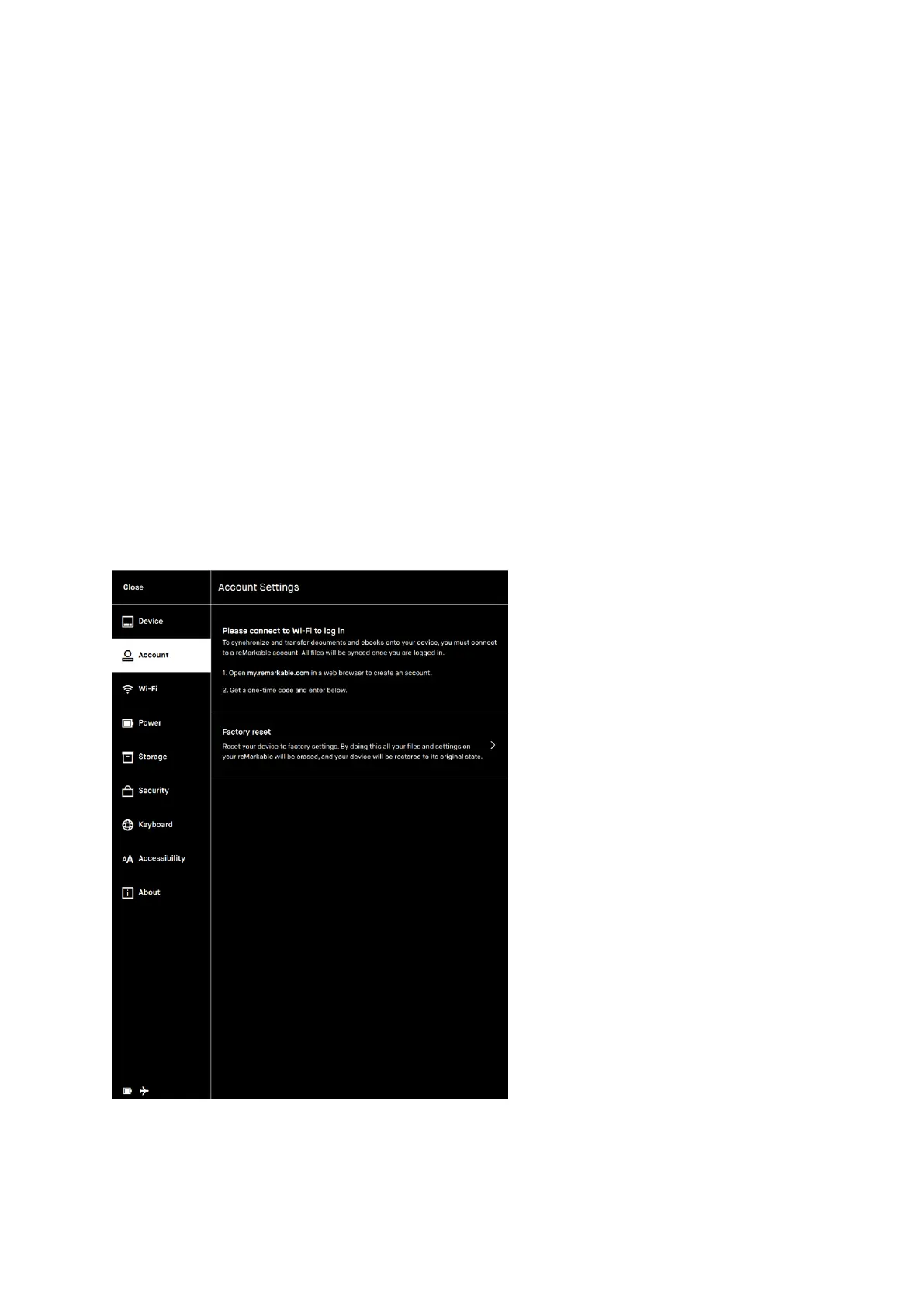
Factory reset
Many users have requested a safe way to ensure that they have deleted all the
content on their device. This functionality is an easy step-by-step process that can
be found in Account settings.
By doing a Factory reset all your files and settings on your reMarkable will be
erased. If you log back in with a one time code, all the files that are synced to the
cloud will be synchronized and made available again. After the Factory reset is done,
the reMarkable will start up with the Setup and onboarding procedures. NB: Like with
any other operating system, we cannot assure that files are erased permanently as
all files can be restored by using specialized tools for restoring deleted files.



 To Next Page