64
EN
i
We advise that you close the radiator valves in the room in which the iSense has been
positioned to prevent the room temperature there becoming too high.
i
The controller switches to weather-compensated control if the outside temperature sensor is
used.
6.4 Information
You can request operating information about your central heating system, such as the water
pressure in
the central heating system and various temperatures, via Menu > Information. The
information available depends on your central heating unit.
The “Basic” and “Normal” modes do not show all information categories which are available.
Select More information to make all information available.
7. Messages
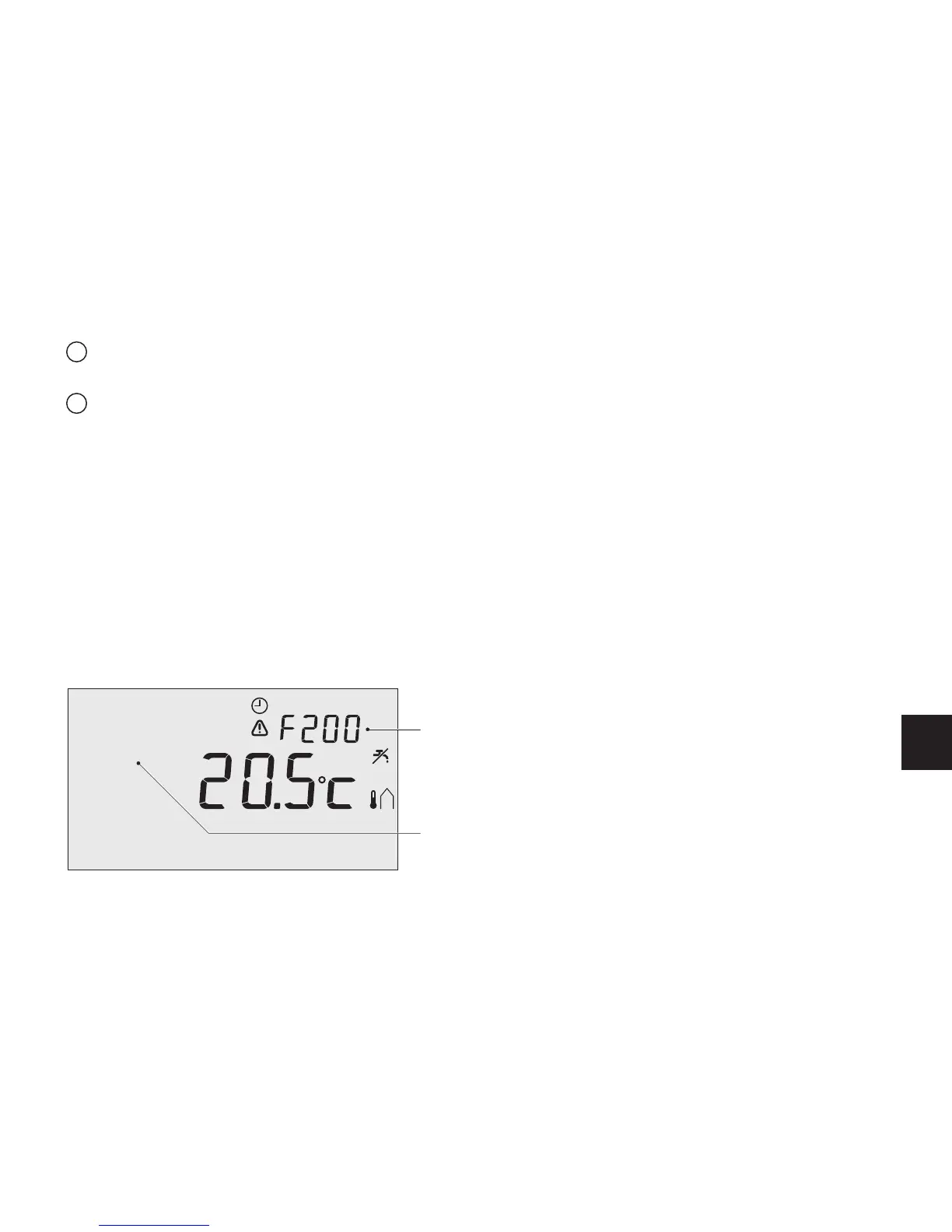
This is what a fault message or service message looks like:
Menu
No connection
to outside
sensor
Program
Fault indication
Display text
T000063-06-A



 To Next Page