10
How to Configure the Web
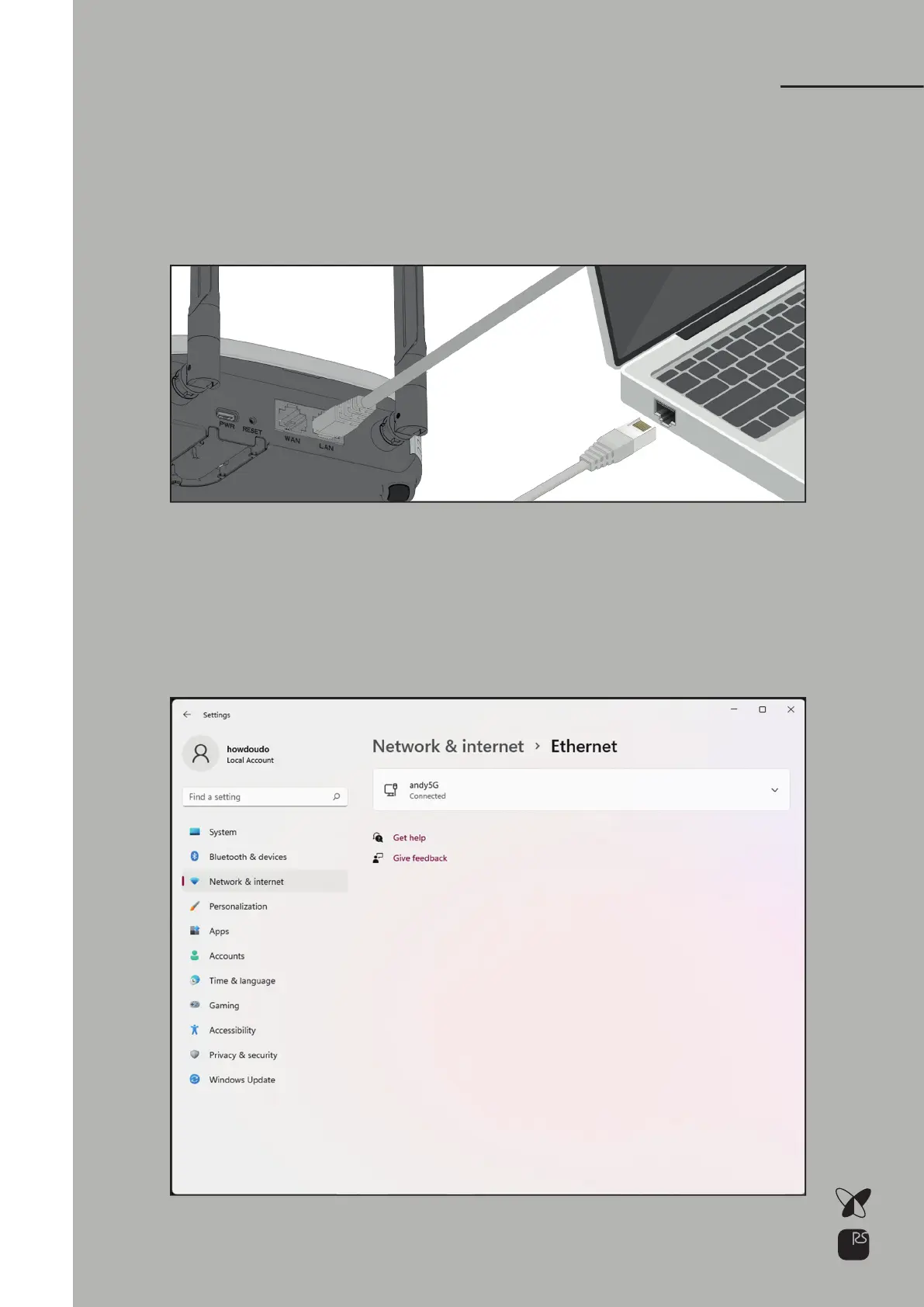
Connect the Ethernet cable to the station’s Ethernet LAN port.
Connect the other end of the Ethernet cable to PC.
1)
In Windows 11,
go to Start > Settings > Network & internet > Ethernet
2)
Connect the station to PCStep 1.
Choose your Ethernet adapter and
click V to show detail options.
3)



 To Next Page