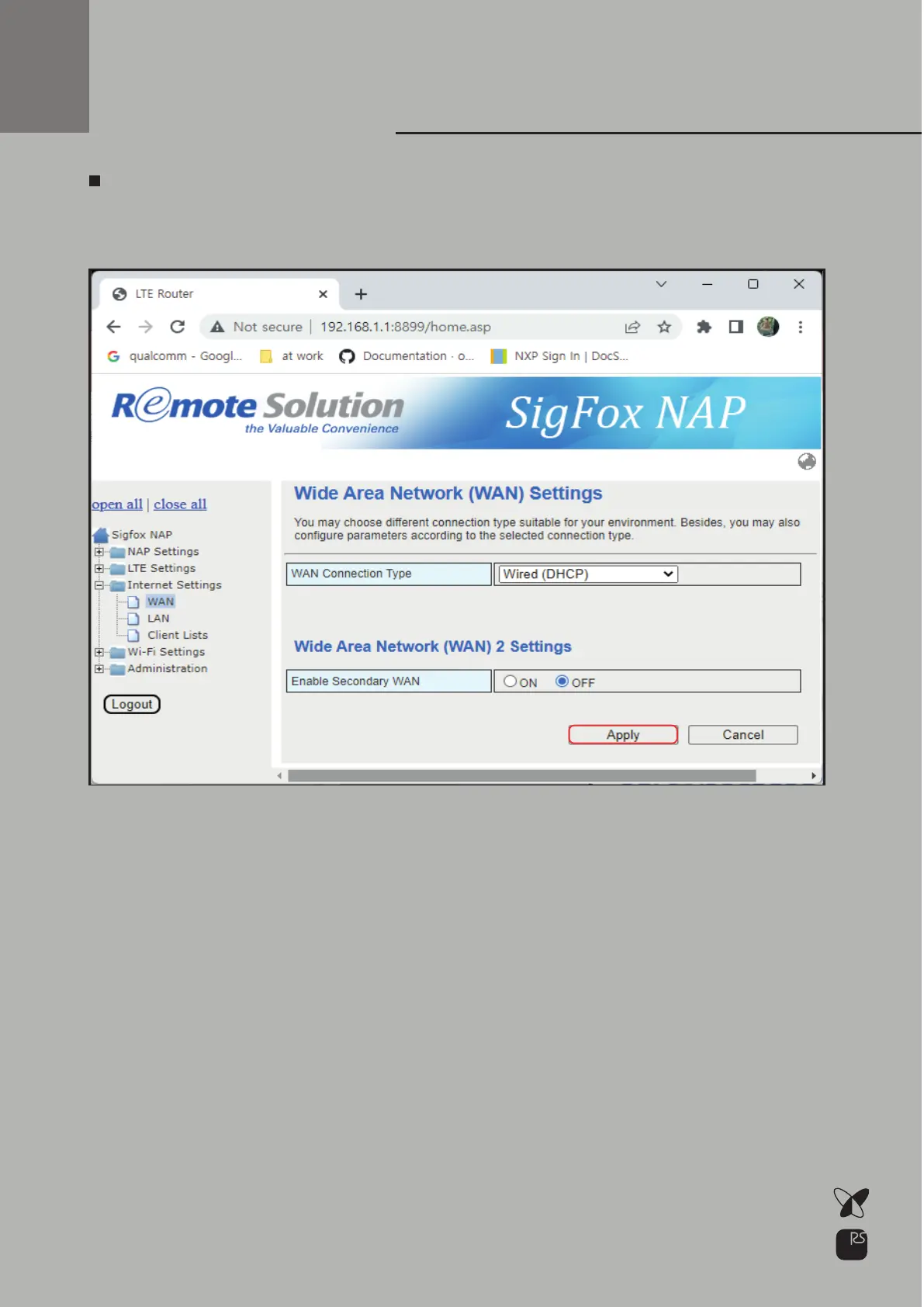
In case of using DHCP Select WAN Connection Type: Wired(DHCP)
Click Apply
Primary
WAN Setup
DHCP configuration.
“In the case of NAP-7, Multi-Backhaul (LTE, Ethernet, Wi-Fi) function is
provided, but if you want to connect two or more backhauls at the
same time, you need to set up primary and secondary backhaul.
At this time, basic Internet communication is performed with the
backhaul set as the primary, and if the primary backhaul becomes
unable to communicate, it operates as the secondary backhaul as
the backup backhaul.
After that, when the primary backhaul returns to normal, communica-
tion is resumed as the primary backhaul.”
16



 To Next Page