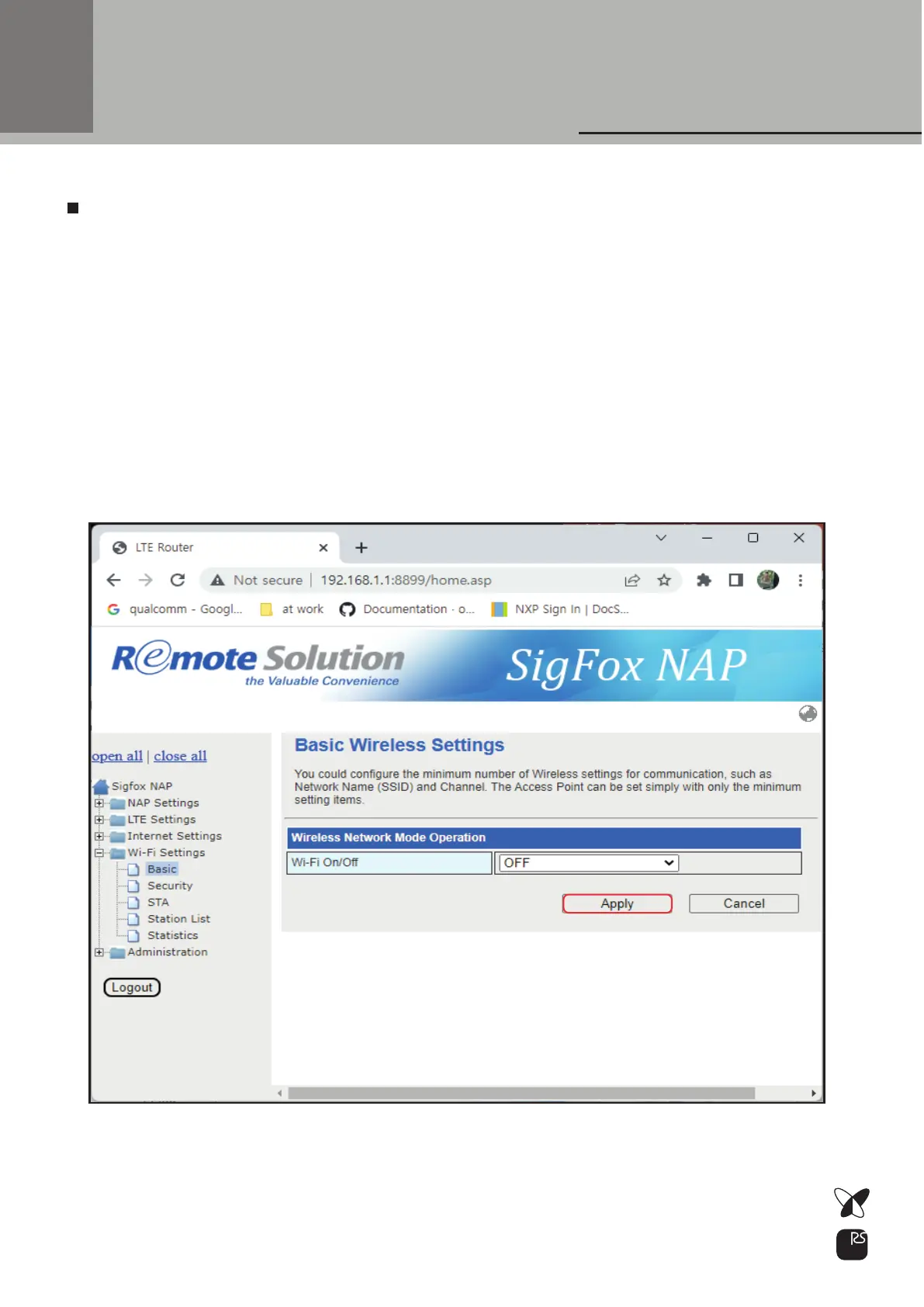
Select Wi-Fi On/Off: Wi-Fi AP mode On or Off
Wi-Fi Configuration
Note) Default WiFi AP function is “OFF”
you can change “ON” to use WiFi AP function
To improve security for WiFi AP, you have to change default Pass Phrase
more complex in Wi-Fi Settings -> Security menu
Recommend to create new pass phrase with combination of upper case,
lower case, number and special characters
22



 To Next Page