64
Operating Instructions
English
Operation
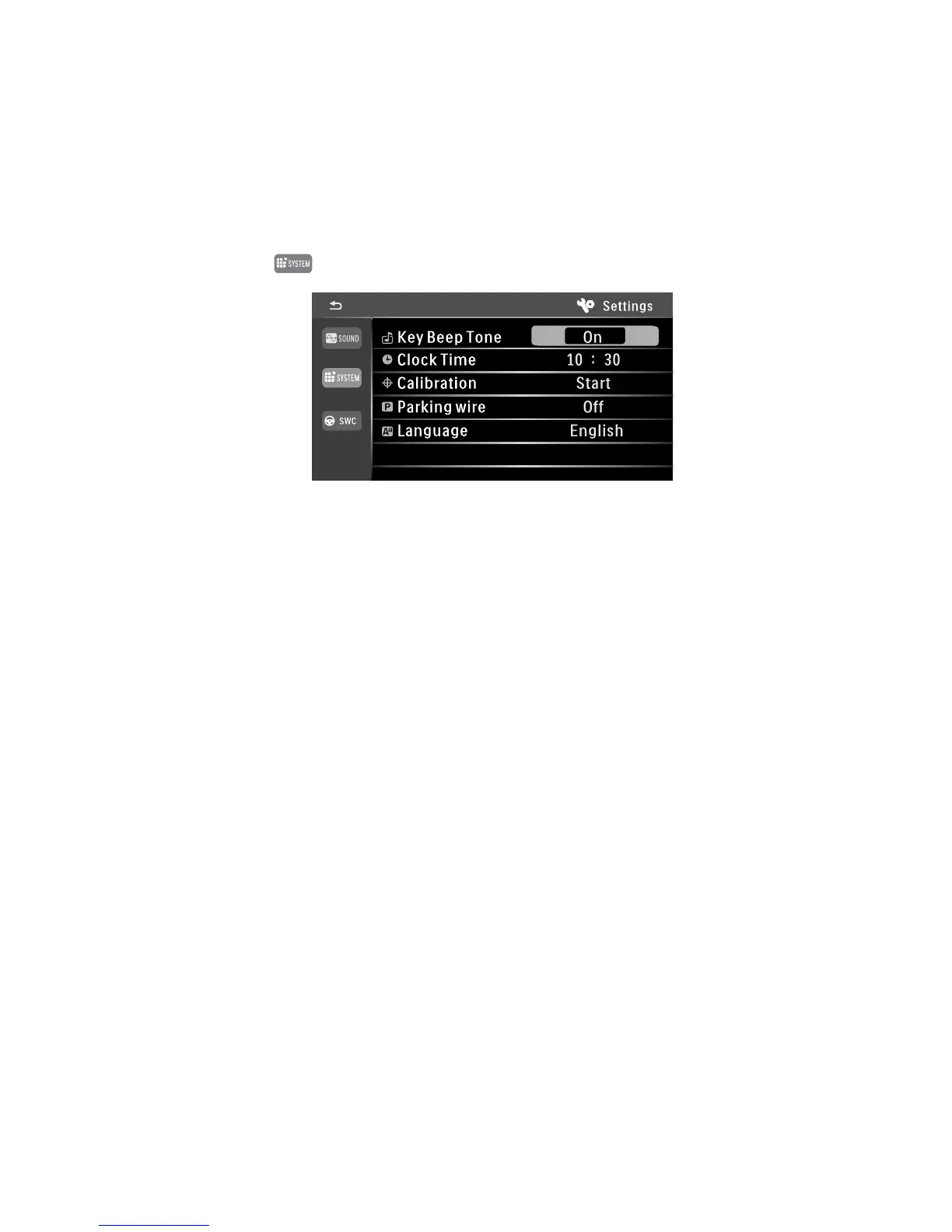
System Settings
• Touch the button in the setting menu.
• KEY BEEP TONE sets whether button operation makes a confirmation signal sound (ON) or not (OFF).
• CLOCK TIME sets the time.
Touch the hours display and set the display with the arrows.
Touch the minutes display and set the display with the arrows.
• CALIBRATION starts calibration for the touch screen.
Touch the crosses displayed on the screen for about one second.
• PARKING WIRE sets whether the signal of the control line for the hand brake is considered for video playback
or not.
ON > video playback with the hand brake operated only
OFF > video playback without limitation
• LANGUAGE sets the operating menu language.



 To Next Page