63
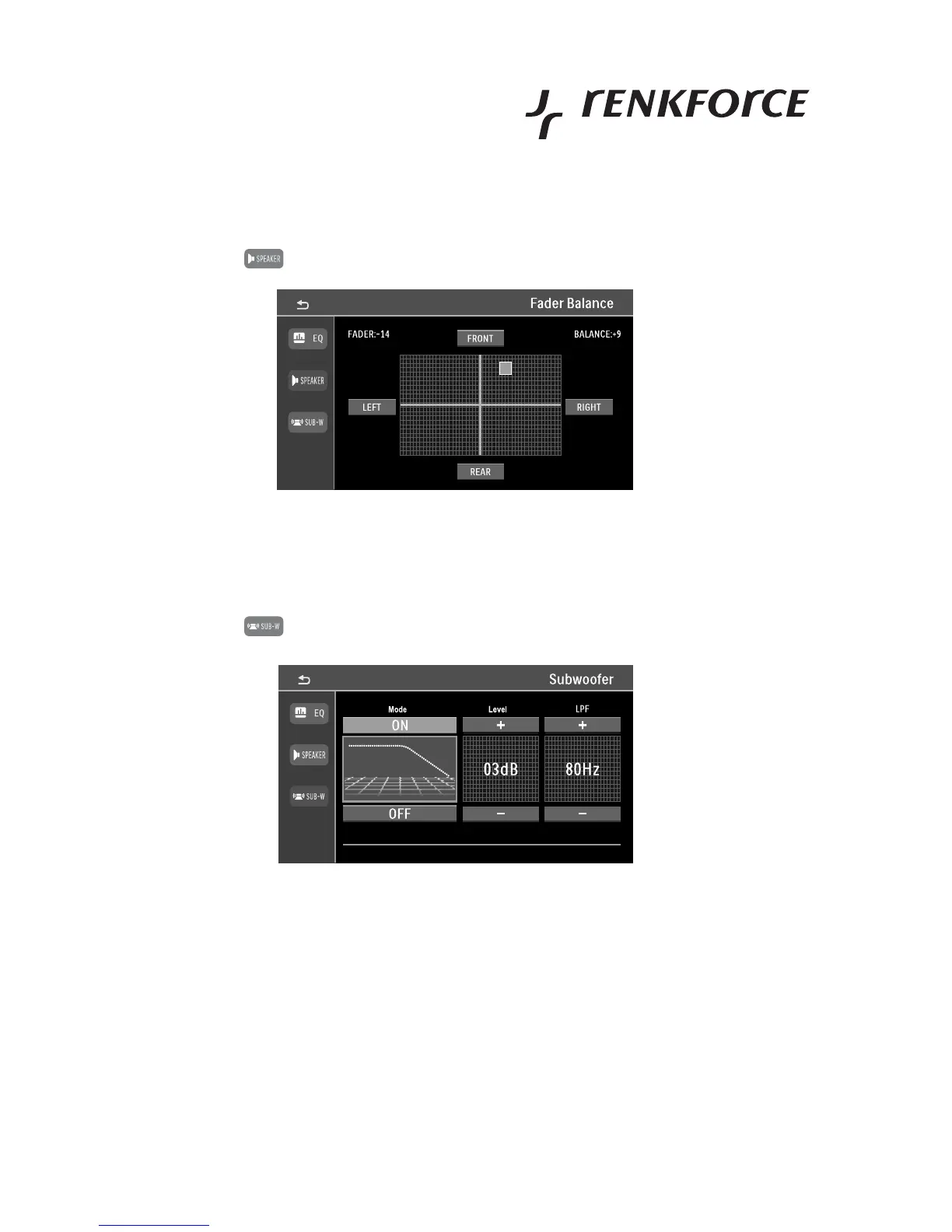
Fader/balance settings
• Touch the button in the setting menu.
• The button FRONT / REAR and LEFT / RIGHT set the volume ratio from front to rear or right to left speakers.
Subwoofer settings
• Touch the button in the setting menu.
• The buttons ON or OFF switch the subwoofer on or off.
This function can also be reached right through the playback screen, e.g. for radio playback. For this,
touch the label SUB-W at the top of the respective screen.
• In the field LEVEL, the buttons +/- set the volume of the subwoofer.
• In the field LPF, the buttons +/- set the upper cut-off frequency of the active subwoofer crossover.



 To Next Page