78
Operating Instructions
English
Operation
Pairing via the moniceiver
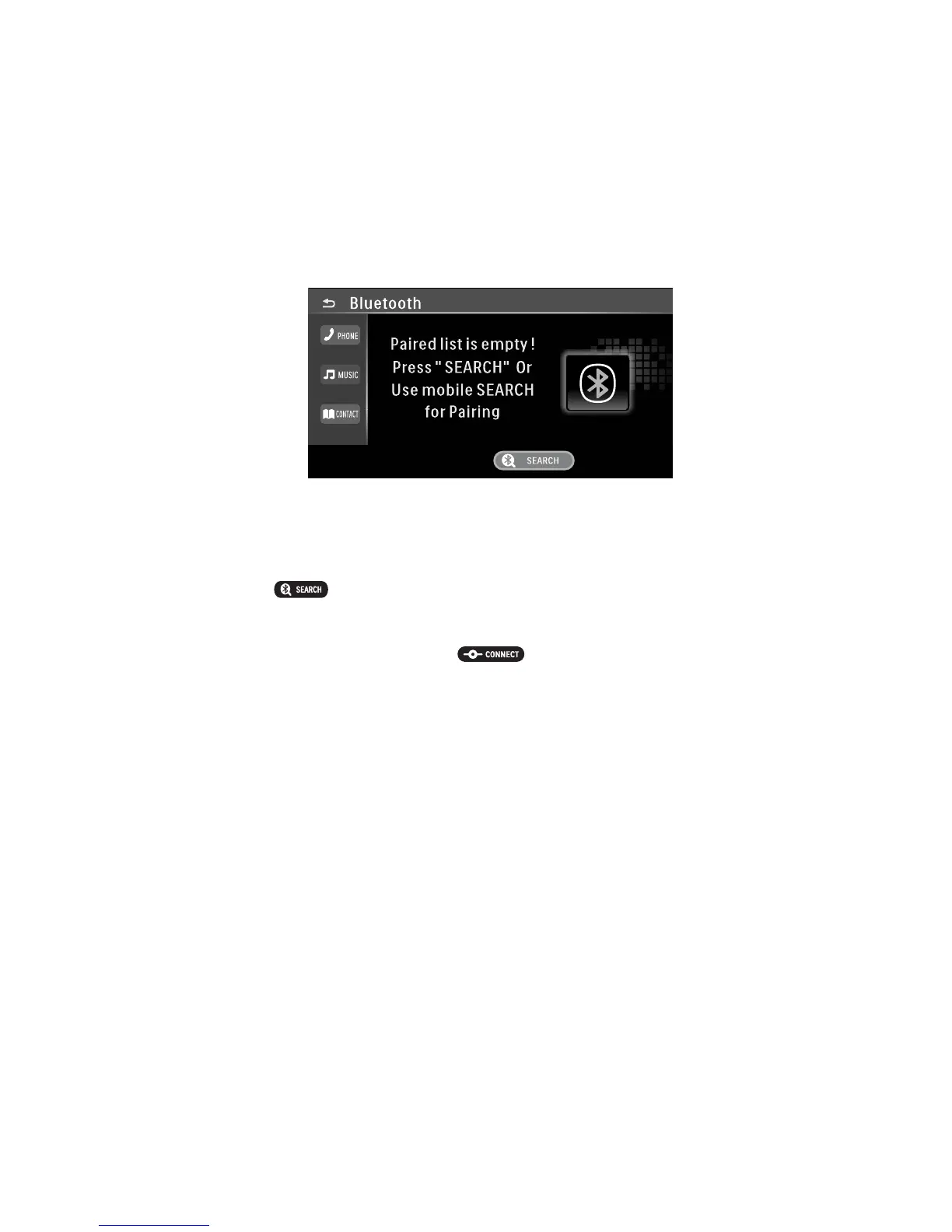
• Select BLUETOOTH in the home menu.
• Switch your mobile phone on and activate the Bluetooth function (see instructions of the corresponding device).
Your mobile phone has to be “visible” for other devices.
• Touch the button to activate search for Bluetooth devices.
• After completing the search, a list of devices that were found is displayed.
• Select the desired device and touch the button to perform pairing.
• Accept the connection at your mobile phone.
• The display of your mobile phone shows CAR-BT.
• Enter the password “0000” for the Bluetooth connection and confirm.
Pairing via the mobile phone
• Switch your mobile phone on and activate the Bluetooth search function (see instructions of the corresponding
device). The device scans for Bluetooth devices in the reception range.
• When the moniceiver was found, your mobile phone shows CAR BT.
• Accept the connection at your mobile phone.
• Enter the password 0000 to couple the two devices.



 To Next Page