80
Operating Instructions
English
Operation
Establishing a phone call
• Touch the button .
• Dial the desired phone number.
• Use the button to delete the last input.
• Touch the button to dial.
Alternatively, you may also call from your mobile phone.
• The button activates redial.
• Terminate the phone call by touching the button .
Accepting an incoming phone call
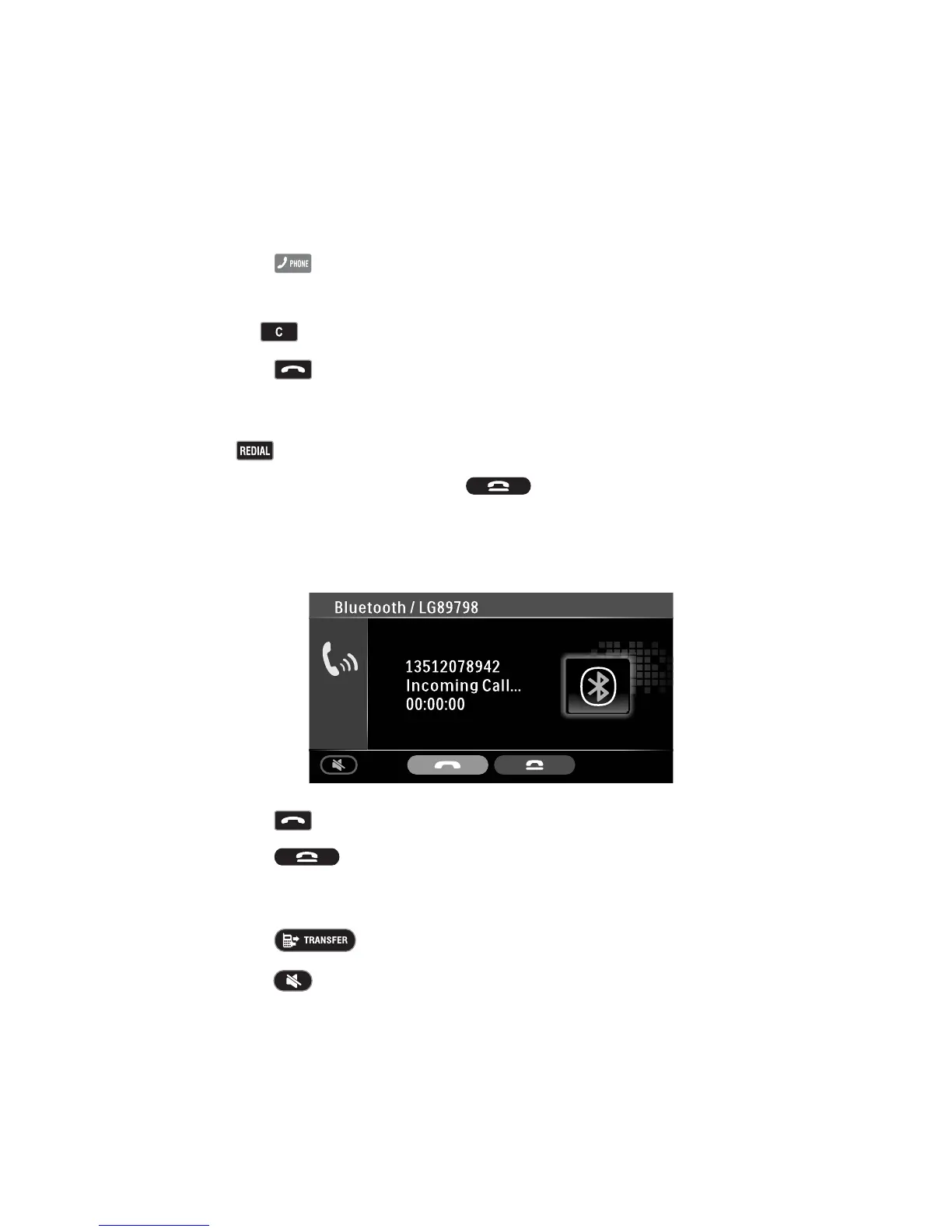
• For an incoming phone call, the following screen appears:
• Touch the button to accept the call.
• Touch the button to reject the call.
Call handover
• Touch the button to take a call on the mobile phone.
• Touch the button to talk on the hands-free system again.



 To Next Page