16
V-3 Basic Settings
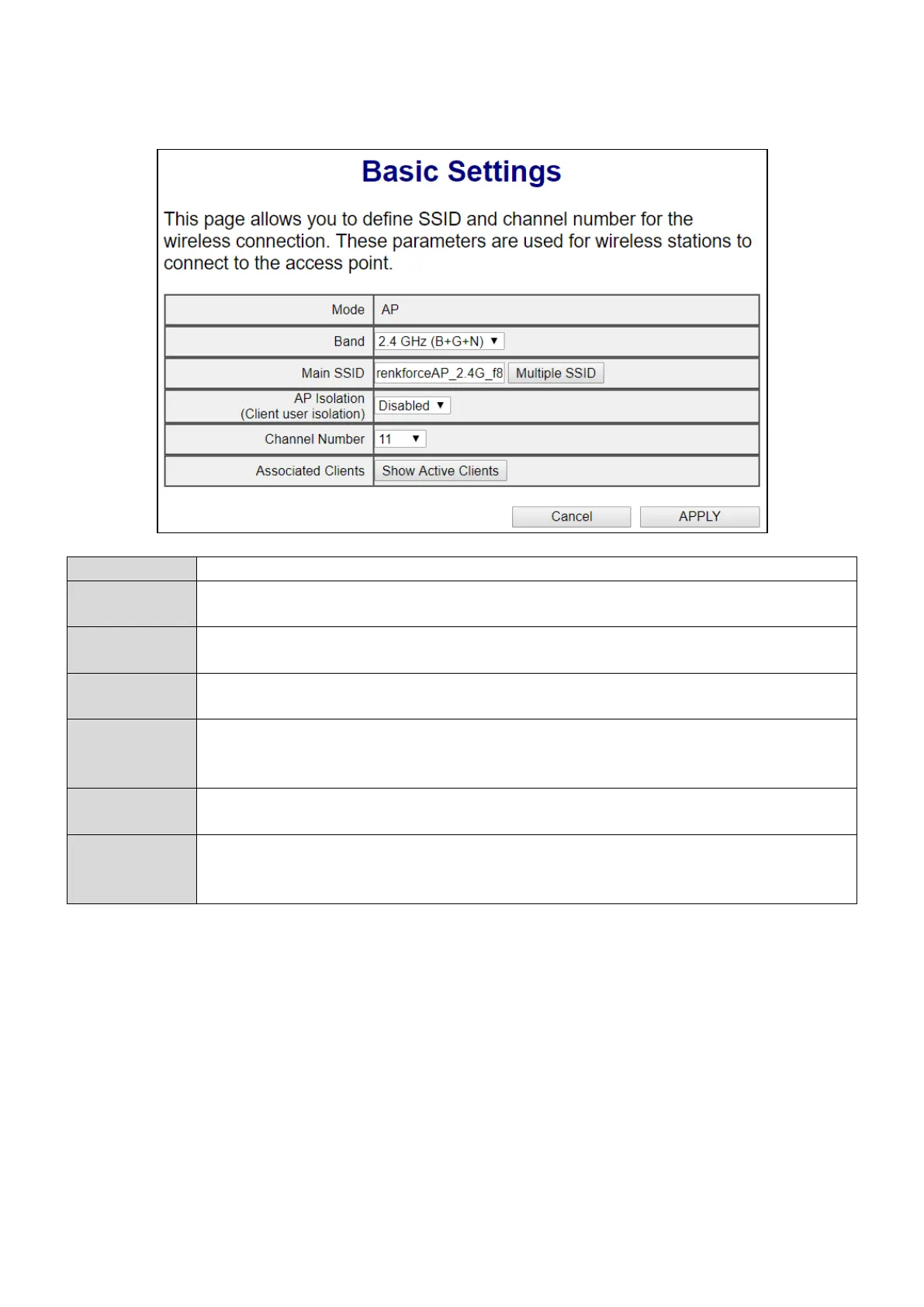
The “Basic Settings” screen displays various settings for your wireless network.
The unit’s operation mode is displayed here.
Displays the wireless standard used for the unit. “2.4GHz (B+G+N)” means that
802.11b, 802.11g, and 802.11n wireless clients can connect to the unit.
This is the name of your Wi-Fi network for identification, also known as “SSID”. The
SSID can be consisted of any combination of up to 32 alphanumerical characters.
Click “Multiple SSID” to open a new window and assign one more SSID to this
access point. Please see below for more details.
When “Enabled”, wireless clients will be able to access the Internet, but will not be
able to communicate with each other. This applies to clients connected to the MAIN
Select a wireless radio channel or use the default “Auto” setting from the
drop-down menu.
Clients
Click “Show Active Clients” to display a new window showing information about
wireless clients. Please disable any pop-up blockers if you have difficulty using this
V-3-1 Multiple SSID



 To Next Page