33
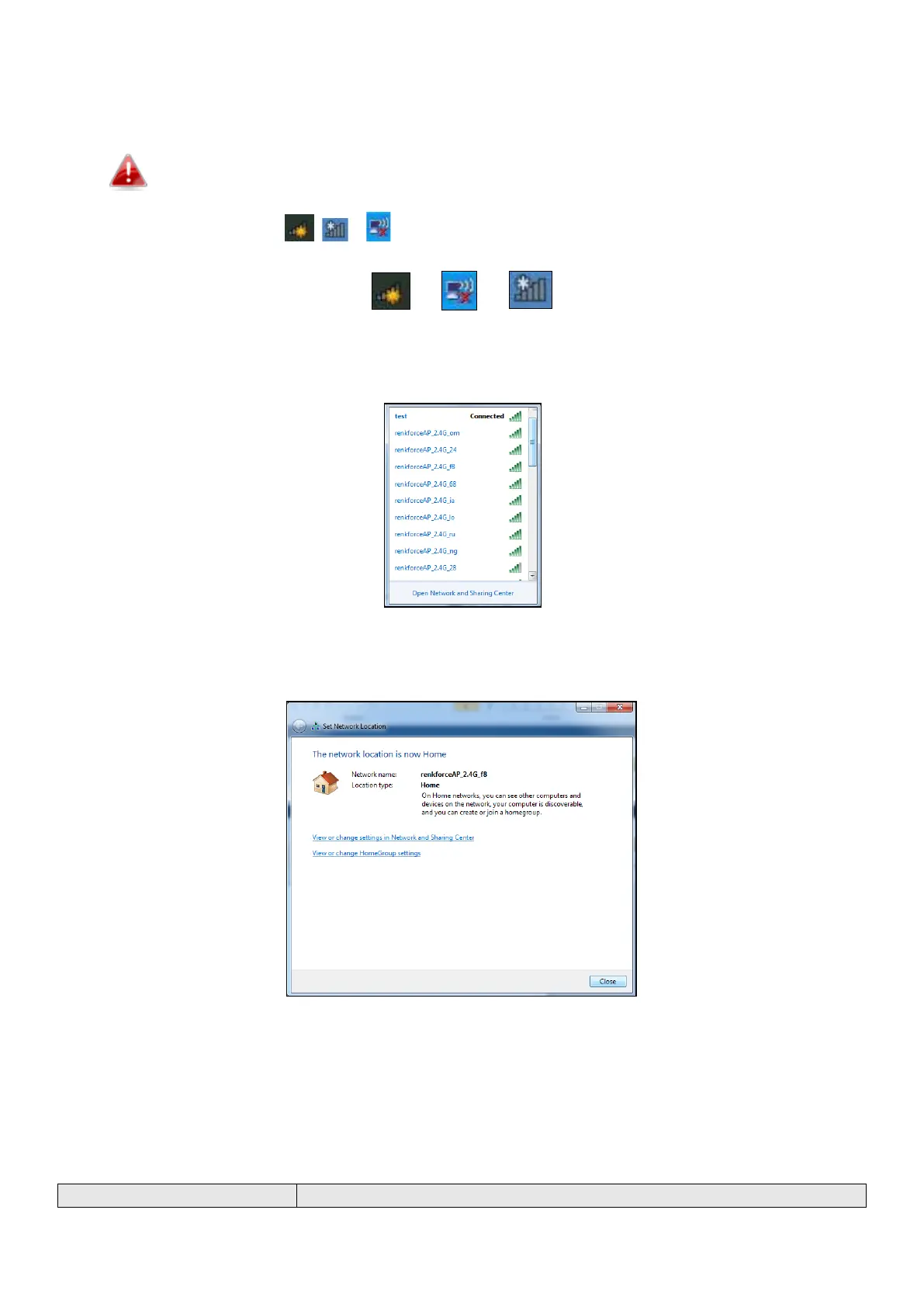
For help connecting to your device’s renkforceAP_2.4G_** SSID for initial setup, or to connect to your
device’s new Wi-Fi network (SSID) after setup is complete, follow the guide below:
Below is an example of how to connect using Windows 7 – the process may vary slightly
for other versions of Windows.
1. Click the network icon ( , or ) in the system tray and select “Connect to a network”.
2. Search for the SSID of the unit and then click “Connect”. If you set a password for your network,
you will then be prompted to enter it.
3. After correctly entering your password, you will be successfully connected to the GRP-438N’s
wireless network.
VI-2 Troubleshooting
If you are experiencing problems with your unit, please refer to this troubleshooting guide before
contacting your dealer of purchase for help.



 To Next Page