22
Set the wireless radio preamble type. The default value is “Short Preamble”.
SSID
Enable or disable SSID broadcast. When enabled, the SSID will be visible to clients as an
available Wi-Fi network. When disabled, the SSID will not be visible as an available Wi-Fi
network to clients – clients must manually enter the SSID in order to connect. A hidden
(disabled) SSID is typically more secure than a visible (enabled) SSID. WPS (Wi-Fi
Protected Setup) is also disabled when SSID broadcast is disabled.
Enabling this setting will reduce the chance of radio signal collisions between 802.11b
and 802.11g wireless access points. It’s recommended to set this option to “Auto”.
Set the power output of the wireless radio. You may not require 100% output power.
Setting a lower power output can enhance security since potentially malicious/unknown
users in distant areas will not be able to access your signal.
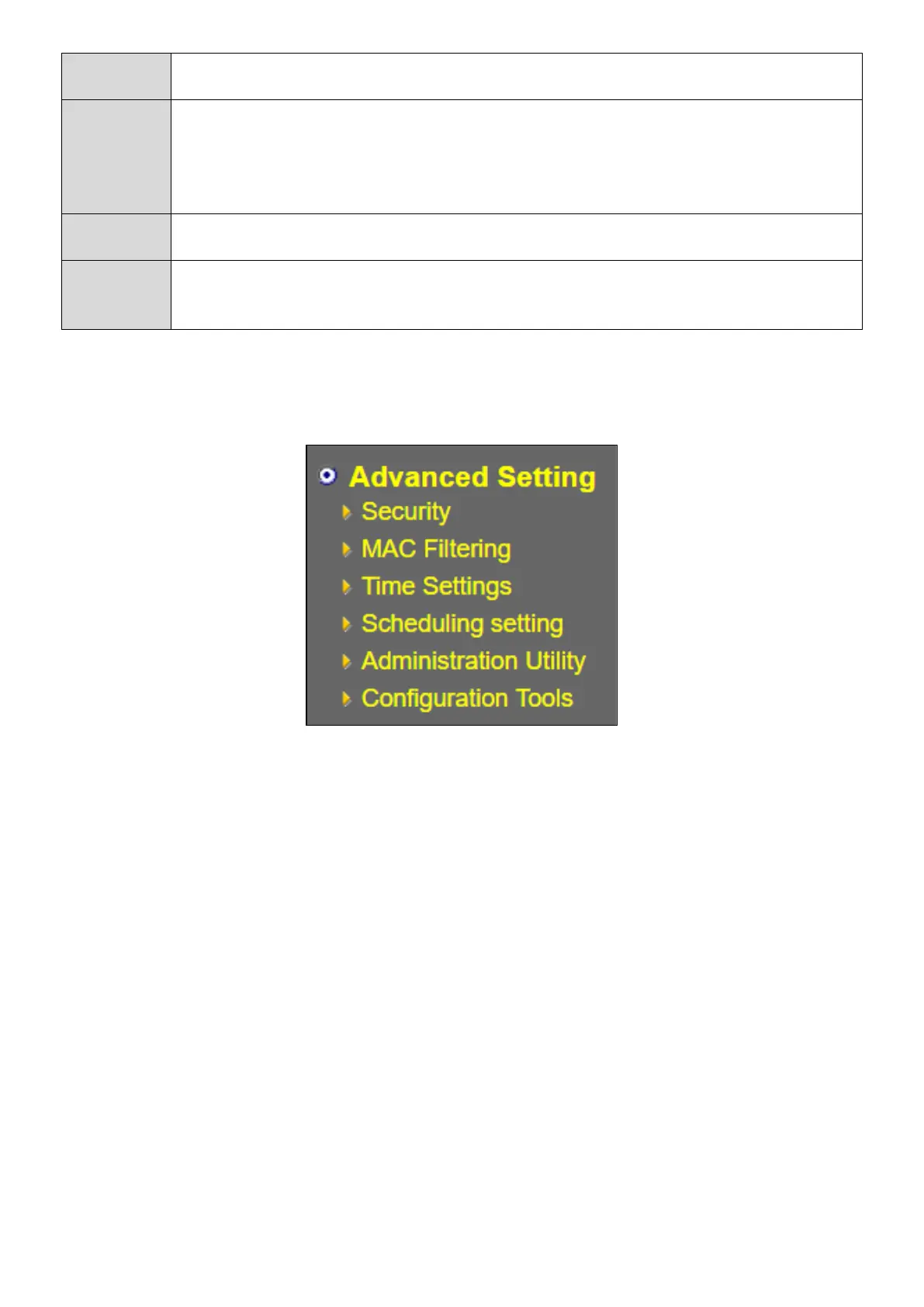
The menu of the Advanced Setting is shown below, with the following sections containing the viewable
/ configurable information.



 To Next Page