35
is any value between 3 and 254.
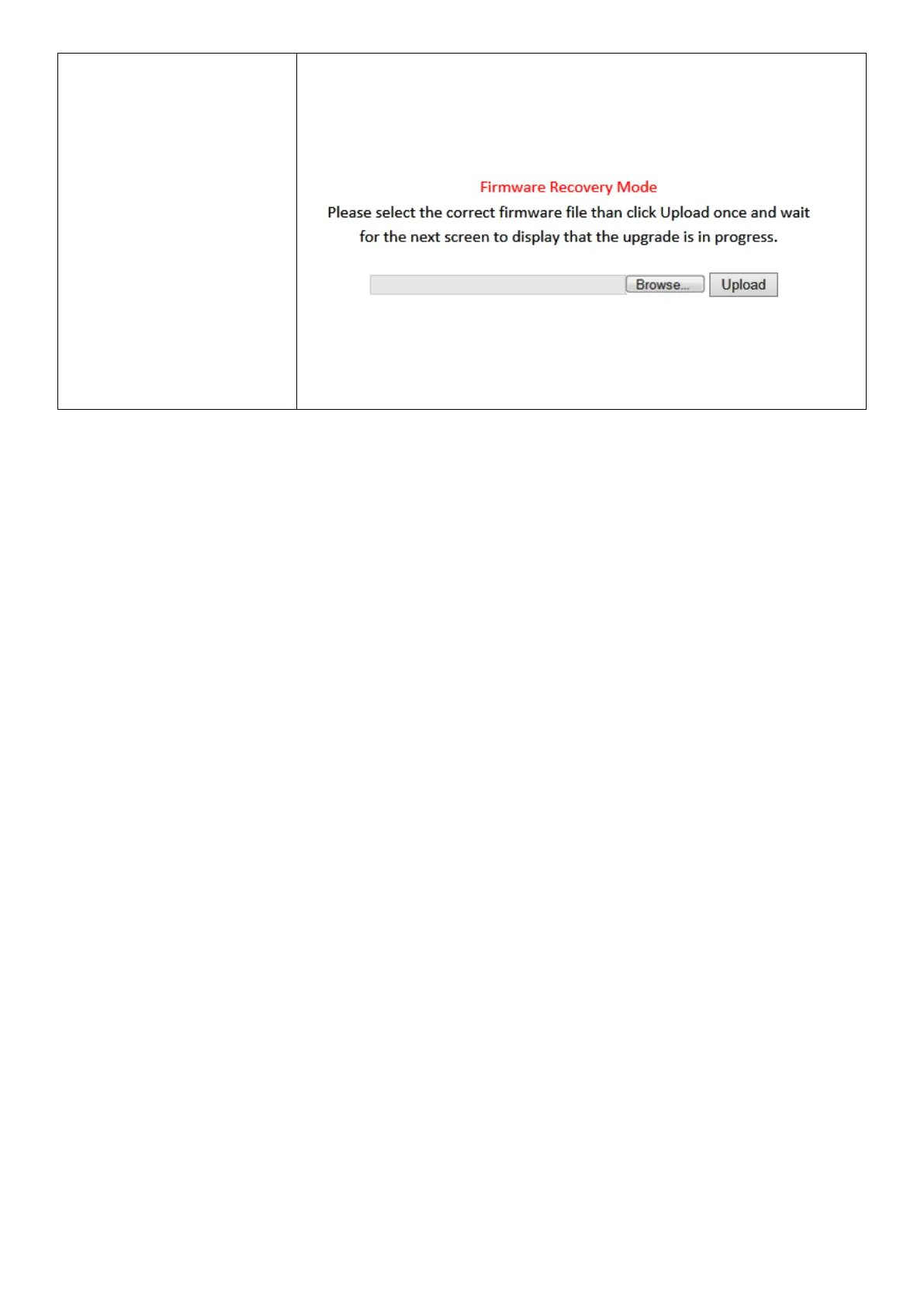
From there, you need to go to 192.168.2.1 in a web browser, and you
will see the page below:
Click “Browse” to locate the firmware file on your computer and then
click “Upload” to upload the new firmware. It may take several minutes
to complete, please wait and follow the instructions on screen.



 To Next Page