EasyManua.ls Logo

Renogy Commander Series - User Manual

Renogy Commander Series
37 pages
Print Icon
To Next Page IconTo Next Page
Loading...
0
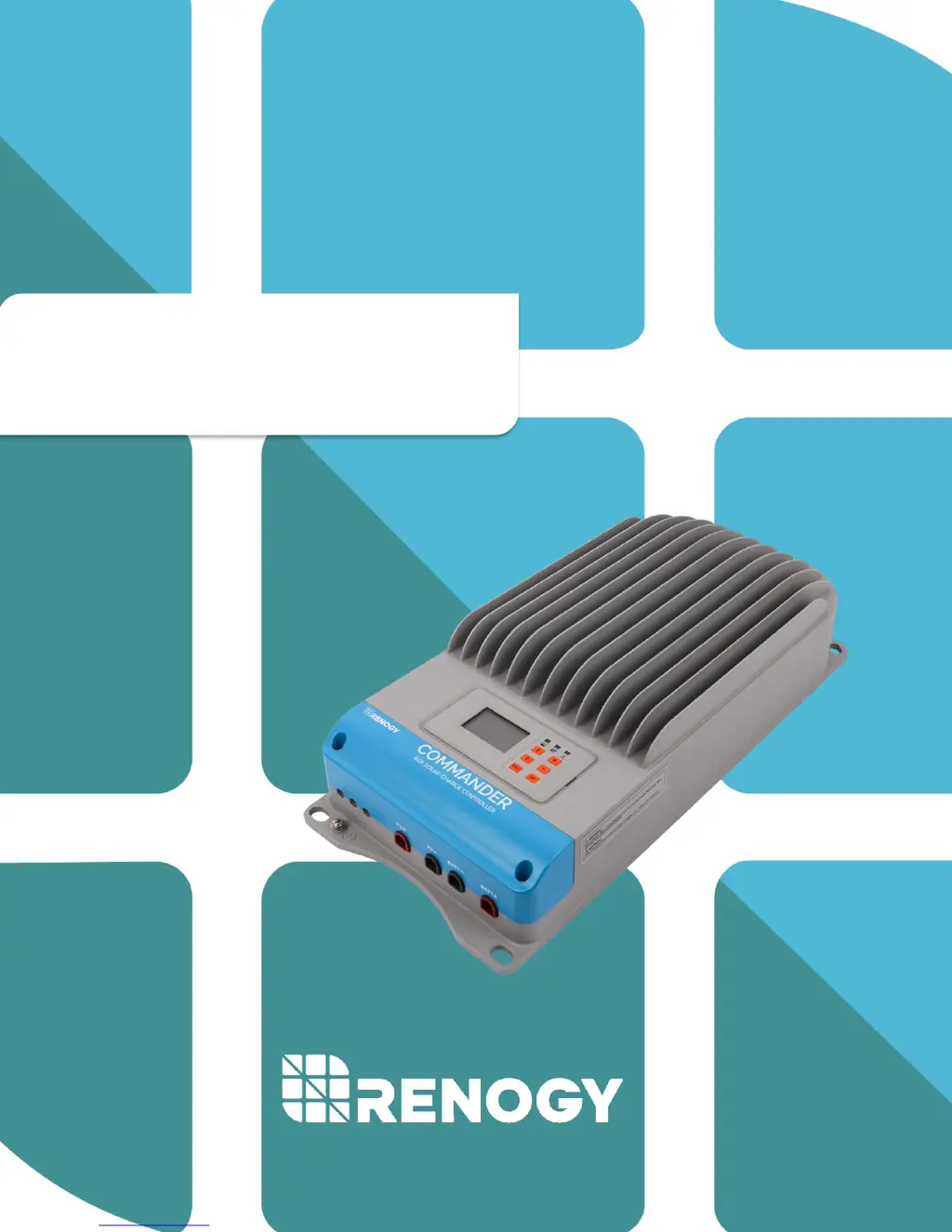
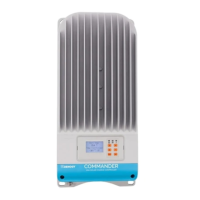
Commander Series
RENOGY 60A
Maximum Power Point Tracking Solar Charge Controller
2775 E. Philadelphia St., Ontario, CA 91761
1-800-330-8678
Version 3.0

Questions and Answers

  • M
    Mr. Charles ShawAug 2, 2025
    What to do if I cannot connect the RS-485 cable to my Renogy Controller?
    • K
      Kathleen ShawAug 2, 2025
      If you cannot connect the RS-485 cable to your Renogy Controller, check that you are using the correct cable and port. Also, verify that the correct software is installed.
  • J
    Jodi MaddoxAug 7, 2025
    What to do if the Fault LED is blinking red and LCD displays 'Over Volt' on my Renogy Commander?
    • K
      Katie HolmesAug 7, 2025
      If the Fault LED is blinking red and the LCD displays “Over Volt” on your Renogy Controller, it means the solar input may be too high. To resolve this, use a multimeter to check if the solar panels are correctly sized for the controller and battery bank. The charge controller will automatically resume working once it detects the correct voltage range.
  • P
    Peter MedinaAug 12, 2025
    Why is the Battery LED green and blinking fast, and the LCD displaying “OVD” on my Renogy Commander Controller?
    • M
      mercermeganAug 12, 2025
      If the Battery LED is green and blinking fast, and the LCD displays “OVD” on your Renogy Controller, it indicates that the battery voltage might be higher than the over voltage disconnect voltage. To fix this, use a multimeter to check the battery voltage and disconnect the PV modules for a more accurate reading.
  • T
    Troy SalinasAug 17, 2025
    What to do if the Battery LED is orange (blinking) on my Renogy Commander?
    • B
      Brenda BoydAug 18, 2025
      If the Battery LED is orange and blinking on your Renogy Controller, it means the charge controller is operating above its maximum temperature range. To solve this, move the charge controller to a cooler location. Also, make sure you're following the correct installation steps to avoid damaging the system.
  • M
    Michael JenkinsAug 22, 2025
    What to do if the Battery LED is orange (solid) on my Renogy Commander?
    • T
      Todd RitterAug 22, 2025
      If the Battery LED is solid orange on your Renogy Controller: * Use a multimeter to check the battery voltage to confirm the reading. * Never disconnect the battery without disconnecting the solar panels first. * Turn off all loads connected to the battery (if applicable) and allow the battery to charge.
  • C
    Chelsey HernandezAug 27, 2025
    How to fix a Renogy Commander when the Charging LED is off during daylight?
    • M
      morrislauraAug 27, 2025
      If the Charging LED is off during daylight on your Renogy Controller: * Ensure the PV wires are correctly and tightly secured inside the charge controller PV terminals. * Use a multimeter to ensure the poles are correctly connected to the charge controller.

Summary

Safety Instructions

General Safety Information

Provides essential safety guidelines and warnings for operating the charge controller.

Charge Controller Safety

Outlines specific safety precautions related to connecting and operating the charge controller.

Battery Safety

Battery Charging Stages

Bulk Charge

Details the initial stage of rapid battery charging using maximum available solar power.

Equalization Process

PV Array Specifications

PV Strings Configuration

Offers guidance on configuring PV strings based on system voltage and panel specifications.

PV Max Power Handling

Explains the controller's current limiting function and maximum input power handling.

Installation Procedures

Mounting and Clearance

Operation and Parameter Settings

Controller Initialization

Outlines the initial startup sequence and basic navigation of the controller's interface.

Monitoring System Status

Explains how to view real-time system status, battery voltage, current, and PV input.

Control Parameter Adjustment

Explains how to adjust charging, battery, and protection parameters for custom configurations.

System Status and Indicators

Device Protections

Troubleshooting and Maintenance

System Status Troubleshooting

Offers solutions for common issues indicated by LED status or error messages.

Technical Specifications

Electrical Parameters

Lists the electrical characteristics, voltage, current, and power ratings of the controller.

Charging Parameters

Details the voltage settings for various charging stages (e.g., Boost, Float, Equalize) for different battery types.

Charging Parameters Glossary

Defines key charging parameters and their impact on battery performance and controller operation.

Efficiency Curves

PC Software and Remote Monitoring

Renogy Commander Series Specifications

General IconGeneral
BrandRenogy
ModelCommander Series
CategoryController
LanguageEnglish

Related product manuals