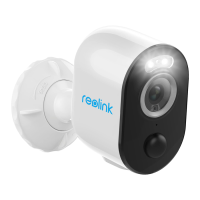
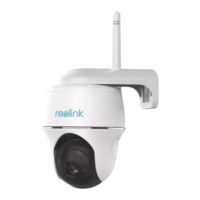
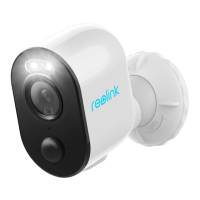
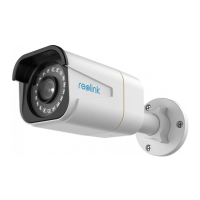
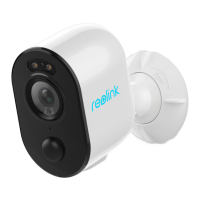
Reolink Wireless Battery-powered Camera
7.Camera Settings
Network and Wi-Fi Connection
Check the Wi-Fi and wireless signal
You can see which Wi-Fi network this camera connected and how about the
wireless signal.
Launch the Reolink App and go to camera Settings, then tap on Network menu
and you’d see which Wi-Fi the camera is connected to and how is the signal
strength.


 To Next Page
 Loading...