!
!
3.3
Firmware upgrading
The “Admin” page contains diagnostic tools for optimizing your
Trinity-300 series link.
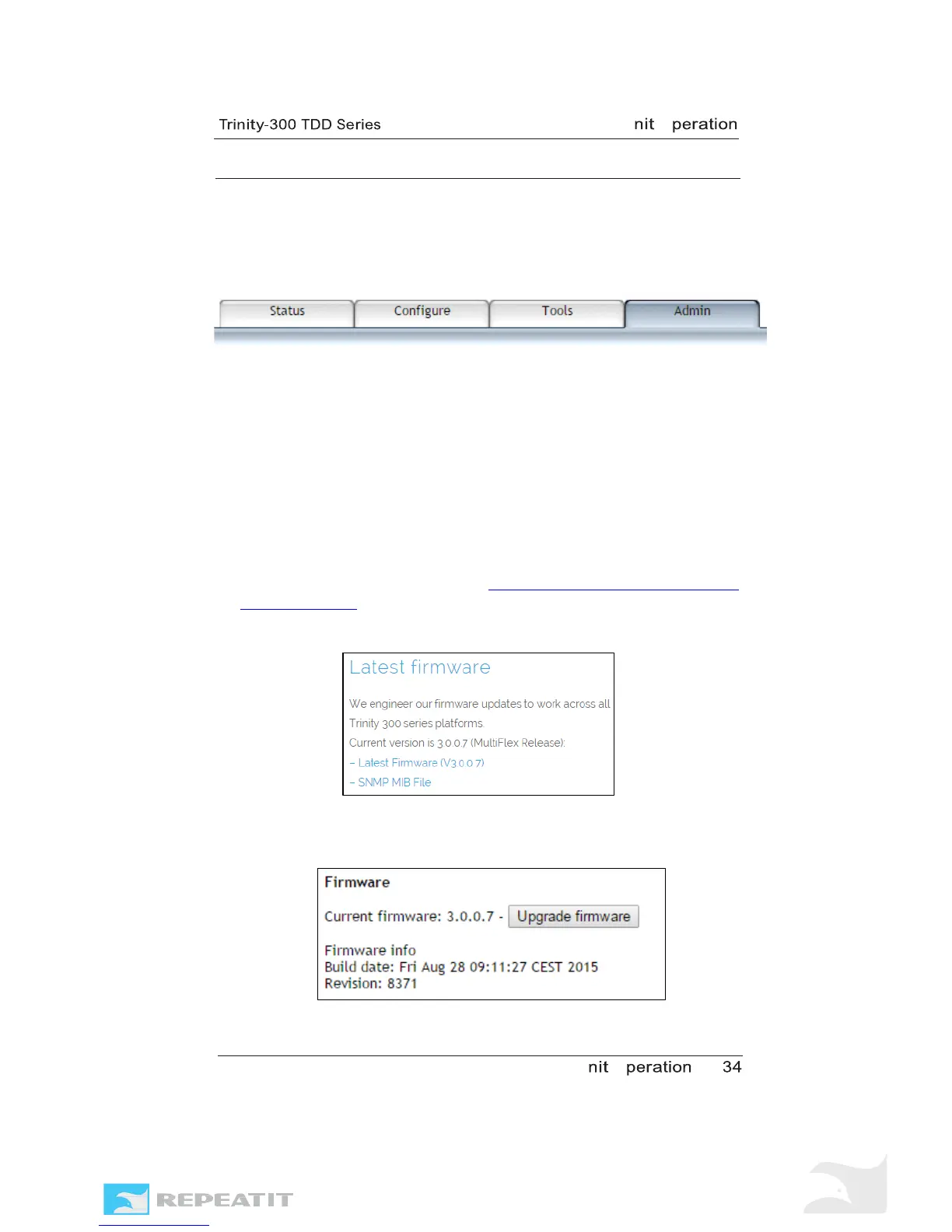
Figure 22 – Admin page.
The firmware in a Trinity-300 series unit is upgradeable. New
firmware brings both bug fixes and new features to the unit, so
we recommend that you visit Repeatits web site frequently to
look out for new firmware versions which are downloadable
from there.
To
upgrade the firmware, follow the steps below.
1. Download the latest software to your computer from
Repeatits web site (http://www.repeatit.se/product-
support/trinity/). The result should be that you have the .img
file stored.
Figure 23 – Download the latest Trinity firmware from the web site.
2. Navigate to the “Admin” tab in the unit’s web interface and
select “Firmware upgrade”.
Figure 24 – Click “Upgrade Firmware” on the web GUI’s Admin page.



 To Next Page