14 15
4. Insert the new battery with the positive side in the correct position. Always insert the battery in
the door: never directly into the hearing aid.
5. Gently close the battery door.
i
1. Always use new Zinc-Air batteries that have a minimum remaining shelf life of 1 year.
2. Whenever the hearing aids are not in use, remember to turn them o to avoid unnecessary
battery consumption. For VA861-DRWZ, if using the silver-zinc rechargeable battery, place the
hearing instrument in the charger or remove the battery.
3. At night, switch o the hearing aid and open the battery door completely to allow moisture
to evaporate and prolong the hearing aid’s lifespan. For VA861-DRWZ, if using silver-zinc
rechargeable batteries, place the hearing instrument in the charger.
4. If the hearing aid is experiencing frequent loss of connection to wireless accessories, contact
your hearing care professional for a list of low impedance batteries.
i
WARNING: Batteries contain dangerous substances and should be disposed of carefully in the
interest of your safety and for the environment. Also, keep batteries away from pets, children and
mentally disabled persons.
7.3 Low battery indicator
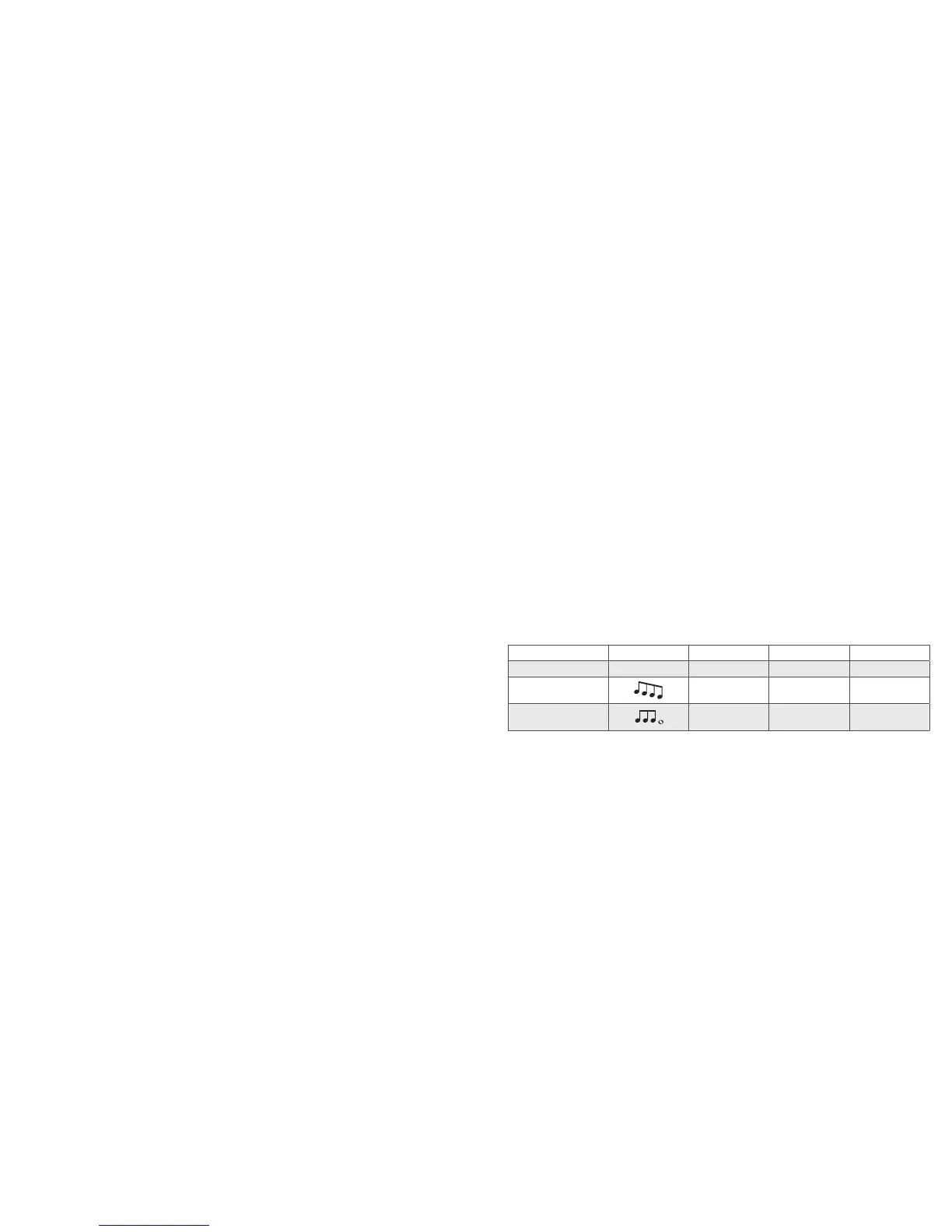
The hearing aid will reduce amplification and play a melody if battery power gets too low. This signal will
recur every 15 minutes until the hearing aid automatically switches o.
i
NOTE: Keep spare batteries on hand.
7.3.1 Low battery indiciator when using Z-Power Rechargeable System
The acoustical low battery indicator, discussed in the above, will not function in the same way when
used with the Z-Power Rechargeable System due to the battery design.
As soon as the indicator is activated (or heard), connect the hearing instrument to the charger pro-
vided to you or replace with non-chargeable Zinc-Air batteries.
It is recommended that you keep a supply of non-rechargeable Zinc-air batteries to use in case you do
not have your charger with you, or do not have the time to recharge the battery with your charger.
7.3.2 Low battery indicator when paired with wireless accessories only
The batteries drain faster when you use wireless functionalities like direct streaming from your iPhone or
streaming sound from your TV with our TV Streamer. When the batteries deplete, the support of some
wireless accessories shuts down. Full functionality returns when you insert a new battery.
The table below shows how the functionality decreases with the depletion of the batteries.
Battery level Signal Hearing aid Remote Control Streaming
Fully charged
P P P
Low
P P O
Depleted
(change battery)
P O O



 To Next Page