22 23
Important Information
Maintenance and Care
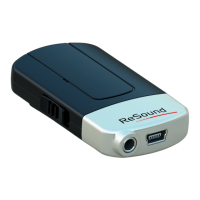
• Clean the ReSound Unite™ Mini Microphone using a damp
cloth. Never use household cleaning products (washing
powder, soap etc…) or alcohol to clean the device
• When ReSound Unite™ Mini Microphone is not in use, turn it
OFF and store it safely
• Protect ReSound Unite™ Mini Microphone from excessive
moisture (bathing, swimming) and heat (radiator, car dash-
board). Protect it from excessive shock and vibration.
• Protect the microphone and charger inlets from debris and
dirt. If necessary, use the cleaning brush provided with your
hearing instruments to clean these areas.
• Use the Resound Unite™ Remote Control (optional) to
adjust the streaming volume in the hearing instrument. Ask
your hearing care professional for more information about this
accessory.
• The volume can in some cases be further adjusted at the
signal source, for example by turning the TV itself down.
In many cases this will adjust the volume of both streamed
audio (transmitted wirelessly to your hearing instruments) and
non-streamed audio (sounds reaching the hearing instrument
microphones in the normal fashion). Of course, this will also
affect listening volume for others in the room.


 To Next Page